14
US
Troubleshooting
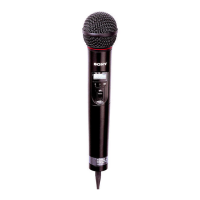
If you have any problem using this unit, use the following checklist. Should any problem persist, consult your Sony dealer.
Symptom Meaning/Remedy
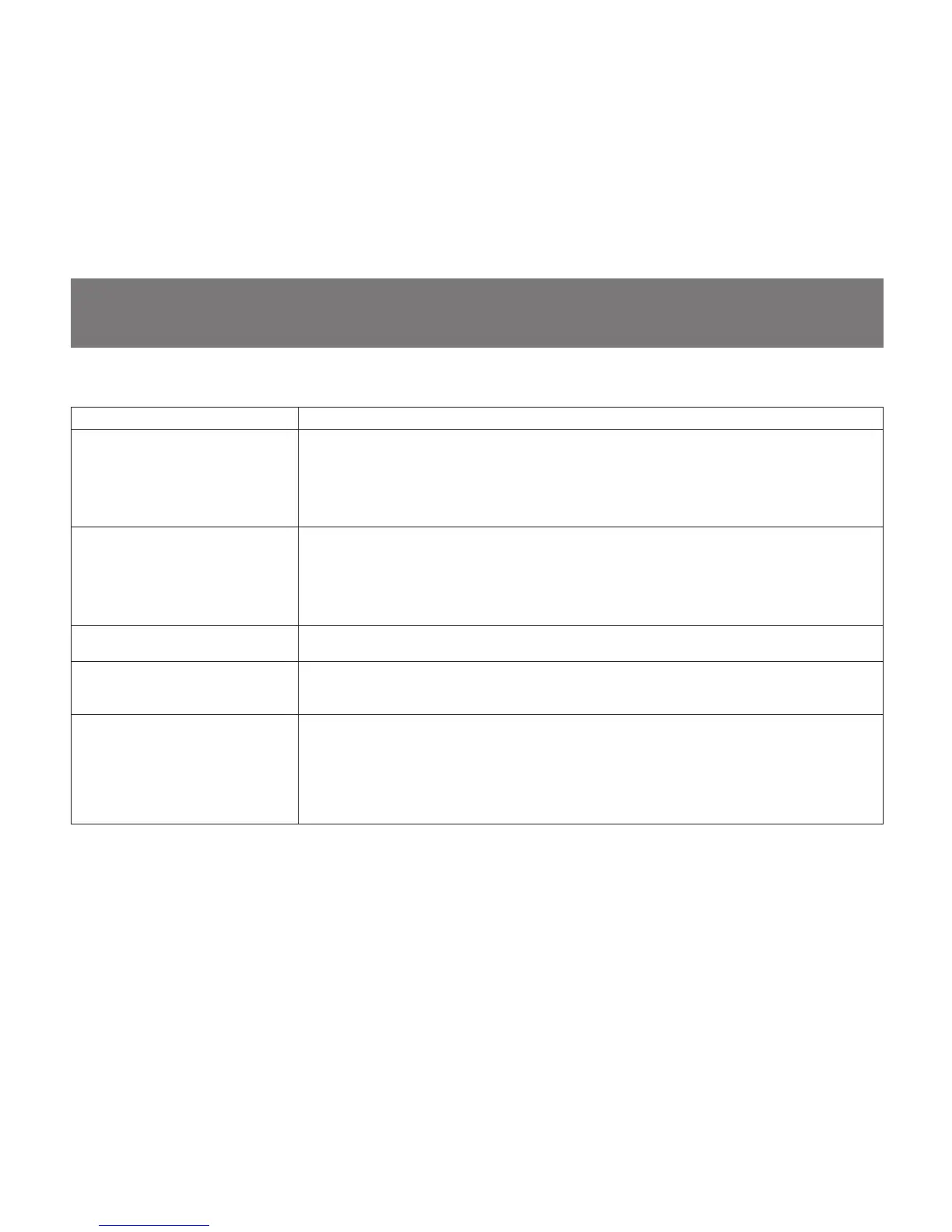
The microphone does not turn on. • The + and – poles of the battery do not match those of the battery compartment. b Insert the
battery with the poles correctly matched.
• The battery is exhausted. b Replace the battery with new one.
• The battery terminals in the microphone are dirty. b Clean the + and – terminals with a cotton
swab.
The battery runs down quickly. • The battery is exhausted. b Replace the battery with new one.
• A manganese battery is being used. b Use an alkaline battery. The battery life of a manganese
battery is less than half that of an alkaline battery.
• The microphone is being used under cold conditions. b The battery runs down quickly under cold
conditions.
The microphone cannot be turned
off.
The HOLD switch is in locked position. b Change the HOLD switch to the unlocked position.
The channel cannot be changed. An attempt was made to change the channel by pressing the SET button only. b Turn the
microphone off, then turn the microphone on again while holding down the SET button. Then
change the channel with the + and – buttons.
There is no sound. • The indication on the LCD is flashing. b The microphone is in channel setting mode. Turn the
power off, then on again.
• The channel setting on the microphone is different from that on the tuner. b Use the same channel
setting for both the microphone and tuner.
• The AF or RF indicator does not turn on. b Confirm that the microphone and tuner are both turned
on.


 To Next Page