For details on Amazon Alexa and its capability, refer to the following website:
https://www.amazon.com/b?node=16067214011
For details on Amazon Alexa, refer to the following website:
https://www.amazon.com/gp/help/customer/display.html?nodeId=G7HPV3YLTGLJEJFK
Hint
When the initial settings are complete, the function of the touch sensor on the left unit of the headset (or on the right
unit if only the right unit of the headset was worn for the initial settings) is changed to Amazon Alexa.
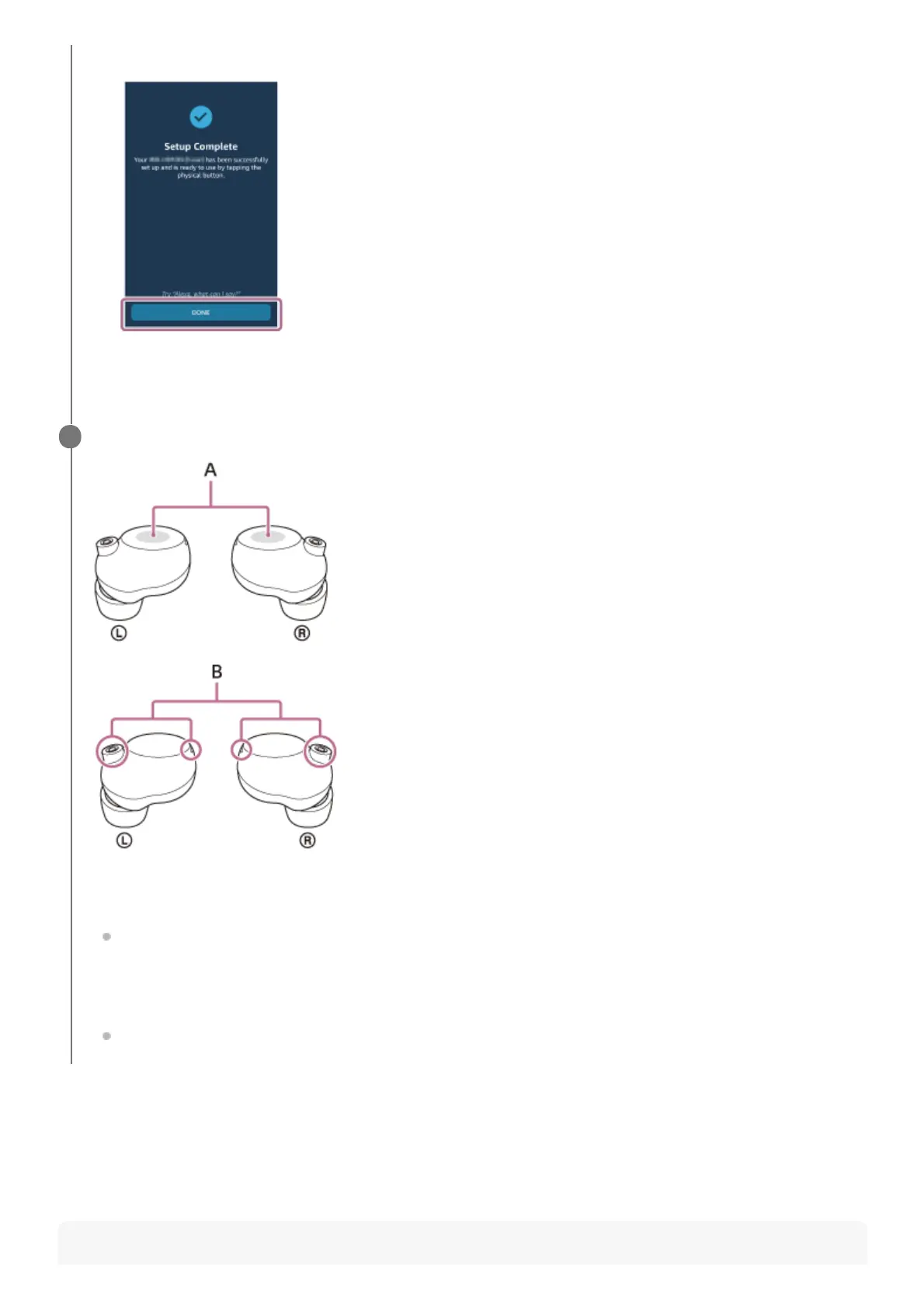
On the [Setup Complete] screen, touch [DONE].6.
Operate the touch sensor to which the Amazon Alexa feature is assigned to use Amazon Alexa.
A: Touch sensors (left, right)
B: Microphones (left, right)
Hold your finger to the touch sensor to input a voice command.
Example:
“What is the weather”
“Play music (*)”
* Need Amazon or Prime Music subscription.
If there is no voice, it will be automatically canceled.
4



 To Next Page