Thumbnail PLAYBACK
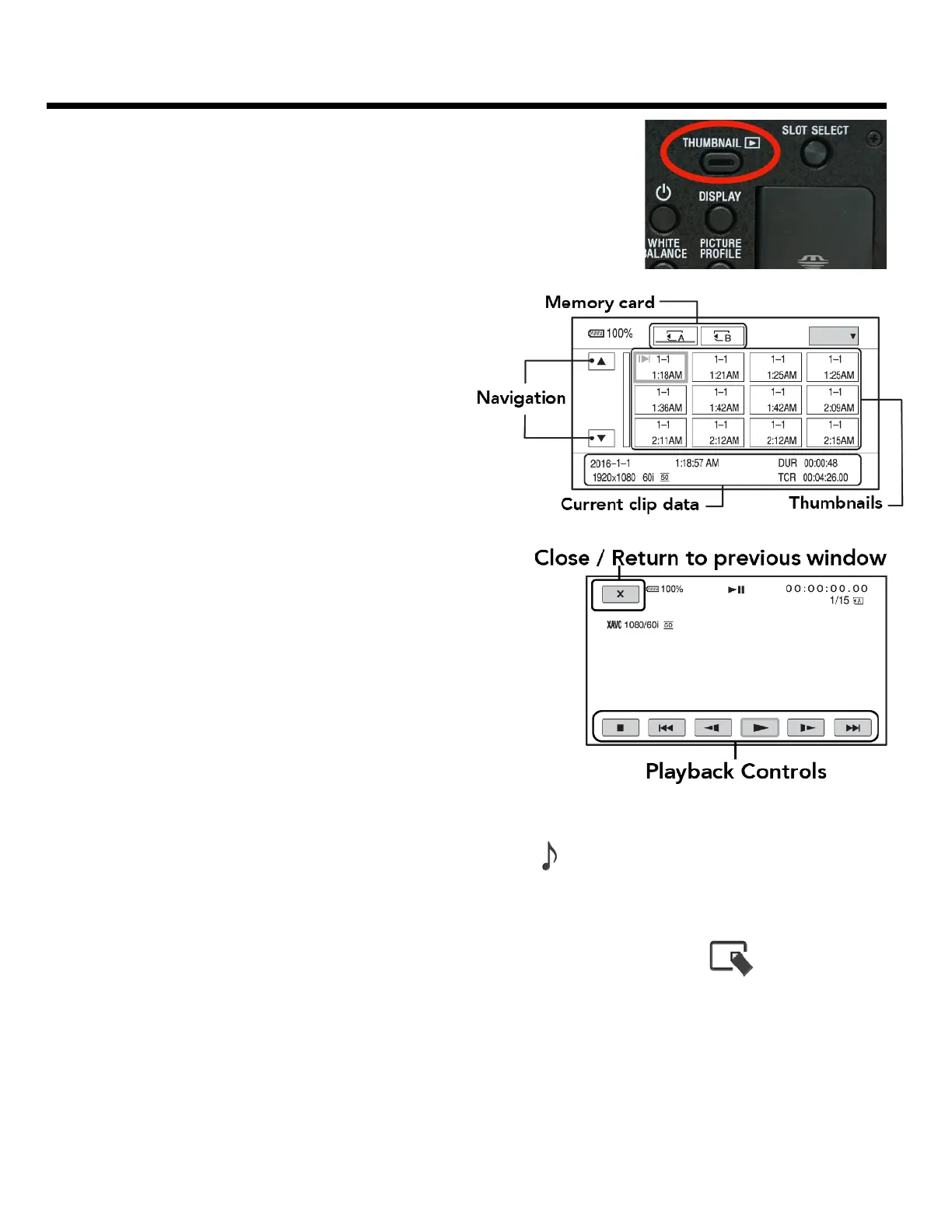
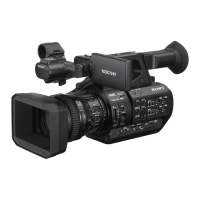
When the camera is on and the SD card is inserted. Hit the “Thumbnail”
button on the camera to go into playback mode.
SELECTING CLIPS TO PLAYBACK
In playback mode you can use the screen as a
touchscreen - or use the menu toggle to navigate
through the options.
Select the video you want to watch with the menu
toggle OR using the touch screen.
Use the keys to play, pause, fast forward, etc. Or hit the X to
go back to the previous screen.
When you are done - hit the thumbnail button again to go
back to the regular record mode.
ADJUSTING THE PLAYBACK VOLUME
To change the volume press the MENU button and then select Audio Set > Volume
DELETING A FILE
If you want to delete a file during playback hit the MENU button and navigate to the “edit” icon at the
bottom - here you will have options to delete or edit clips during playback. !


 To Next Page