BATTERY & CHARGING
ATTACHING THE BATTERY
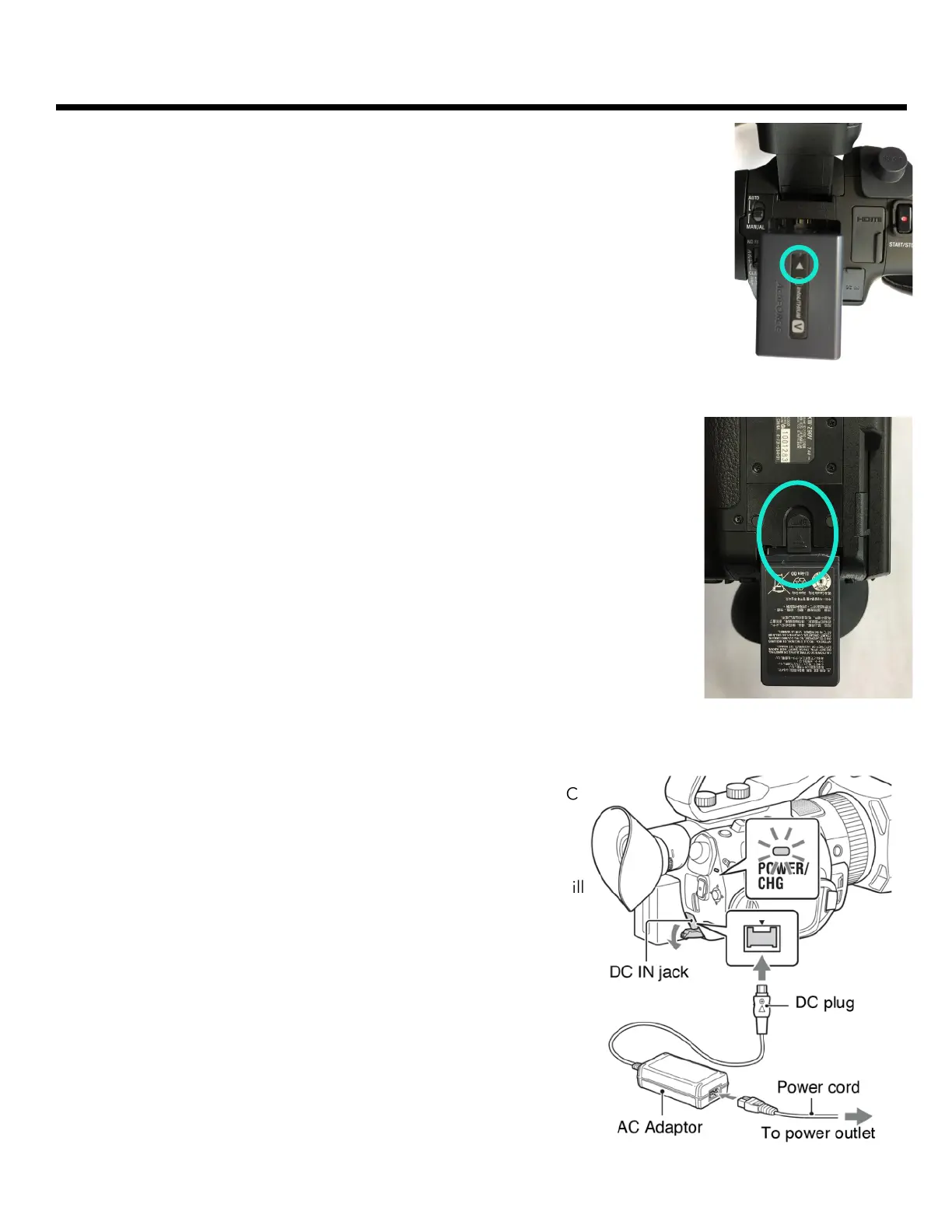
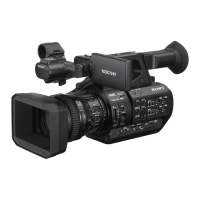
The battery goes into the back of the camera under the eye cup. Make sure the arrow is
pointing towards the eye cup - place it in the slot and push up to click it into place.
REMOVING THE BATTERY
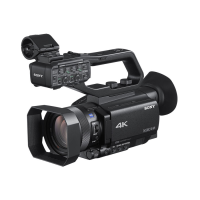
The battery release is located on the bottom of the camera. Slide the release & pull
the battery down to remove it from the camera.
CHARGING THE BATTERY
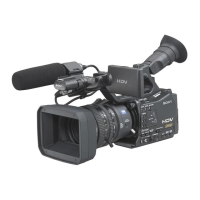
The battery charges while attached to the camera. You will find a DC
IN port to the right of the batter near the bottom of the camera -
open this tab and plug in the power adapter.
You can also plug in the camera while recording video however, it will
not charge the battery while recording.


 To Next Page