Help Guide
Digital Camera
ZV-1F
Exposure Comp. (still image/movie)
Normally, exposure is set automatically (auto exposure). Based on the exposure value set by auto exposure, you can
make the entire image brighter or darker if you adjust [
Exposure Comp.] to the plus side or minus side, respectively
(exposure compensation).
Hint
You can adjust the exposure compensation value within the range of -2.0 EV to +2.0 EV for movies.
Note
When using [Manual Exposure], you can perform the exposure compensation only when [
ISO] is set to [ISO AUTO].
Related Topic
Zebra Display
5-041-856-11(1)
Copyright 2022 Sony Corporation
( Exposure Comp.) on the control wheel → press the left/right side of the control wheel or turn the
control wheel, and select the desired setting.
+ (over) side:
Images become brighter.
- (under) side:
Images become darker.
You can also select MENU →
(Exposure/Color) → [Exposure Comp.] → [ Exposure Comp.].
You can adjust the exposure compensation value within the range of -3.0 EV to +3.0 EV.
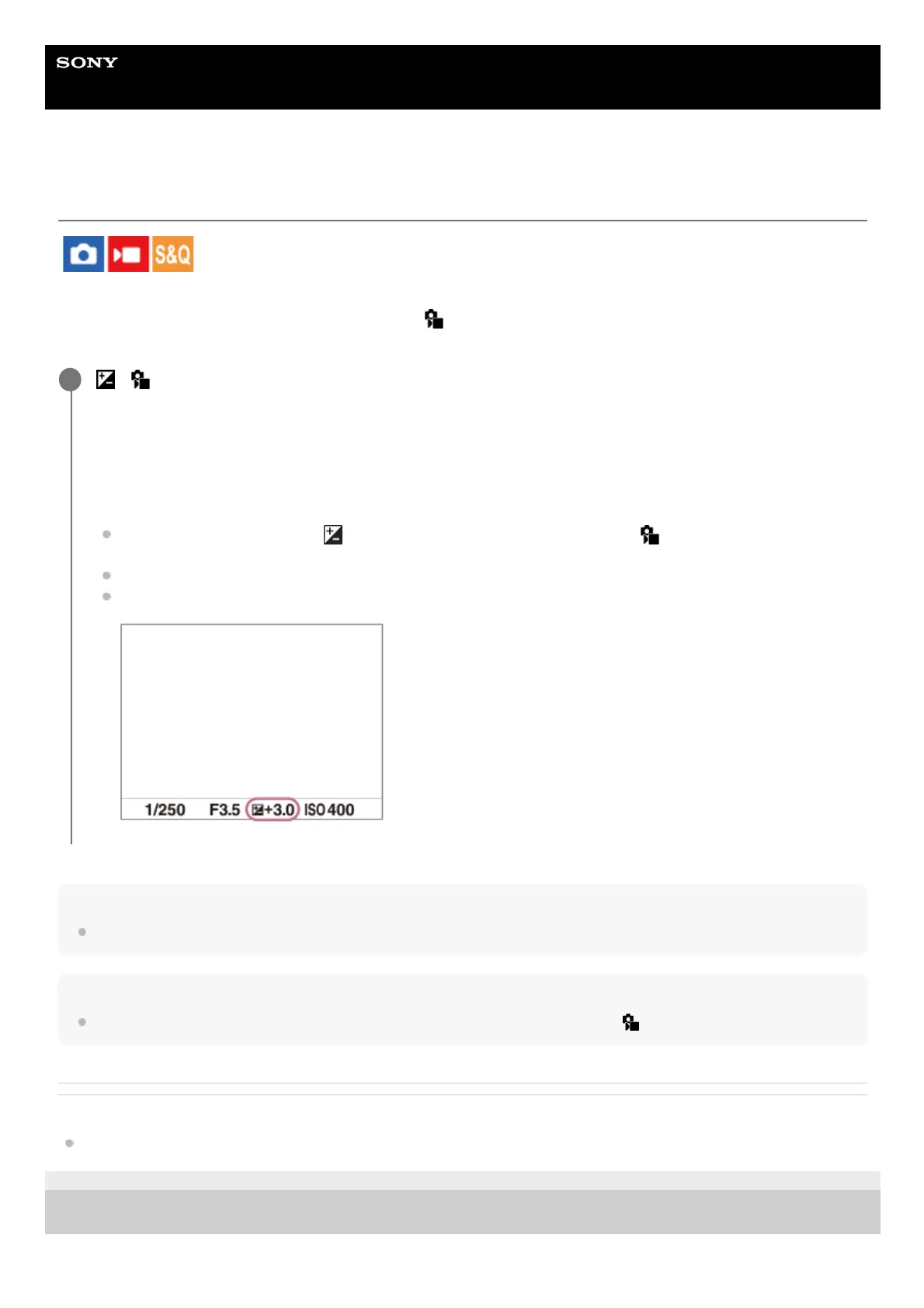
You can confirm the exposure compensation value that you set on the shooting screen.
1


 To Next Page