Help Guide
Digital Camera
ZV-1F
Shoot Mode (S&Q)
You can set the shooting mode for slow-motion/quick-motion recording. You can change the shooting settings and
playback speed in [
S&Q Settings].
Menu item details
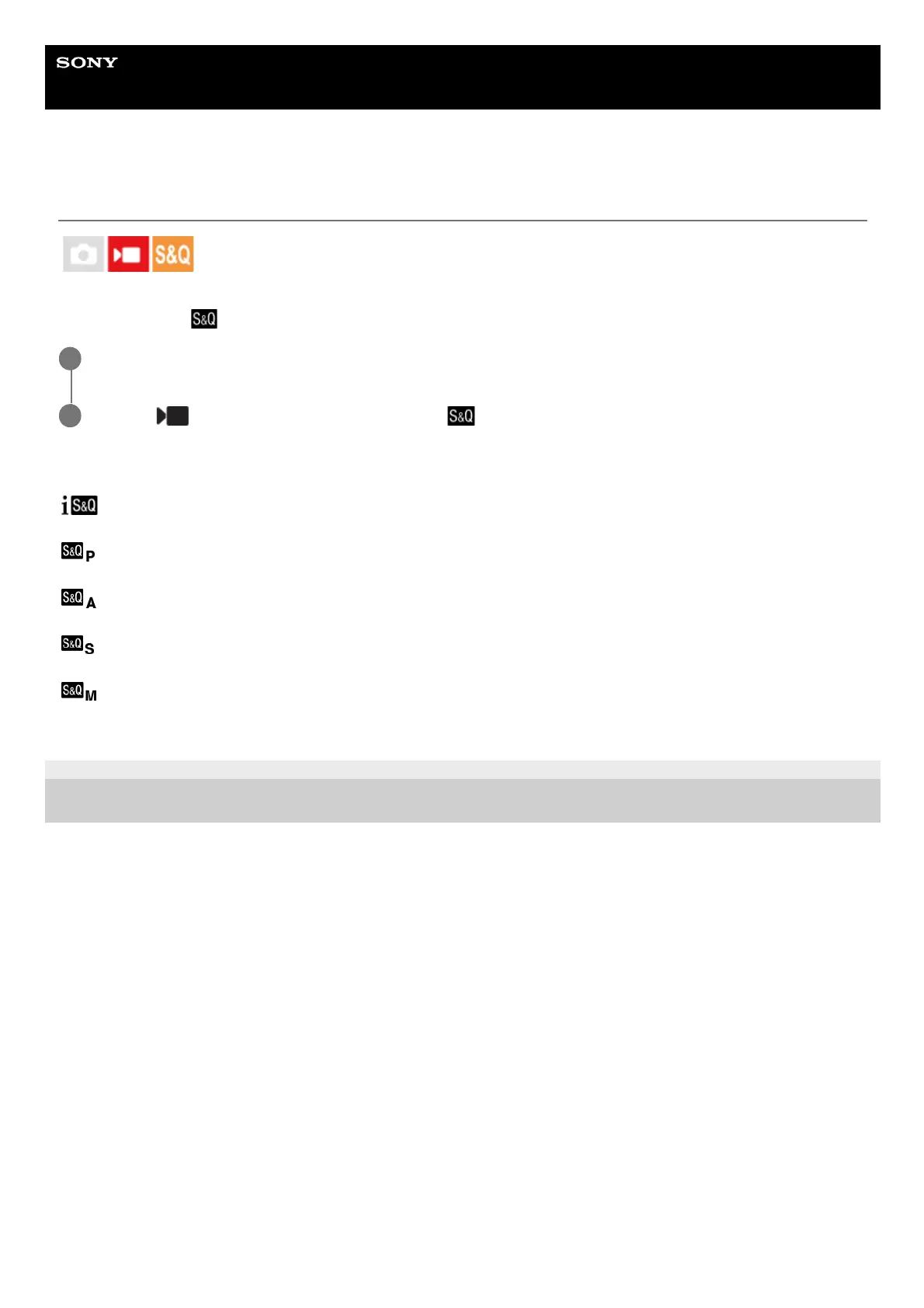
(Intelligent Auto) :
Allows you to shoot slow-motion/quick-motion movies with the camera automatically adjusted to suitable settings.
(Program Auto) :
Allows you to shoot with the exposure adjusted automatically (both the shutter speed and the aperture value).
(Aperture Priority) :
Allows you to shoot after adjusting the aperture value manually.
(Shutter Priority) :
Allows you to shoot after adjusting the shutter speed manually.
(Manual Exposure) :
Allows you to shoot after adjusting the exposure (both the shutter speed and the aperture value) manually.
5-041-856-11(1)
Copyright 2022 Sony Corporation
Press the Still/Movie/S&Q button to select the slow-motion/quick-motion recording mode.
1
MENU→
(Shooting) → [Shooting Mode] → [ Shoot Mode] → desired shooting mode.
2



 To Next Page