Help Guide
Digital Camera
ZV-1F
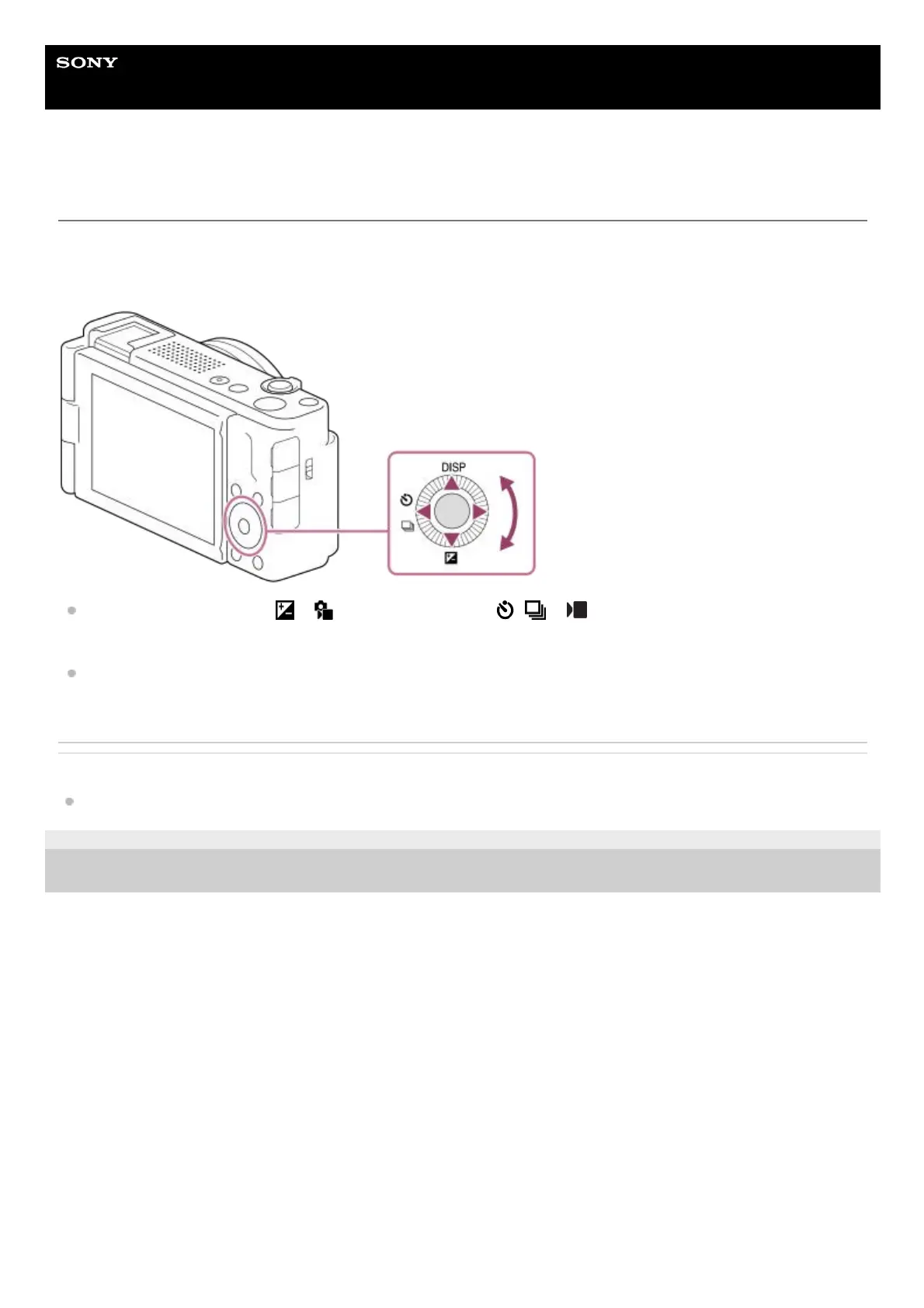
Using the control wheel
On the menu screen or the screen displayed by pressing the Fn button, you can move the selection frame by turning the
control wheel or by pressing the top/bottom/left/right side of the control wheel. Your selection is confirmed when you
press the center of the control wheel.
The DISP (Display Setting), ( Exposure Comp.), and / ( Self-timer/Drive Mode) functions are
assigned to the top/bottom/left side of the control wheel. In addition, you can assign selected functions to the left/right
side and the center of the control wheel.
During playback, you can display the next/previous image by pressing the right/left side of the control wheel or by
turning the control wheel.
Related Topic
Assigning frequently used functions to buttons (Custom Key Setting) (still image/movie)
5-041-856-11(1)
Copyright 2022 Sony Corporation



 To Next Page