Help Guide
Digital Camera
ZV-1F
Pairing the camera with a smartphone (Smartphone Regist.)
Connects the camera to your smartphone to use the smartphone application Imaging Edge Mobile Plus.
If you did not pair the camera with your smartphone when you turned on the camera for the first time, perform the pairing
operation according to the following procedure.
The following is the procedure for connecting the camera to your smartphone when you install Imaging Edge Mobile Plus
on your smartphone for the first time.
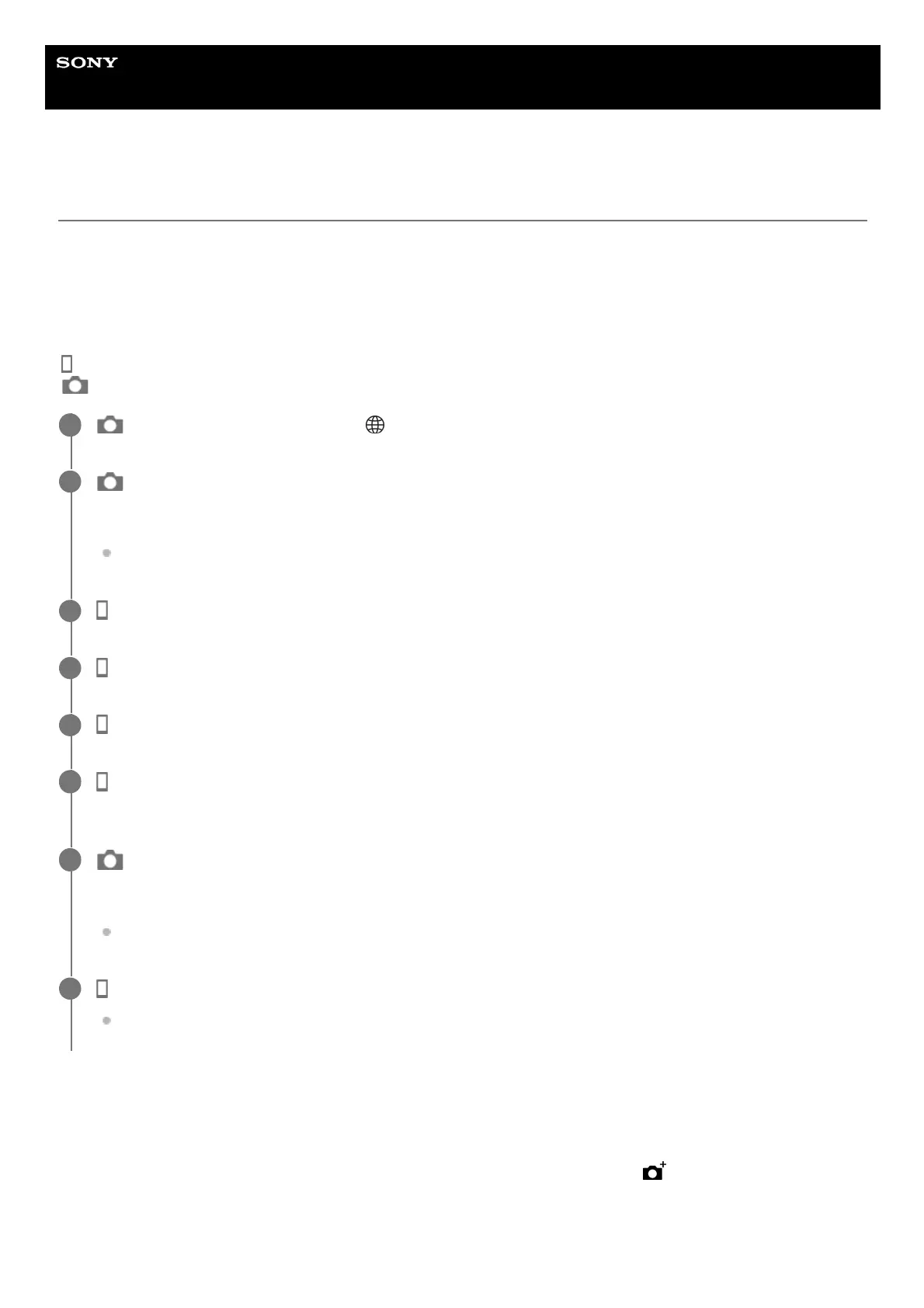
: Operations performed on the smartphone
: Operations performed on the camera
If you have used Imaging Edge Mobile Plus with other cameras
Launch Imaging Edge Mobile Plus after Step 2, open the [Cameras] screen, select the
(Add Camera) button, and
continue the operation from Step 5.
About the icons when connecting to a smartphone
: On the camera, select MENU → (Network) → [Smartphone Connect] → [Smartphone Regist.]
1
: Follow the instructions on the screen and set [Bluetooth Function] to [On].
The pairing screen will appear.
If [Bluetooth Function] is already set to [On], the pairing screen will appear immediately.
2
: Launch Imaging Edge Mobile Plus on your smartphone.
3
: Follow the instructions on the screen and select [Start] on the [Connect camera] screen.
4
: Follow the instructions on the screen and select [Next].
5
: Select the [Pairing] button next to the product name of the camera (ZV-1F), and then perform pairing by
following the instructions on the screen.
6
: Select [OK] on the Bluetooth connection confirmation screen displayed on the camera.
The camera and the smartphone will be paired.
When pairing is completed, a menu to select a function for the camera appears on the smartphone.
7
: On the smartphone screen, select the desired function.
Your smartphone is now connected to the camera and you can use the functions of your choice.
8



 To Next Page