Help Guide
Digital Camera
ZV-1F
Finding functions from MENU
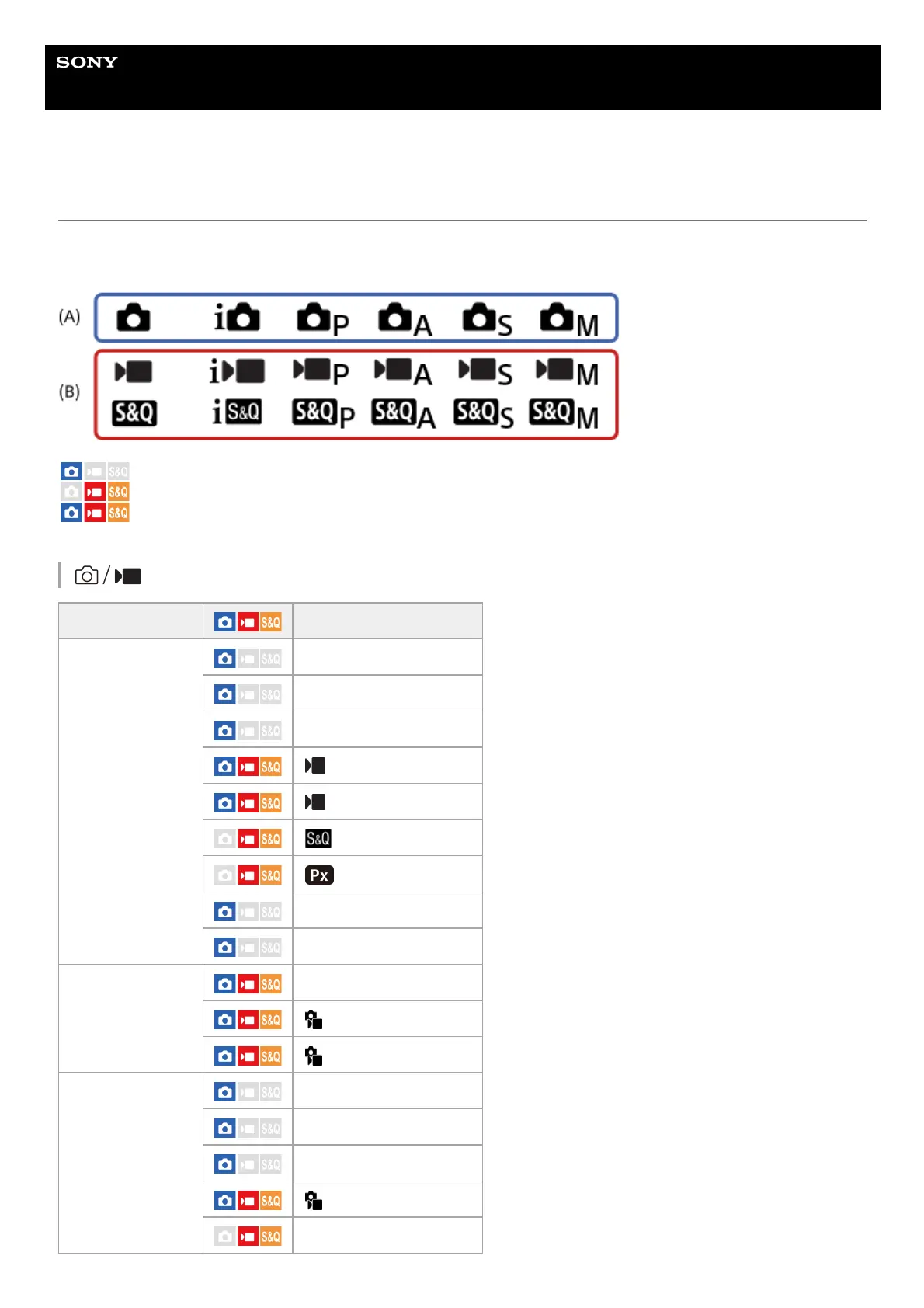
The displayed MENU items vary depending on the shooting mode. In the table below, the modes in which each MENU
item is displayed are indicated by the still image/movie/S&Q icons.
: The menu item is displayed when the shooting mode is set to the still image shooting modes (A).
: The menu item is displayed when the shooting mode is set to the movie recording modes (B).
: The menu item is displayed when the shooting mode is set to either the still image shooting modes (A) or
the movie recording modes (B).
(Shooting) tab
Groups Menu items
Image Quality/Rec
JPEG Quality
JPEG Image Size
Aspect Ratio
File Format
Movie Settings
S&Q Settings
Proxy Settings
High ISO NR
Color Space
Media
Format
Recover Image DB
Display Media Info.
File
File/Folder Settings
Select REC Folder
Create New Folder
Write Serial Number
File Settings



 To Next Page