Help Guide
Digital Camera
ZV-1F
Sbj Recog Frm Disp. (still image/movie)
Sets whether to display the subject recognition frame when faces or eyes are recognized.
Menu item details
On:
Displays a recognition frame when faces or eyes are recognized.
Off:
Does not display a recognition frame when faces or eyes are recognized.
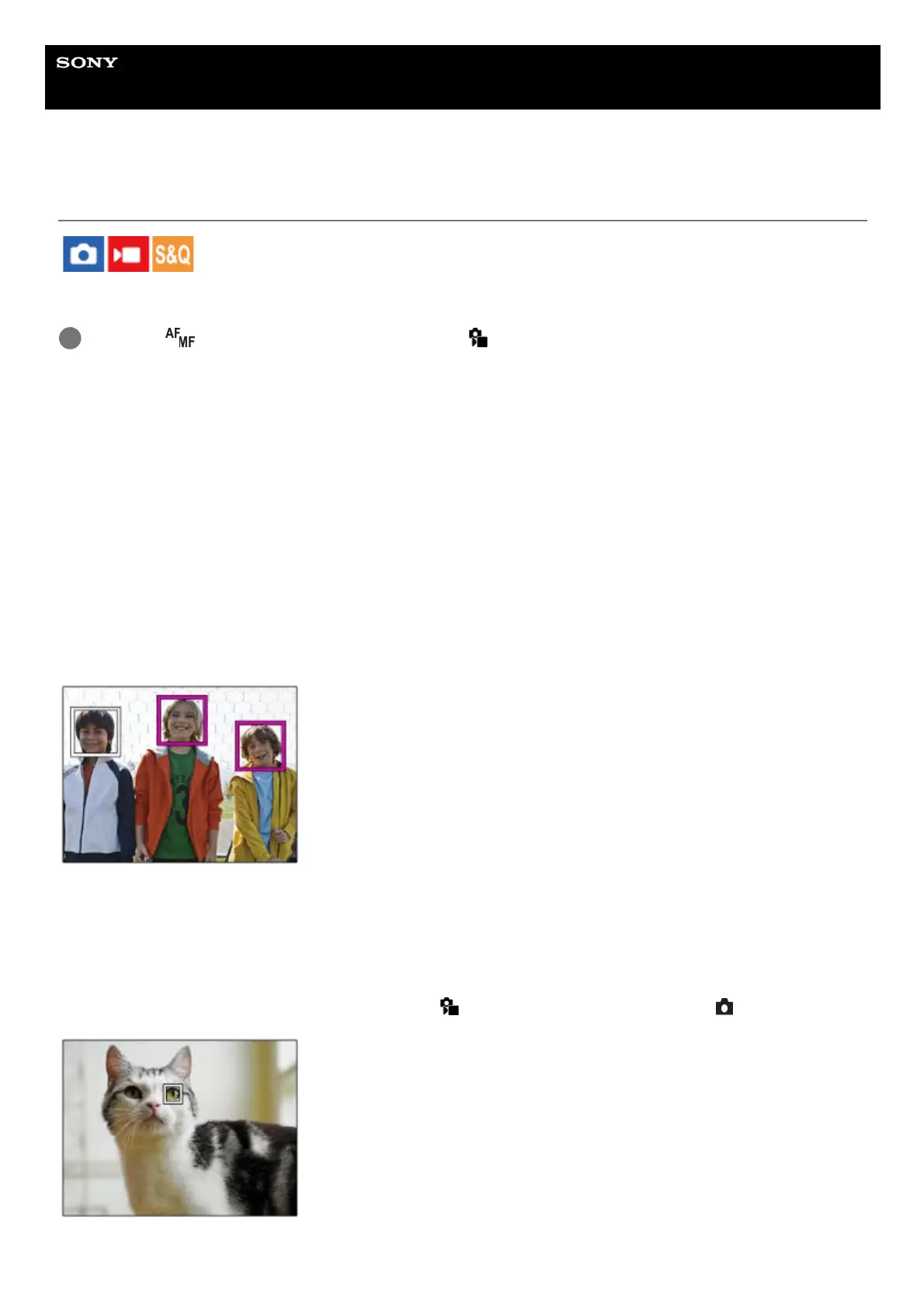
Face recognition frame
When the camera recognizes a face, the gray face-recognition frame appears. The frame color will be reddish purple if
the recognized face has been registered using the [Face Memory] function.
The face recognition frame turns white when the face is recognized inside or around the focus area, and the camera
determines that autofocus is enabled.
Eye recognition frame
A white eye recognition frame appears when an eye is recognized and the camera determines that auto-focusing is
possible.
The eye recognition frame is displayed as follows when [
Recognition Target] is set to [Animal ( )].
MENU → (Focus) → [Subject Recognition] → [ Sbj Recog Frm Disp.] → desired setting.
1



 To Next Page