EasyManua.ls Logo

Sophos XG 115 User Manual

Sophos XG 115
8 pages
To Next Page IconTo Next Page
Page #1 background imageLoading...
Page #1 background image
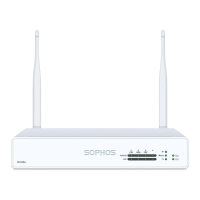
Operating Instructions
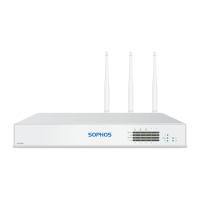
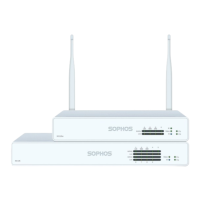
SG 105(w)/115(w)/125(w)/135(w) Rev. 3

Other manuals for Sophos XG 115

Question and Answer IconNeed help?

Do you have a question about the Sophos XG 115 and is the answer not in the manual?

Sophos XG 115 Specifications

General IconGeneral
BrandSophos
ModelXG 115
CategoryFirewall
LanguageEnglish

Summary

Introduction and Safety Information

Foreword

Welcome and overview of documents for installing and configuring Sophos SG appliances.

Security Symbols and Designed Use

Explains safety symbols, their importance, and the intended environments for Sophos SG appliances.

Regulatory Compliance and Hardware Connections

CE, FCC, and Approvals

Lists compliance certifications and notes on maintaining regulatory compliance.

Operating Elements and Connections Overview

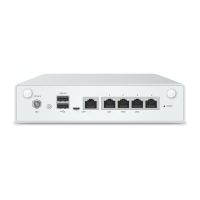
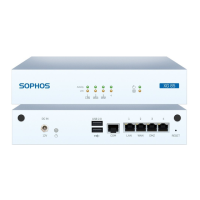
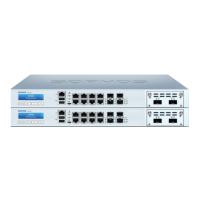
Details the front and back panel ports and connectors for different SG models.

Device Status and Operation

LED Status Indicators

Comprehensive guide to LED meanings on the front panel, Ethernet, and SFP ports.

Putting into Operation and Mounting

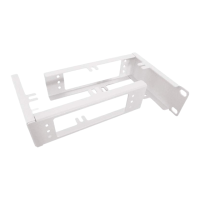
Instructions on initial setup, scope of supply, and physical mounting of the appliances.

Rack Mounting Safety and Precautions

Rack Installation Precautions

Safety guidelines and best practices for rack-mounting Sophos SG appliances.

Server and Rack Mounting Considerations

Factors for general server safety and environmental considerations in rack installations.

Connectivity and Configuration

SFP Port Functionality

Explains the SFP port's capabilities, module types, and connection options.

SFP Module Installation and Removal

Step-by-step instructions for inserting and removing SFP modules from the appliance.

Expansion and Console Access

Optional Expansion Modules

Details on optional 3G/4G and wireless expansion modules, including regional variations.

Serial Console Access Configuration

Configuration settings and connection methods for accessing the appliance via serial console.

Related product manuals