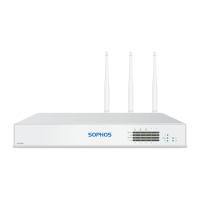
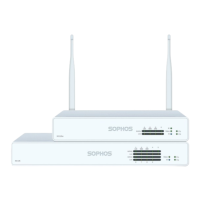
Need help?
Do you have a question about the Sophos XG 86 and is the answer not in the manual?
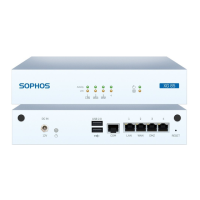
Lists the components included in the Sophos XG device package, such as the device itself, antennas, and cables.
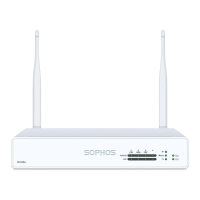
Instructions for attaching the wireless antennas to the back of the Sophos XG device.
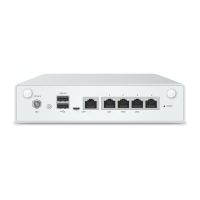
Guides on connecting the LAN and WAN ports to internal and external networks respectively.
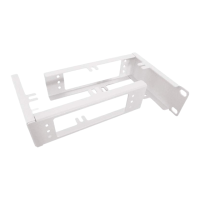
Information on using an optional rackmount kit for installing the device in a rack.
Specifies required IP address, Netmask, Default Gateway, and DNS Server settings for the admin PC.
Steps to connect the administration PC to the device's LAN port and access the management console.
Process to register the Sophos XG device with a Sophos ID for initial activation.
Instructions to fetch and synchronize the device's license information from Sophos.
Initiates the wizard to configure network settings like mode, IP, gateway, and time zone.
Explanation of the meaning of various LED indicators on the device and Ethernet ports.
 General
| Form Factor | Desktop |
|---|---|
| RAM | 4 GB |
| Humidity | 10-90% non-condensing |
| Power Supply | External |
| Operating Temperature | 0-40°C |
| Storage Temperature | -20 to +70°C |

 To Next Page