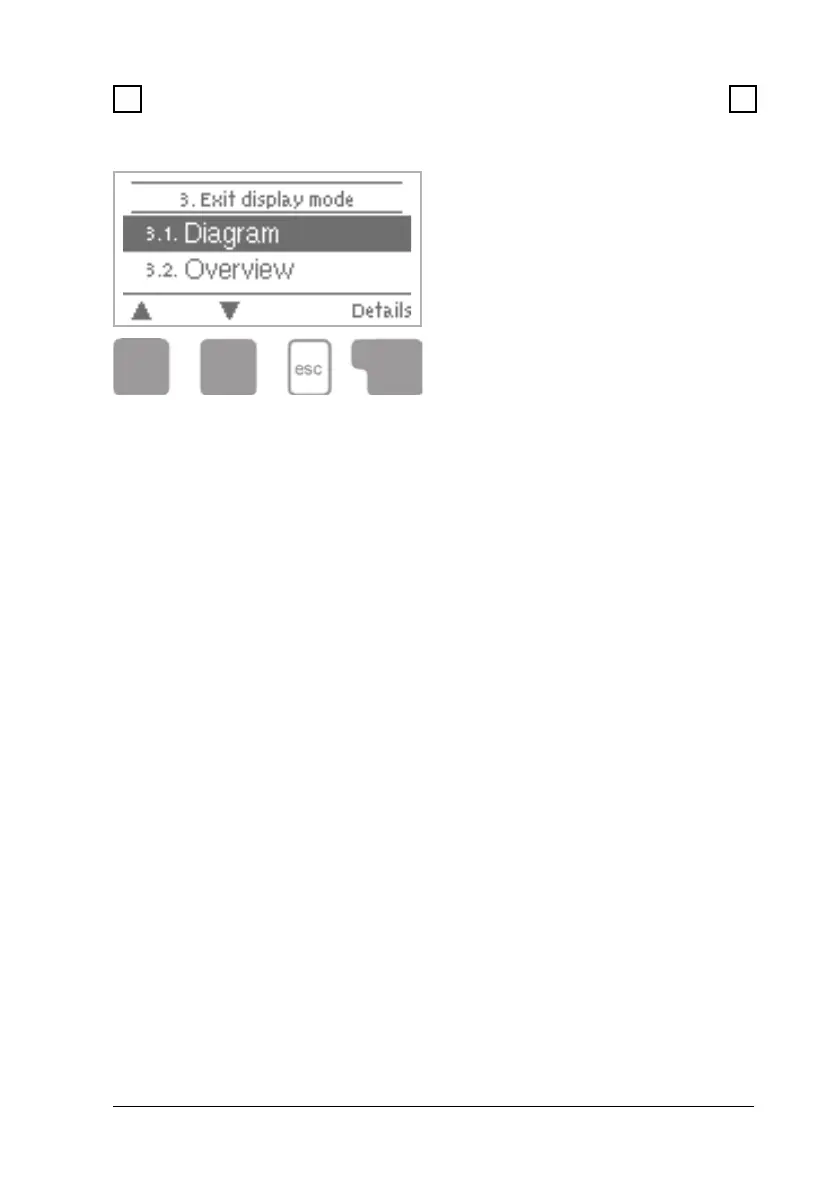
Display mode menu 3
8 8
8. Display mode
Menu “3. Display mode” is used to
dene the controller’s display for
normal operation.
This display appears whenever two
minutes go by without any key being
pressed. The main menu appears
again when a key is pressed.
The menu is closed by pressing
“esc” or selecting “Exit display
mode”.
8.1 Graphics menu 3.1
In graphics mode, the selected hydraulic systems are depicted with the mea-
sured temperatures and operating states of the connected consumers.
8.2 Overview menu 3.2
In overview mode, the measured temperatures and operating states of the
connected consumers are depicted in text form.
8.3 Alternating menu 3.3
In alternating mode the graphics mode and then the overview mode are
active for 5 seconds at a time.



 To Next Page