EasyManua.ls Logo

Soul SL100 - User Manual

Default Icon
10 pages
Print Icon
To Next Page IconTo Next Page
Loading...
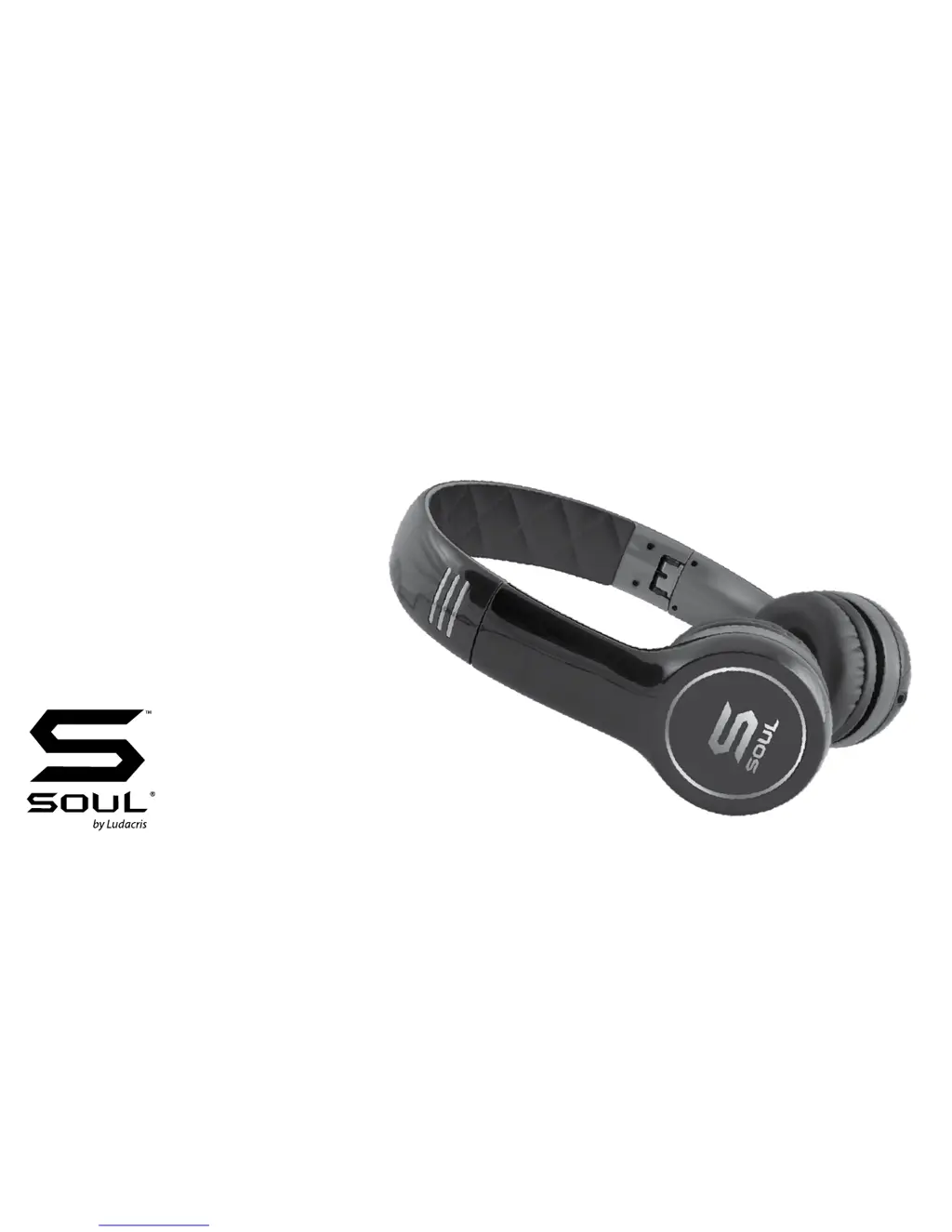
SL100
Ultra Dynamic On-Ear
Headphone

Questions and Answers

  • S
    Sean Jenkins DDSJul 26, 2025
    What to do if my Soul SL100 Headphone has no sound?
    • M
      Mike StewartJul 26, 2025
      If your Soul Headphone has no sound, ensure the plug is fully inserted and the device is powered on. Increase the volume and check the in-line controller to confirm it's not paused.
  • K
    Kelly JosephAug 9, 2025
    Why is the volume so low on my Soul SL100?
    • M
      Megan FrazierAug 9, 2025
      If you are experiencing a low volume level on your Soul Headphone, ensure the headphones create a proper seal around your ears. You may also need to increase the volume level on your device.

Summary

Safety Information

Warning

Details risks of Noise Induced Hearing Loss (NIHL) from loud noise exposure and safe listening practices.

Child Safety

Emphasizes that headphones are not toys and must be kept away from children.

Sound Level Effects

Caution

Advises against operating vehicles or machinery while using headphones due to reduced awareness.

Safety Instructions

At A Glance

Provides a visual overview and list of headphone components and accessories.

Box Contents

Using Your Soul Headphones

Headband Adjustment

Instructions on how to adjust the headband for a comfortable and secure fit.

Selecting and Connecting the Audio Cable

Headphone Maintenance

Caution

Warns against using harsh cleaning agents and keeping the headphones dry.

Using Your Soul Headphones

Caution

Reiterates responsible use and warns against using headphones at full volume.

In-Line Remote Control Function and Diagram

For Controlling Phone Functions

Details on using the in-line remote for answering, rejecting, and managing calls.

For Controlling Music or Movie Functions

In-Line Controller Compatibility Guide

Disconnecting Your Soul Headphones

Trouble Shooting Guide

Soul SL100 Specifications

General IconGeneral
TypeOn-Ear
Driver Size40 mm
Impedance32 Ohms
Frequency Response20 Hz - 20 kHz
Cable Length1.2 m
Connector3.5 mm

Related product manuals