EasyManua.ls Logo

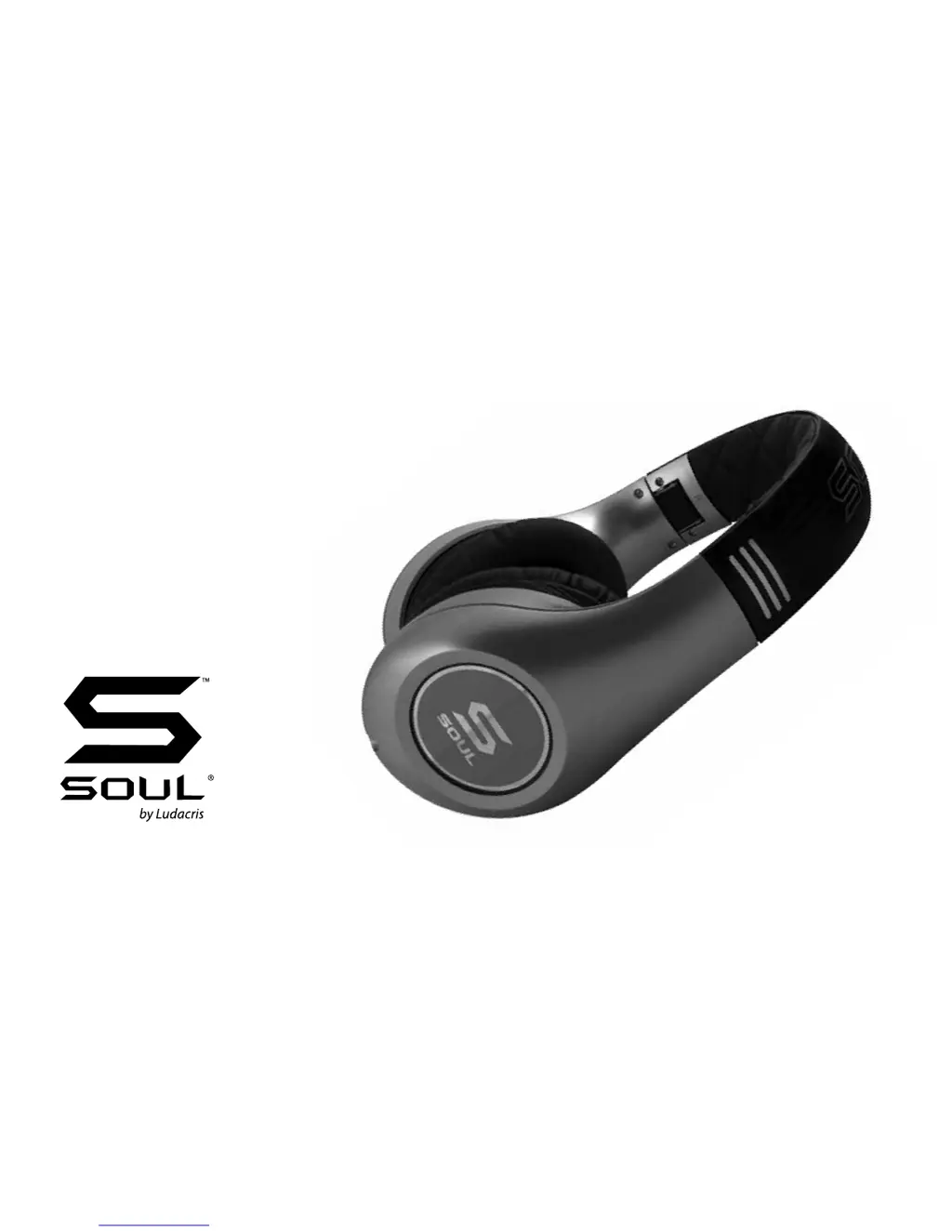
Soul SL300 - User Manual

Soul SL300
14 pages
Print Icon
To Next Page IconTo Next Page
Loading...
SL300
Elite Hi-Denition Noise
Cancelling Headphone

Questions and Answers

Summary

FCC Compliance and Regulatory Information

FCC Notice and Warnings

Details device compliance with FCC rules and provides necessary warnings for operation.

CE Marking Compliance

Explains CE marking compliance with EMC Directive and where to find Declaration of Conformity.

Safety Information and Hearing Health

Noise Induced Hearing Loss (NIHL) Risks

Warns about the risks of excessively loud noise exposure and its impact on hearing.

Battery Precautions and Disposal

Safe Battery Handling and Usage

Provides instructions for safe handling, usage, and disposal of batteries, including precautions for leakage.

Sound Level Effects and Road Safety

Caution: Operating Vehicles with Headphones

Caution against operating vehicles or machinery while wearing headphones due to reduced auditory awareness.

General Safety Instructions and Product Overview

SL300 Headphones At A Glance

Identifies and lists the key components and features of the SL300 headphones.

Unpacking and Initial Setup Guide

Box Contents and Accessories

Lists all items included in the product packaging.

Headband Adjustment for Optimal Fit

Guides the user on how to adjust the headband for a comfortable and proper fit.

Connecting Audio Cables and Installing Batteries

Selecting and Connecting Audio Cables

Explains how to select and connect the appropriate audio cable to the headphones.

Battery Installation and Hi;Lo Output Switch

Details the process of installing batteries and setting the Hi/Lo output switch for optimal sound.

Headphone Usage and Maintenance

Headphone Cleaning and Care

Provides instructions on how to clean and maintain the headphones to preserve their finish and function.

Proper Headphone Usage Steps

Guides the user on how to wear and use the headphones for the best listening experience.

Advanced Features and Phone Controls

Active Noise Cancelling and LED Indicator

Explains how to use the Active Noise Cancelling feature and its indicator light.

Illuminated Logo Light Operation

Describes the illuminated logo light feature and its power button.

In-Line Remote for Managing Phone Calls

Details the functions of the in-line remote for managing phone calls, including answering, rejecting, and call waiting.

Music;Movie Controls, Compatibility, and Storage

In-Line Remote for Music and Movie Playback

Explains how to control music playback and movie functions using the in-line remote.

In-Line Controller Device Compatibility

Lists compatible Apple and other device models for full in-line controller functionality.

Disconnecting and Safely Storing Headphones

Provides instructions on how to safely disconnect and store the headphones after use.

Troubleshooting Common Headphone Issues

Resolving No Sound or Low Volume

Offers solutions for no sound, low volume, or one-sided volume problems.

Troubleshooting Active Noise Cancelling

Addresses issues related to the Active Noise Cancelling feature not working correctly.

Product Warranty and Customer Support

1 Year Limited Warranty Terms

Outlines the terms and conditions of the product's one-year limited warranty.

Soul SL300 Specifications

General IconGeneral
Cable length1.2 m
Product typeHeadphones
Product colorBlack, Gold
Wearing styleHead-band
Headphone connectivity3.5 mm
Connectivity technologyWired
Connector contacts platingGold

Related product manuals