EasyManua.ls Logo

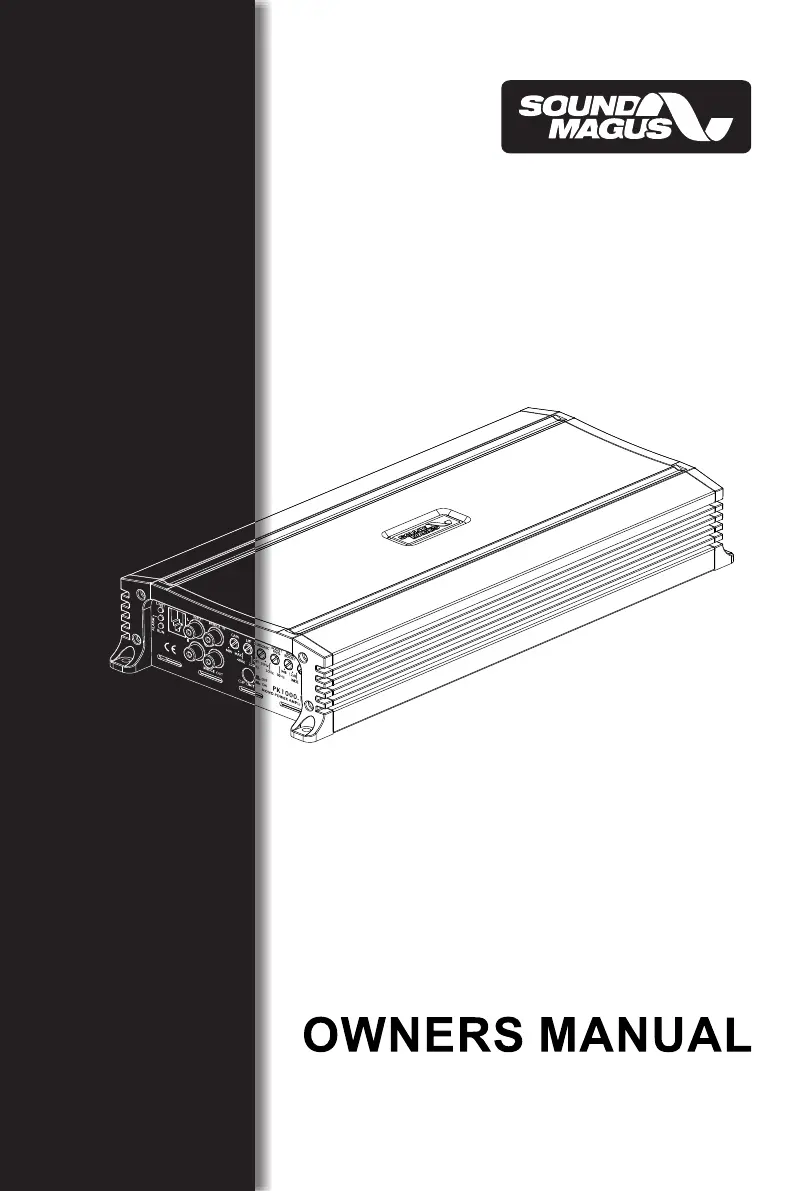
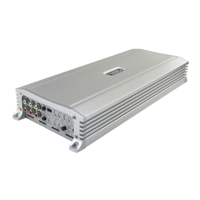
Sound Magus PK1400.4M - User Manual

Default Icon
24 pages
Print Icon
To Next Page IconTo Next Page
Loading...
PK600.1M / PK1000.1M
PK700.4M / PK1400.4M

Questions and Answers

  • J
    Jaime VaughanAug 6, 2025
    Why Sound Magus PK1400.4M Amplifier has distorted sound?
    • R
      Rodney StanleyAug 6, 2025
      Distorted sound from your Sound Magus Amplifier can occur if the input level control is not correctly matched to the head unit's signal level. Ensure the input level control is properly set. It's also advisable to set the input level as low as possible. Furthermore, check for any short circuits in the speaker leads and ensure all crossover frequencies are correctly configured.
  • B
    Brenda DownsAug 10, 2025
    What to do if Sound Magus PK1400.4M gets very hot?
    • R
      robertdurhamAug 10, 2025
      If your Sound Magus Amplifier is overheating, verify that the minimum load impedance for your amplifier model is correct. Also, make sure there is sufficient air circulation around the amplifier. In certain setups, adding an external cooling fan might be necessary.
  • R
    Robert WarnerAug 14, 2025
    Why Sound Magus PK1400.4M Amplifier protection LED comes on?
    • J
      Joshua HeathAug 14, 2025
      The protection LED on your Sound Magus Amplifier may activate due to a few reasons. First, check for short circuits in the speaker leads. Also, ensure that the speaker load is not beyond the minimum specified load. If these aren't the issue, remove the speaker leads and reset the amplifier. If the protection LED persists, the amplifier may be faulty and require servicing.
  • L
    Lauren RodriguezAug 18, 2025
    How to fix high hiss in Sound Magus PK1400.4M speakers?
    • D
      Danielle DelgadoAug 18, 2025
      To address high hiss in your Sound Magus Amplifier speakers, check if the RCA cable is shorted to the power ground on the amplifier side. Also, inspect the amplifier's grounding to ensure it's properly connected.
  • E
    ethanandrewsAug 23, 2025
    What to do if Sound Magus PK1400.4M Amplifier has no output?
    • G
      gilltrevorAug 23, 2025
      If your Sound Magus Amplifier has no output, first, check that the RCA audio cables are correctly plugged into the appropriate inputs. Next, verify all speaker wiring. Finally, inspect the head unit output and the amplifier level settings.
  • R
    Rachel RoachAug 27, 2025
    Why Sound Magus PK1400.4M will not power up?
    • D
      Dr. Michael Knight IIIAug 27, 2025
      If your Sound Magus Amplifier isn't powering on, ensure you have a solid ground connection. Then, check that there's battery power reaching the (+) terminal. Inspect all fuses and replace them if needed. Finally, confirm that the Protection LED is not lit.
  • R
    Rhonda ValdezSep 1, 2025
    What to do if Sound Magus PK1400.4M Amplifier has low output?
    • J
      Jason PittmanSep 1, 2025
      If your Sound Magus Amplifier has low output, try resetting the level control. Also, check the crossover control settings.

Summary

Control Functions PK600.1 M;PK1000.1 M

Crossover Filters

LPF, Subsonic, and HPF filter adjustments.

Bass Boost and Q-Control

Bass Boost frequency, level, and Q-factor adjustments.

PK700.4 M;PK1400.4 M Wiring and Controls

LPF;FULL;HPF Selector & Frequency Knob

Crossover control for 4-channel models.

PK700.4 M;PK1400.4 M Function Descriptions

Input Level Sensitivity

High/Low level input options.

Auto Turn On Modes

Automatic turn-on options.

Connecting the Amplifier

PK1000.1 M Bridged Mode

Bridged Mode Diagram

Wiring diagram for bridging two PK1000.1M amps.

PK700.4 M;PK1400.4 M Wiring Diagrams

Troubleshooting

Troubleshooting Table

Common symptoms and their possible solutions.

Specifications

Model Specifications Table

Technical specs for all models.

Sound Magus PK1400.4M Specifications

General IconGeneral
Channels4
RMS Power (4 Ohms)140W x 4
Signal to Noise Ratio>90dB
Minimum Impedance2 Ohms
Bass Boost Frequency45Hz
Input Sensitivity200mV - 6V
Bass Boost0dB - 12dB

Related product manuals