EasyManua.ls Logo

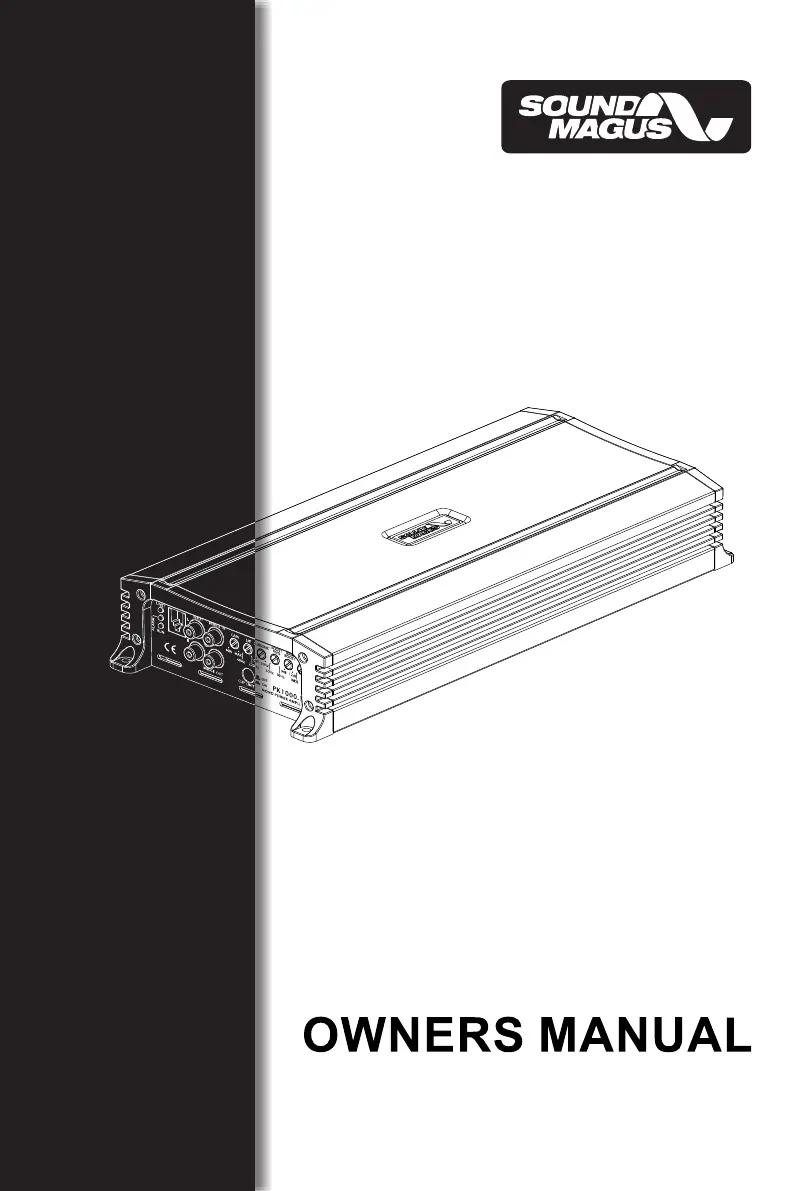
Sound Magus PK600.1M - User Manual

Sound Magus PK600.1M
24 pages
Print Icon
To Next Page IconTo Next Page
Loading...
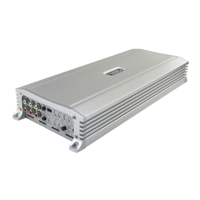
PK600.1M / PK1000.1M
PK700.4M / PK1400.4M

Questions and Answers

  • D
    Dorothy GreeneAug 2, 2025
    Why Sound Magus Amplifier has distorted sound?
    • D
      Dana RobertsonAug 2, 2025
      Distorted sound from your Sound Magus Amplifier can occur if the input level control is not correctly matched to the head unit's signal level. Ensure the input level control is properly set. It's also advisable to set the input level as low as possible. Furthermore, check for any short circuits in the speaker leads and ensure all crossover frequencies are correctly configured.
  • K
    Kristy BryantAug 6, 2025
    What to do if Sound Magus Amplifier gets very hot?
    • C
      Caitlyn LopezAug 6, 2025
      If your Sound Magus Amplifier is overheating, verify that the minimum load impedance for your amplifier model is correct. Also, make sure there is sufficient air circulation around the amplifier. In certain setups, adding an external cooling fan might be necessary.
  • S
    Sandra MosleyAug 11, 2025
    Why Sound Magus PK600.1M Amplifier protection LED comes on?
    • J
      Jesse WadeAug 11, 2025
      The protection LED on your Sound Magus Amplifier may activate due to a few reasons. First, check for short circuits in the speaker leads. Also, ensure that the speaker load is not beyond the minimum specified load. If these aren't the issue, remove the speaker leads and reset the amplifier. If the protection LED persists, the amplifier may be faulty and require servicing.
  • J
    Jose HicksAug 15, 2025
    How to fix high hiss in Sound Magus PK600.1M speakers?
    • M
      Mary PotterAug 15, 2025
      To address high hiss in your Sound Magus Amplifier speakers, check if the RCA cable is shorted to the power ground on the amplifier side. Also, inspect the amplifier's grounding to ensure it's properly connected.
  • J
    Jacob JacksonAug 23, 2025
    Why Sound Magus PK600.1M will not power up?
    • R
      Roger ParksAug 25, 2025
      If your Sound Magus Amplifier isn't powering on, ensure you have a solid ground connection. Then, check that there's battery power reaching the (+) terminal. Inspect all fuses and replace them if needed. Finally, confirm that the Protection LED is not lit.
  • M
    Melissa LarsonAug 28, 2025
    What to do if Sound Magus PK600.1M has low output?
    • C
      Charlene PayneAug 28, 2025
      If your Sound Magus Amplifier has low output, try resetting the level control. Also, check the crossover control settings.
  • C
    charlotte14Sep 10, 2025
    What to do if Sound Magus PK600.1M Amplifier has no output?
    • E
      etuckerSep 12, 2025
      If your Sound Magus Amplifier has no output, first, check that the RCA audio cables are correctly plugged into the appropriate inputs. Next, verify all speaker wiring. Finally, inspect the head unit output and the amplifier level settings.

Summary

INTRODUCTION

INTRODUCTION

Welcome and initial instructions for using the SOUNDMAGUS amplifier.

ATTENTION

Important safety warning regarding the amplifier's load on the vehicle's charging system.

FEATURES

Lists the key features and capabilities of the SOUNDMAGUS amplifiers.

PANEL LAYOUT

PK600.1 M;PK1000.1 M Panel Layout

Diagram illustrating the panel layout for PK600.1M and PK1000.1M models.

SPEAKERS Connection

Instructions for connecting speakers or subwoofers to the amplifier terminals.

+12 Volt Power Connection

Guide for connecting the +12V power terminal with a fuse or circuit breaker.

Remote Turn On Connection

Instructions for connecting the remote turn-on lead to power the amplifier.

CONTROL FUNCTIONS

GND Connection

How to properly connect the amplifier's ground cable to the vehicle frame.

GAIN Control

Explanation of the GAIN control for matching input signal sensitivity.

LPF (Low Pass Filter)

Description of the Low Pass Filter (LPF) control and its frequency adjustment.

Subsonic Filter Control

Explanation of the Subsonic Filter to remove unwanted low frequencies.

Bass Boost Frequency Adjustment

How to adjust the center frequency for bass boost.

BASSBOOST Level

How to adjust the level of bass boost.

Q-Control for Bass Boost

How to adjust the shape of the bass boost frequency curve.

CLIP LIMIT Switch Function

Function of the CLIP LIMIT switch to reduce distortion.

X-over Mode and Frequency Control (PK1400.4 M)

Controls for X-over mode and frequency on PK1400.4M models.

Bass Boost Frequency and Level Control

Adjusting bass boost frequency and level.

HPF (High Pass Filter)

Description of the High Pass Filter (HPF) control and its frequency adjustment.

PK700.4 M;PK1400.4 M Controls

LPF;FULL;HPF Selector and Frequency Knob

Switch and knob for selecting filter modes and adjusting frequency.

4 CH;2 CH Input Switch (PK700.4 M;PK1400.4 M)

Switch to select between 2-channel and 4-channel input modes.

AMPLIFIER FUNCTIONS AND INDICATORS

INPUT LEVEL (PK700.4 M;PK1400.4 M)

Explanation of dual input sensitivity for PK700.4M/PK1400.4M models.

Auto Turn On Modes (PK700.4 M;PK1400.4 M)

Options for auto turn-on/off modes (DC Offset/Rem/Audio).

RUN Indicator

Description of the RUN LED indicator for normal operation.

ALARM Indicator

Description of the ALARM LED indicator for fault conditions.

Limit Indicator

Description of the Limit Indicator LED for clipping or overheating.

REMOTE Connection

Connection for the optional remote controller.

RCA Input Jacks

Explanation of RCA input jacks for audio source connection.

BRIDGE IN Terminal

Input for slave amplifier in bridged mode.

BRIDGE OUT Terminal

Output for master amplifier in bridged mode.

CONNECTING THE AMPLIFIER

Cable and Fuse Selection Table

Table specifying cable gauge and fuse ratings for different models.

Ground Cable Connection

Instructions for connecting the amplifier's ground cable to the vehicle frame.

Remote Terminal Connection

Instructions for connecting the remote terminal to the head unit.

Fuse Holder Installation

Guide for installing the fuse holder within 18 inches of the battery.

Input and Remote Control Connection

Connecting all inputs with high-quality cables and Remote Control.

Fuse Insertion

Instruction to insert fuses into the battery fuse holder.

Bridging Channels for Subwoofers

Instructions for bridging channels for 2-CH and 4-CH subwoofer setups.

Wiring Diagrams

Diagrams showing mono amplifier wiring configurations.

PK1000.1 M Bridged Mode

Bridged Mode Wiring Diagram

Diagram for PK1000.1M bridged mode with two amplifiers (master/slave).

Bridging Precautions

Critical notes and precautions for bridging amplifiers.

PK700.4 M;PK1400.4 M Wiring

Four-Channel Mode Wiring

Wiring diagram for PK700.4M/PK1400.4M in four-channel mode.

Three-Channel Mode Wiring

Wiring diagram for PK700.4M/PK1400.4M in three-channel mode.

TROUBLE SHOOTING

Amplifier Not Powering Up

Troubleshooting steps for when the amplifier does not power on.

Protection LED Illuminated

Troubleshooting steps when the protection LED is illuminated.

No Audio Output

Troubleshooting steps for when there is no audio output.

Low Audio Output

Troubleshooting steps for low audio output levels.

Speaker Hiss

Troubleshooting steps for unwanted hiss in speakers.

Distorted Sound

Troubleshooting steps for distorted audio output.

Amplifier Overheating

Troubleshooting steps for an overheating amplifier.

SPECIFICATIONS

Model Specifications

Detailed technical specifications for each amplifier model.

Dimensions

Physical dimensions of the amplifiers.

Sound Magus PK600.1M Specifications

General IconGeneral
Channels1
Subsonic Filter10Hz - 50Hz
Bass Boost0 - 12dB
Input Sensitivity0.2V - 6V
Fuse Rating30A
RMS power at 1 ohm600W
Frequency Response10Hz
Low Pass Filter50Hz

Related product manuals