EasyManua.ls Logo

Sound Magus SE2000.1 - User Manual

Default Icon
14 pages
Print Icon
To Next Page IconTo Next Page
Loading...
SE90.2 / SE150.2/SE90.4 / SE150.4
SE800.1 / SE1500.1/SE2000.1 / SE3500.1
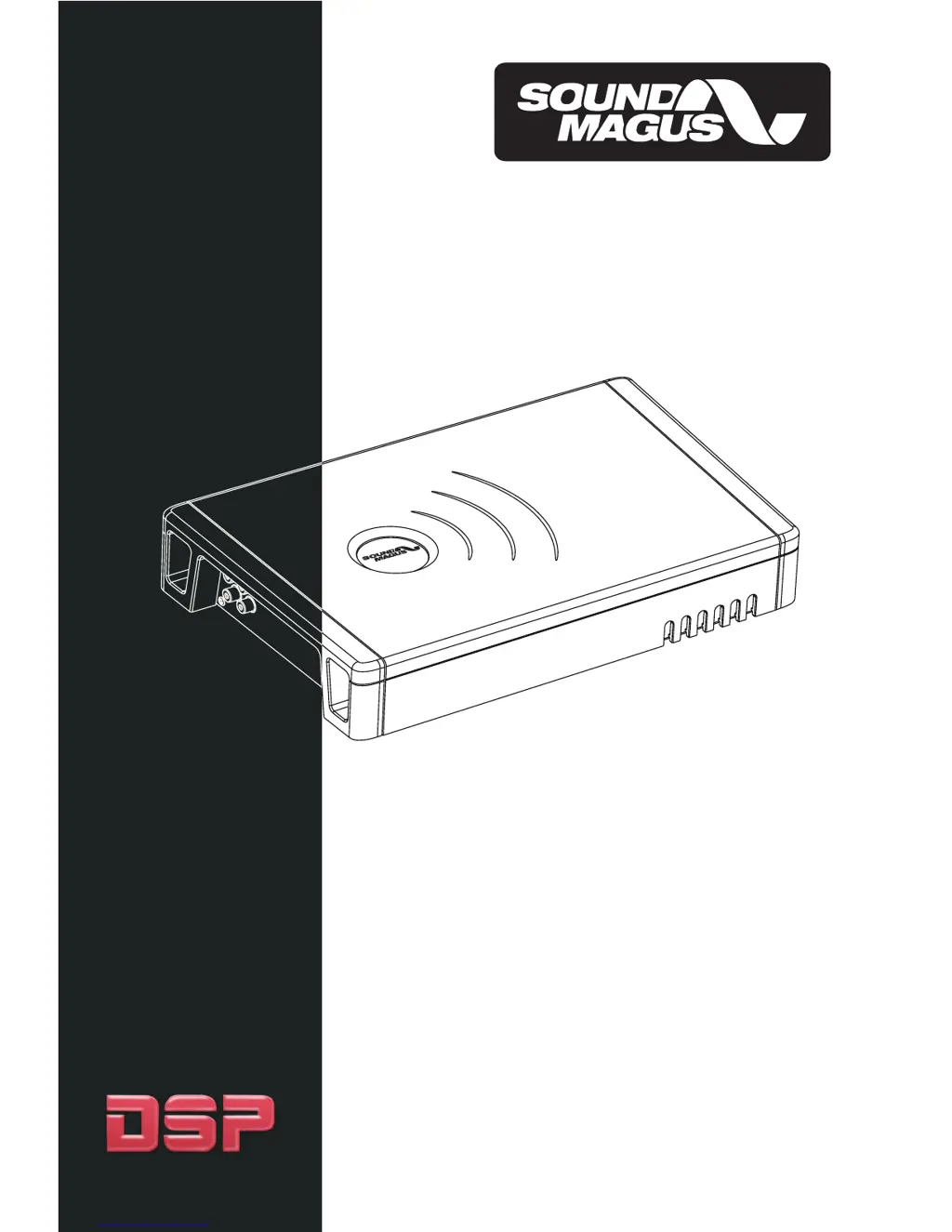
DSP DIGITAL POWER AMPLIFIERS
OWNER'S MANUAL

Questions and Answers

Summary

Introduction

Features

Controls and Functions

Speakers

Connect speakers/subwoofers to these terminals, ensuring correct polarity. Never connect to chassis ground.

+12 Volt Power

Connect to the positive terminal of the vehicle battery via a fuse or circuit breaker.

Remote Turn On

Connect to the head unit's remote lead to turn the amplifier on.

GND

Connect directly to the vehicle's metal chassis. Avoid other factory ground points.

RCA Input Jacks

For source units with RCA outputs; minimum 200mV level required. Use twisted pair cables.

I;O PORT

For WI-FI adapter connection to set crossover and function.

Alarm Indicator

Red LED indicates a fault. Disconnect and resolve the fault before reconnecting.

RUN

This LED indicates the amplifier is working properly.

Preinstallation

Amplifier Installation

Installation steps

Choose a flat, ventilated place and fix the amplifier using screws.

Wiring Diagram

SE800.1;1500.1;2000.1;3500.1 Amplifier wiring

Diagrams for single channel input mode, one woofer, and two woofer load modes.

SE90.2;SE150.2 Amplifier wiring

Diagrams for input 2 channel mode, stereo mode, and bridged mode.

SE90.4;SE150.4 Amplifier wiring

Diagrams for input 4 channel mode, 4-channel, and 3-channel modes.

Amplifier and WiFi Wiring Diagram

WAP-1 And amplifier connection steps

Steps for connecting the amplifier and Wi-Fi adapter.

Wireless Connecting with PC and software steps

Steps to link Wi-Fi, open software, and connect for setup.

Sound Magus SE2000.1 Specifications

General IconGeneral
BrandSound Magus
ModelSE2000.1
CategoryAmplifier
LanguageEnglish

Related product manuals