EasyManua.ls Logo

Sound Magus SE90.2 - User Manual

Sound Magus SE90.2
14 pages
Print Icon
To Next Page IconTo Next Page
Loading...
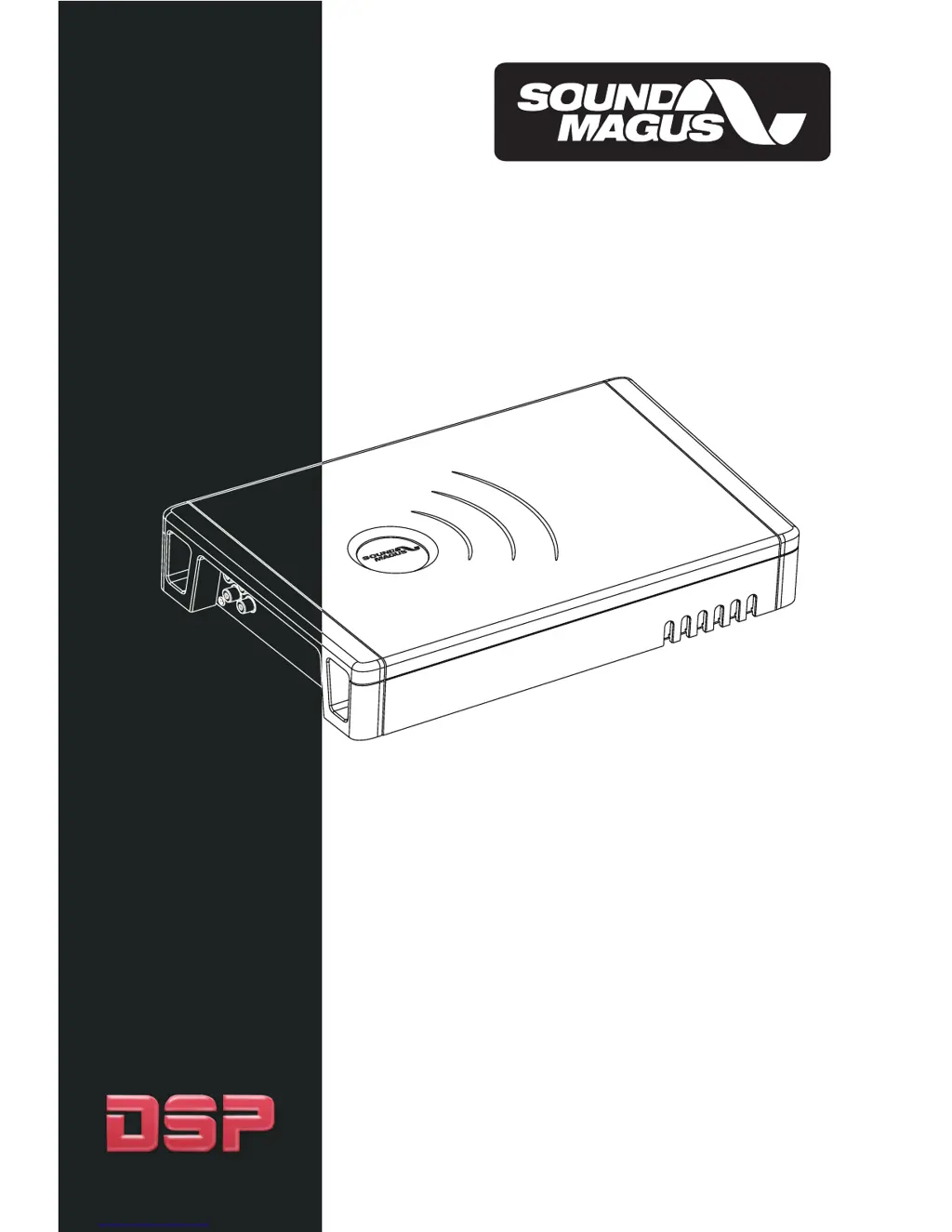
SE90.2 / SE150.2/SE90.4 / SE150.4
SE800.1 / SE1500.1/SE2000.1 / SE3500.1
DSP DIGITAL POWER AMPLIFIERS
OWNER'S MANUAL

Questions and Answers

  • M
    Melissa WalkerJul 30, 2025
    What to do if the Protection LED comes on in my Sound Magus Amplifier?
    • J
      Jessica CobbJul 30, 2025
      If the Protection LED on your Sound Magus Amplifier is illuminated, it indicates a potential issue. First, check for short circuits on the speaker leads, as this is a common cause. Also, ensure the speaker load is not beyond the minimum specified. Try removing the speaker lead and resetting the amplifier. If the LED remains on after these steps, the amplifier may be faulty and require servicing.
  • S
    Sarah FordAug 3, 2025
    How to troubleshoot a Sound Magus Amplifier that will not power up?
    • A
      Amber HensonAug 3, 2025
      If your Sound Magus Amplifier is not powering up, there are several things to check. First, ensure you have a solid ground connection. Next, verify that there is battery power at the (+) terminal. After that, inspect all fuses and replace them if necessary. Finally, confirm that the Protection LED is not illuminated, as this can prevent the amplifier from powering on.
  • M
    Melissa WestAug 8, 2025
    Why is my Sound Magus Amplifier producing distorted sound?
    • J
      Justin RobertsonAug 8, 2025
      If you are getting distorted sound from your Sound Magus Amplifier, there are a few things you should check. Make sure the input level control is set appropriately to match the signal level of your head unit, and always try to keep this level as low as possible. Verify that all crossover frequencies are correctly set. Also, check the speaker leads for any short circuits.
  • A
    April JonesAug 12, 2025
    What to do if my Sound Magus Amplifier gets very hot?
    • J
      Jennifer SantosAug 13, 2025
      If your Sound Magus Amplifier is getting very hot, ensure that the load impedance is correct for your amplifier model. Also, make sure there is adequate air circulation around the amplifier. In some cases, adding an external cooling fan may be necessary.
  • E
    Edward LoveAug 17, 2025
    What to check if my Sound Magus Amplifier has no output?
    • C
      christina12Aug 17, 2025
      If you are experiencing no output from your Sound Magus Amplifier, there are several things to check. First, ensure that the RCA audio cables are correctly plugged into the appropriate inputs. Next, inspect all speaker wiring. Finally, check both the head unit output and the amplifier level settings.
  • J
    Jessica MarksAug 21, 2025
    How to fix high hiss in speakers with a Sound Magus Amplifier?
    • M
      Maria PaulAug 21, 2025
      To address high hiss in the speakers connected to your Sound Magus Amplifier, verify that the RCA cable is not shorted to the power ground on the amplifier side. Also, check the amplifier grounding.
  • E
    Eric WangAug 26, 2025
    Why is the output low on my Sound Magus Amplifier?
    • K
      Kristy DayAug 26, 2025
      If you're experiencing low output from your Sound Magus Amplifier, try resetting the level control. Also, check the crossover control settings.

Summary

Controls & Functions

1. SPEAKERS

Connect speakers/subwoofers to terminals, checking polarity.

2. +12 Volt Power

Connect to positive battery terminal via fuse or circuit breaker.

7. Alarm Indicator

Red LED indicates a fault; disconnect and resolve before reconnecting.

8. RUN

LED indicates the amplifier is working properly.

Trouble Shooting

Specifications

Sound Magus SE90.2 Specifications

General IconGeneral
BrandSound Magus
ModelSE90.2
CategoryAmplifier
LanguageEnglish

Related product manuals