Method 1: Manually Pair with the Second Device
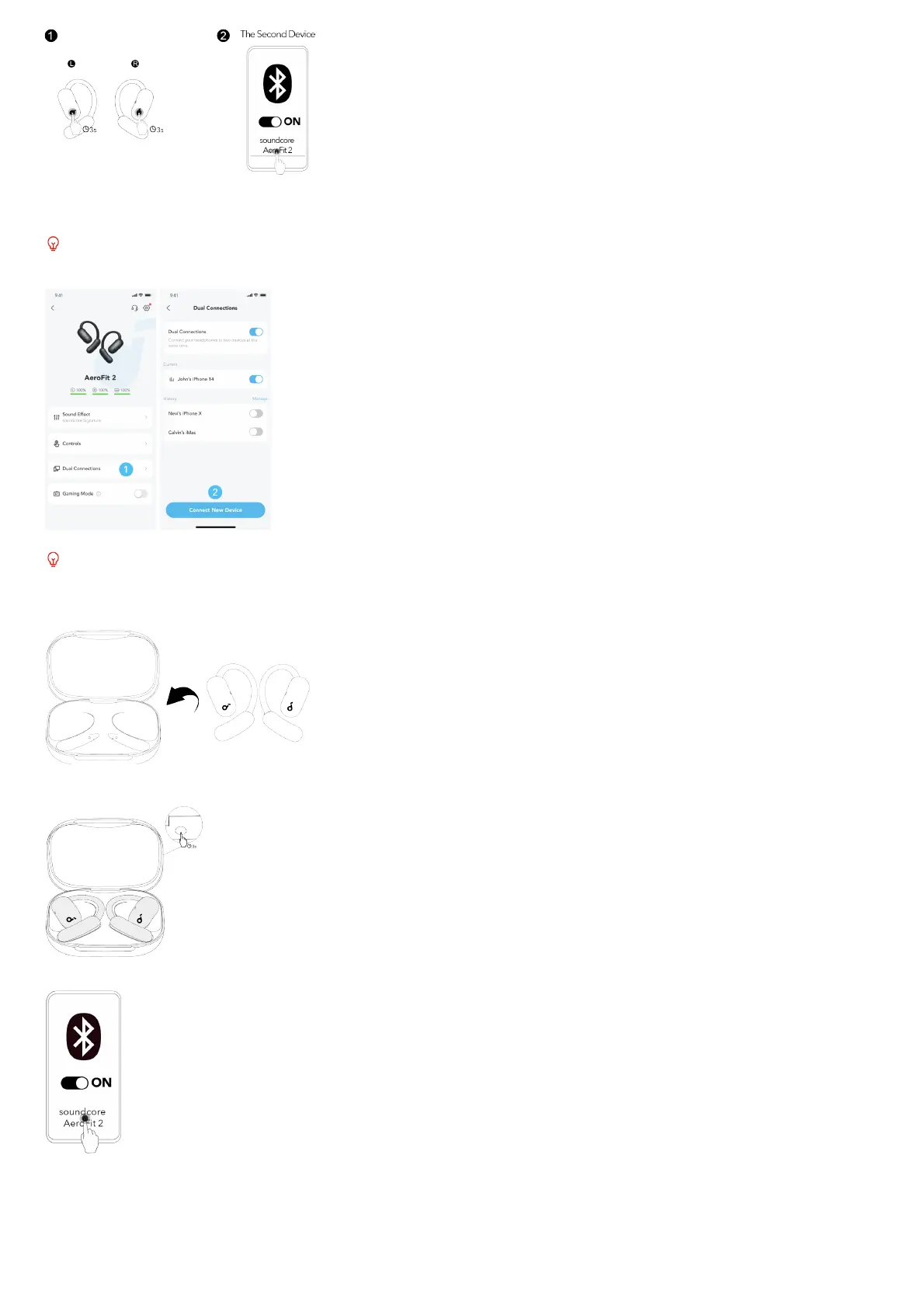
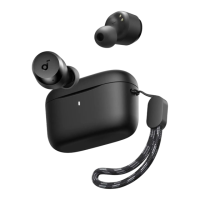
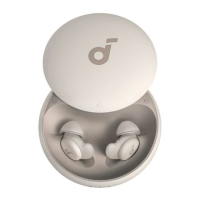
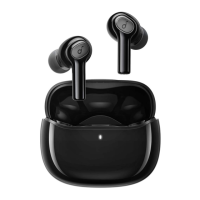
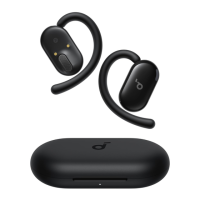
While wearing the earbuds, press and hold the touch control areas on both earbuds for 3 seconds until you hear a sound prompt for pairing mode. You can
then proceed to pair with the second device.
If your earbuds have been connected to two devices, remove at least one before pairing with a new device.
Method 2: Use the soundcore App
In the soundcore app, tap Dual Connections on the main interface, then proceed to Connect New Device.
Dual Connections feature is enabled by default.
MANUAL PAIRING
To manually enter Bluetooth pairing mode:
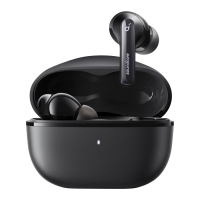
1. Return the earbuds to the charging case.
2. Leave the case open, then press and hold the charging case button for 3 seconds.
3. The earbuds will enter pairing mode. Proceed to pair with your device.
WEARING


 To Next Page