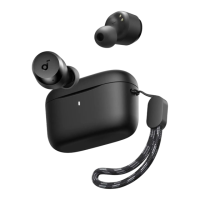
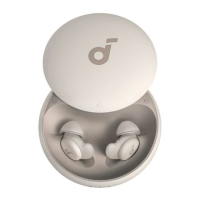
In the soundcore app, the default sound effect is "soundcore Signature", a special preset recommended by the soundcore team. We offer 22 EQ presets for
different scenarios, which you can switch based on your preferences.
Additionally, you can create your own sound profile by adjusting eight sliders on the "Custom Equalizer" page.
CONTROLS
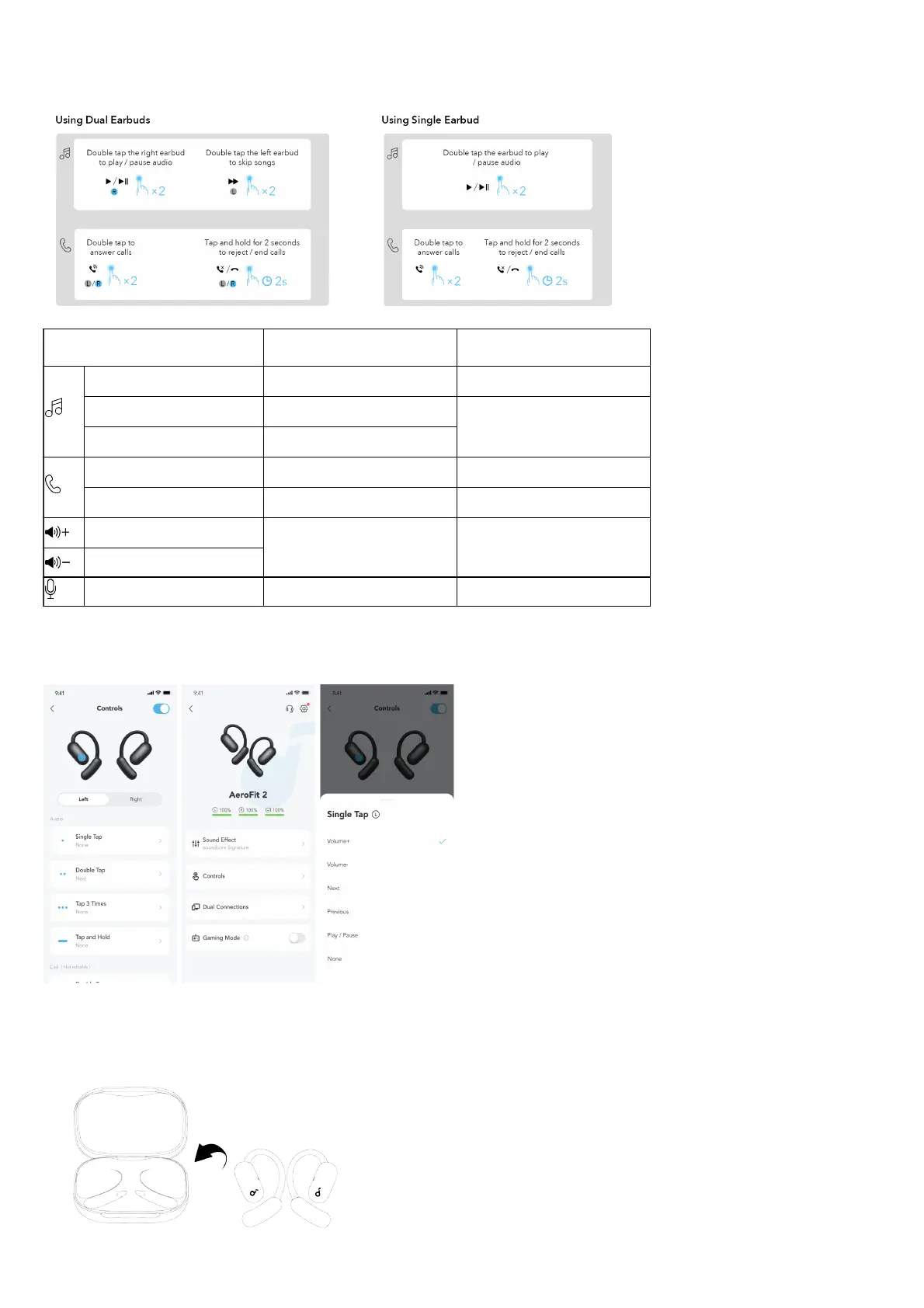
Using Dual Earbuds Using Single Earbud
Play / Pause Audio Double tap (R) Double tap
Play the Previous Track Customize in the soundcore app
/
Play the Next Track Double tap (L)
Answer a Call Double tap (L/R) Double tap
Reject a Call / End a Call Tap and hold for 2 seconds (L/R) Tap and hold for 2 seconds
Increase Volume
Customize in the soundcore app Customize in the soundcore app
Decrease Volume
Activate Voice Assistant Customize in the soundcore app Customize in the soundcore app
Customize Touch Controls on soundcore App
Note: The UI images are for illustration purposes only. Actual display contents may vary based on the software
version.
Tap Controls on the home page to personalize touch control actions for either the left or right earbud. You can adjust actions such as
increasing/decreasing volume, switching songs, playing/pausing audio, and activating the voice assistant.
CHARGING
1. Place the earbuds in the charging case and close it.
• Ensure the earbuds and the USB-C charging port are fully dry before charging.


 To Next Page