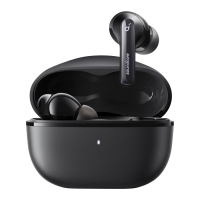
If you want to connect the earbuds to a new device in subsequent use, please follow the steps below:
1. Place the earbuds back into the charging case;
2. Press down the button on the charging case and hold for 3 seconds until the LED indicators inside the case flash three times;
3. Select "soundcore AeroFit Pro" on your new device's Bluetooth list to connect.
DUAL CONNECTIONS
1
2
3
4
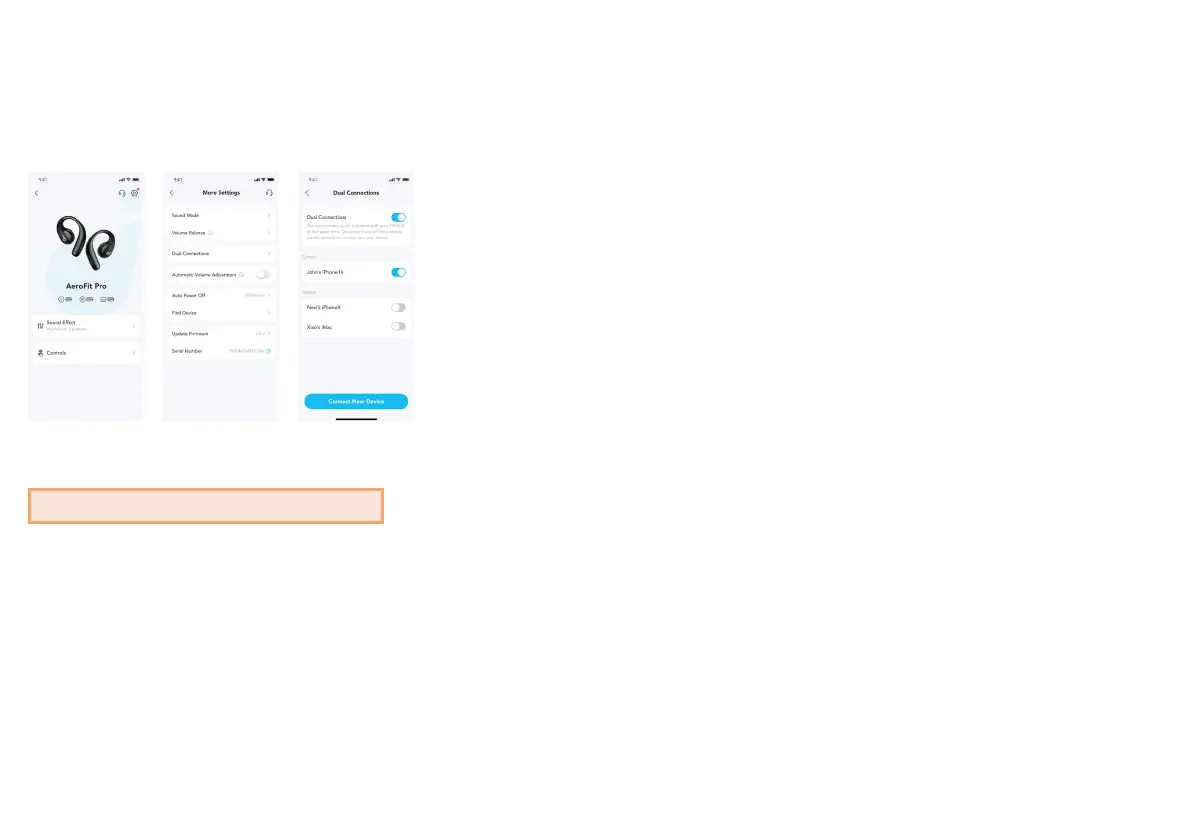
To connect the earbuds with two Bluetooth devices at the same time, open the soundcore app, go to settings and select Dual Connections > Enable Dual
Connections > Connect New Device.
*This feature is turned off by default.



 To Next Page