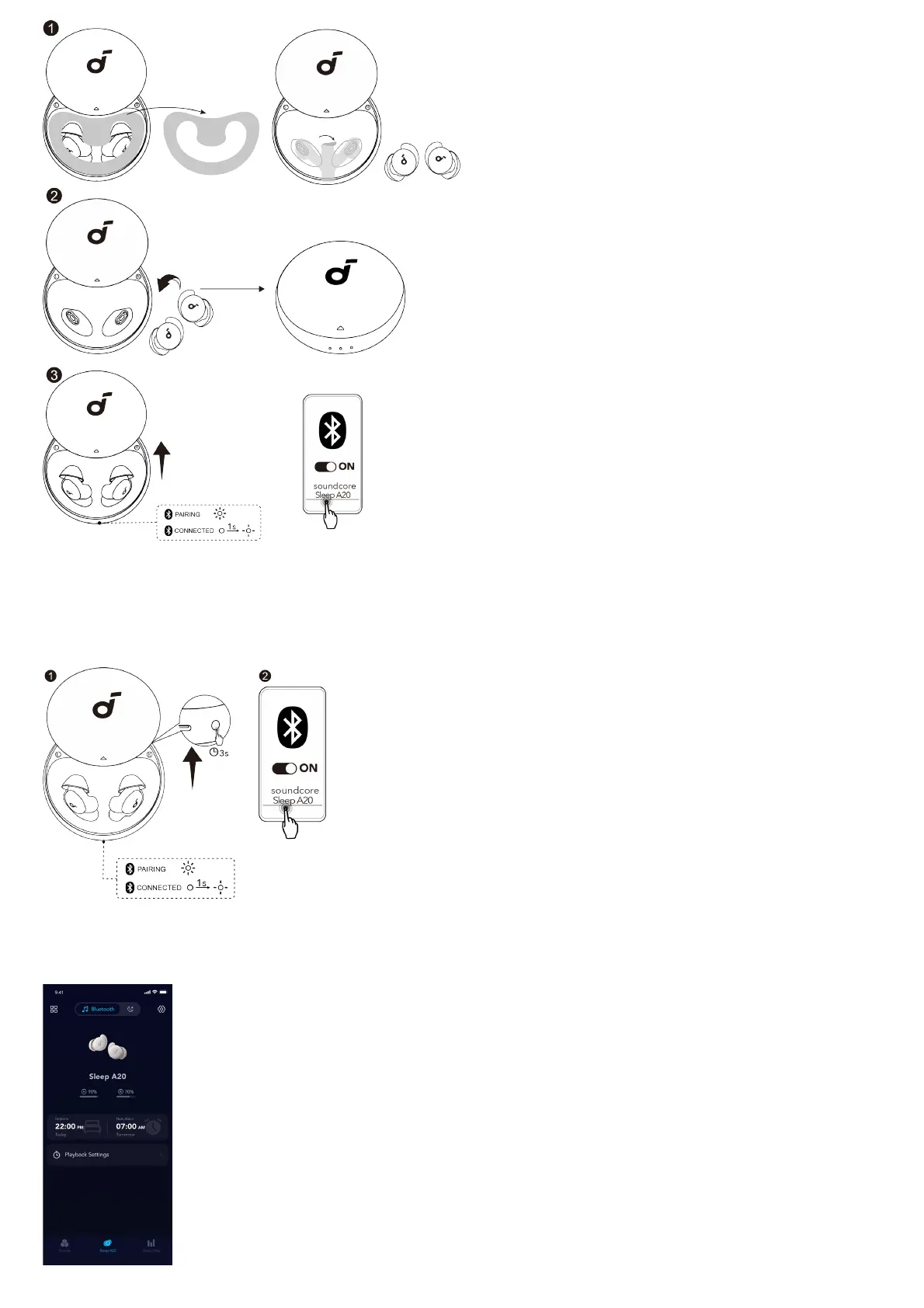
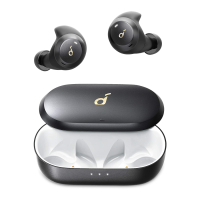
After removing the insulation stickers on the earbuds, return earbuds to the charging case, then activate Bluetooth pairing by closing and reopening the
case lid. Subsequently, the earbuds will automatically power on and enter Bluetooth pairing mode. Select "soundcore Sleep A20" on your device's
Bluetooth list to connect.
When pairing, the second LED indicator on the charging case will start flashing. After the pairing is successful, the second LED indicator will stay on for 1
second and then go off.
PAIRING WITH ANOTHER DEVICE
Place the earbuds in the charging case and leave the case open. Press and hold the button on the charging case for 3 seconds to enter pairing mode.
USING SLEEP A20 WITH APP
Selecting Listening Mode




 To Next Page