3
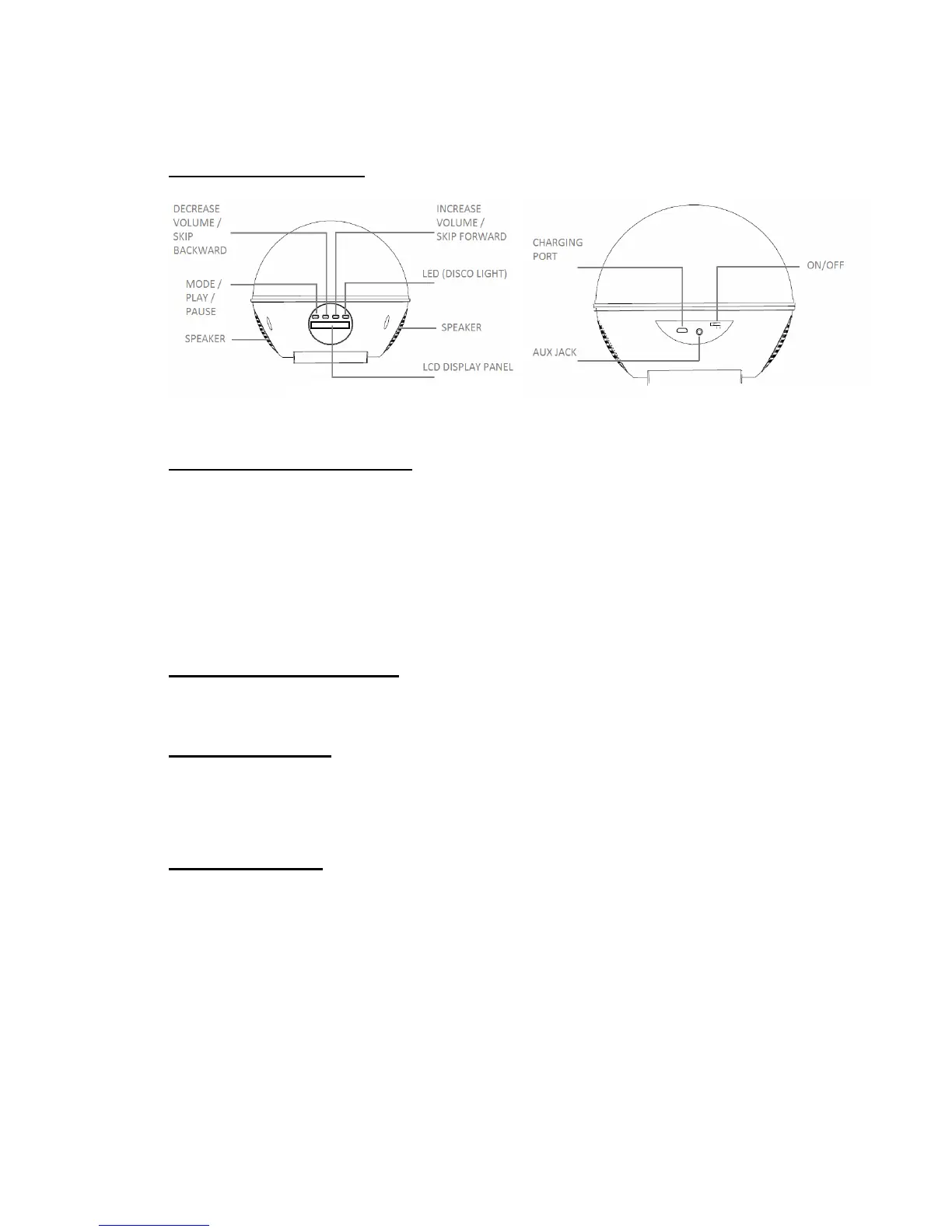
Description of Parts:
INSTRUCTIONS FOR USE
Charging the speaker
For best results, fully charge the speaker before its first use.
1. Connect the USB cord (included) to the charging port of the speaker and insert
the other end into a port on your computer or similar power source.
2. The Red LED at the back glows indicating that the battery is being charged.
Once it is fully charged, the Red LED will turn off. It will take 5 to 6 hours to fully
charge the battery.
Note: In order to have better battery life, please do not charge for over 8 hours.
Turn On/Off the Speaker
1. To Turn “ON” slide the “POWER ON/OFF” switch to the ON Position.
2. To Turn “OFF” slide the “POWER ON/OFF” switch to the OFF Position.
Setting the Clock
1. Turn ON the speaker.
2. Press Mode button once to adjust the clock. Press V+ / V- to adjust the clock and
press Mode button once to confirm the clock settings. The steps are Hour –
Minute – Exit.
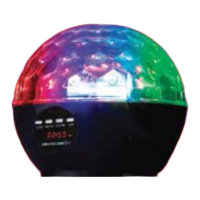
LED Disco Light
1. By default, the LED Lights turn On, once you’ve turned` On the speaker. If you
wish to Turn off the LED lights, long-press the LED button until you see “LOFF”
on the LCD Display Panel.
2. To turn On the LED Lights On, long-press the LED button until you see “LON” on
the LCD Display Panel.
3. To change the Disco Light Pattern, turn on the LED Lights. Short press each time
the LED button and select the desired pattern.
Front View
Rear View


 To Next Page