To Next Page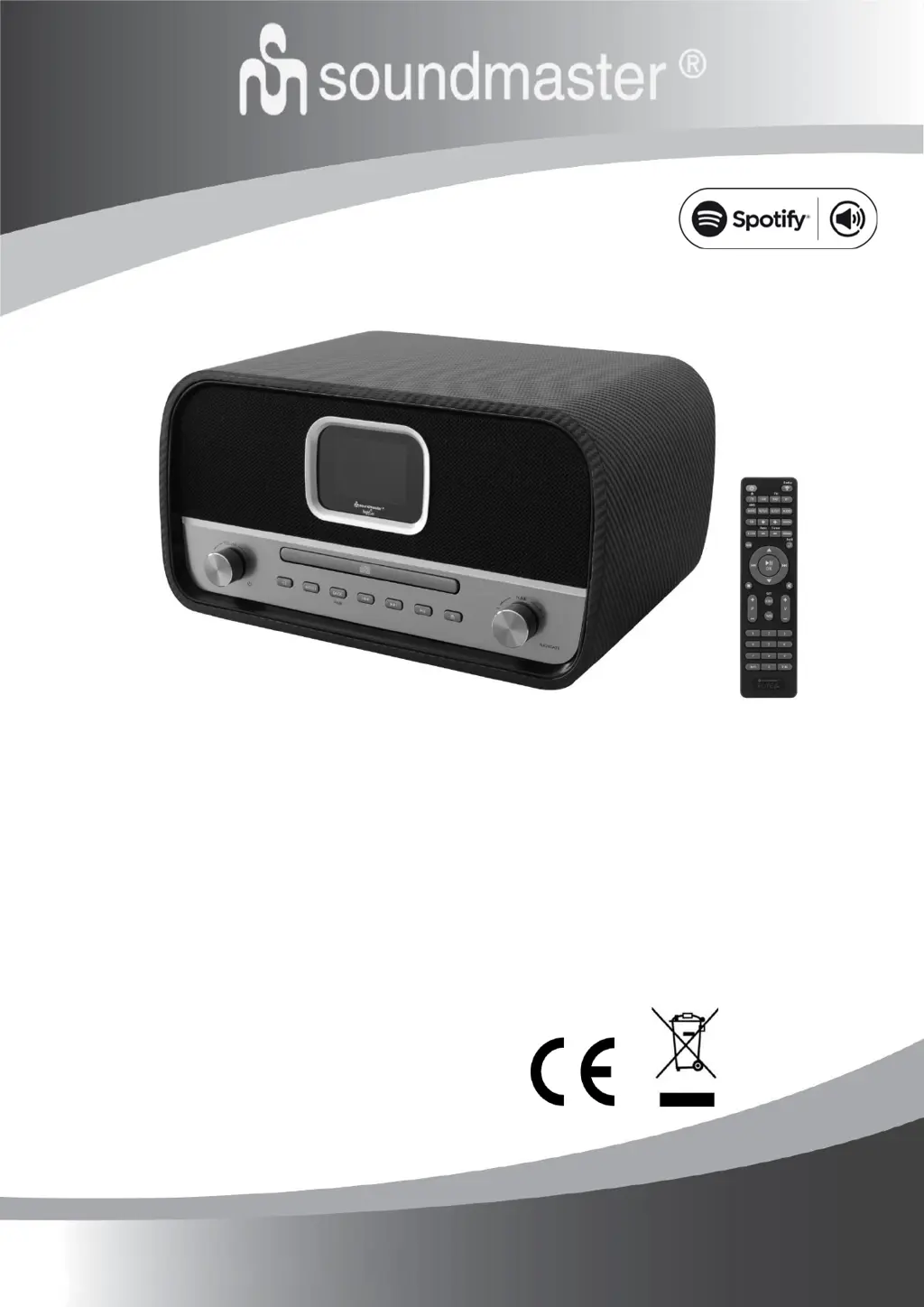
D
David RosarioAug 31, 2025
How to fix hiss in FM mode on SOUNDMASTER Stereo System?
- LLisa NixonAug 31, 2025
To address hiss in FM mode on your SOUNDMASTER Stereo System, try adjusting or moving the FM antenna, or reposition the radio itself.

How to fix hiss in FM mode on SOUNDMASTER Stereo System?
To address hiss in FM mode on your SOUNDMASTER Stereo System, try adjusting or moving the FM antenna, or reposition the radio itself.
What to do if SOUNDMASTER ICD3030 Stereo System USB driver or MP3 player is not detected?
If your SOUNDMASTER Stereo System isn't detecting the USB driver or MP3 player: 1. Check if the USB driver or MP3 player is properly plugged in. 2. If using a USB hard disk, ensure it has an external power supply connected. 3. If the MP3 player is not recognized, try using a USB drive instead.
Why does SOUNDMASTER ICD3030 Stereo System switch off automatically?
Your SOUNDMASTER Stereo System switches to standby mode automatically after 15 minutes of no music being played due to ErP2 requirements and environmental protection.
How to fix SOUNDMASTER ICD3030 when wired connection cannot be established?
If your SOUNDMASTER Stereo System can't establish a wired connection, check the availability of the LAN network on the access point. Try reconnecting or replacing the LAN cable.
What to do if SOUNDMASTER ICD3030 alarm does not work?
If the alarm on your SOUNDMASTER Stereo System isn't working: 1. Ensure the alarm is switched on. 2. Check the volume settings. 3. If the alarm source is set to a station, ensure there is a network connection; otherwise, change the alarm source or reconfigure the connection.
How to fix SOUNDMASTER Stereo System when no network connection can be established?
If your SOUNDMASTER Stereo System can't establish a network connection, check the LAN cable or the WLAN function. Try setting an IP address on the device. Activate the DHCP function on the router and try connecting again. Ensure that a firewall isn't blocking access; if so, configure the firewall to allow access. Reboot the router.
What to do if SOUNDMASTER ICD3030 Stereo System does not switch on?
If your SOUNDMASTER Stereo System doesn't switch on, check that the power adapter is connected properly.
How to fix SOUNDMASTER ICD3030 Stereo System when WiFi connection cannot be established?
If you're having trouble establishing a WiFi connection with your SOUNDMASTER Stereo System, verify that the WLAN network is available on your router. Try moving the device closer to the router. Also, double-check that you've entered the correct password.
 General
| Brand | Soundmaster |
|---|---|
| Model | ICD3030 |
| Category | Stereo System |
| DAB+ | Yes |
| FM Radio | Yes |
| CD player | Yes |
| USB port | Yes |
| Headphone Jack | Yes |
| Remote Control | Yes |
| Playback Media | CD, USB |
| Supported formats | MP3 |
| Input Voltage | 230 V |