MCD1820 / English Instruction Manual
2
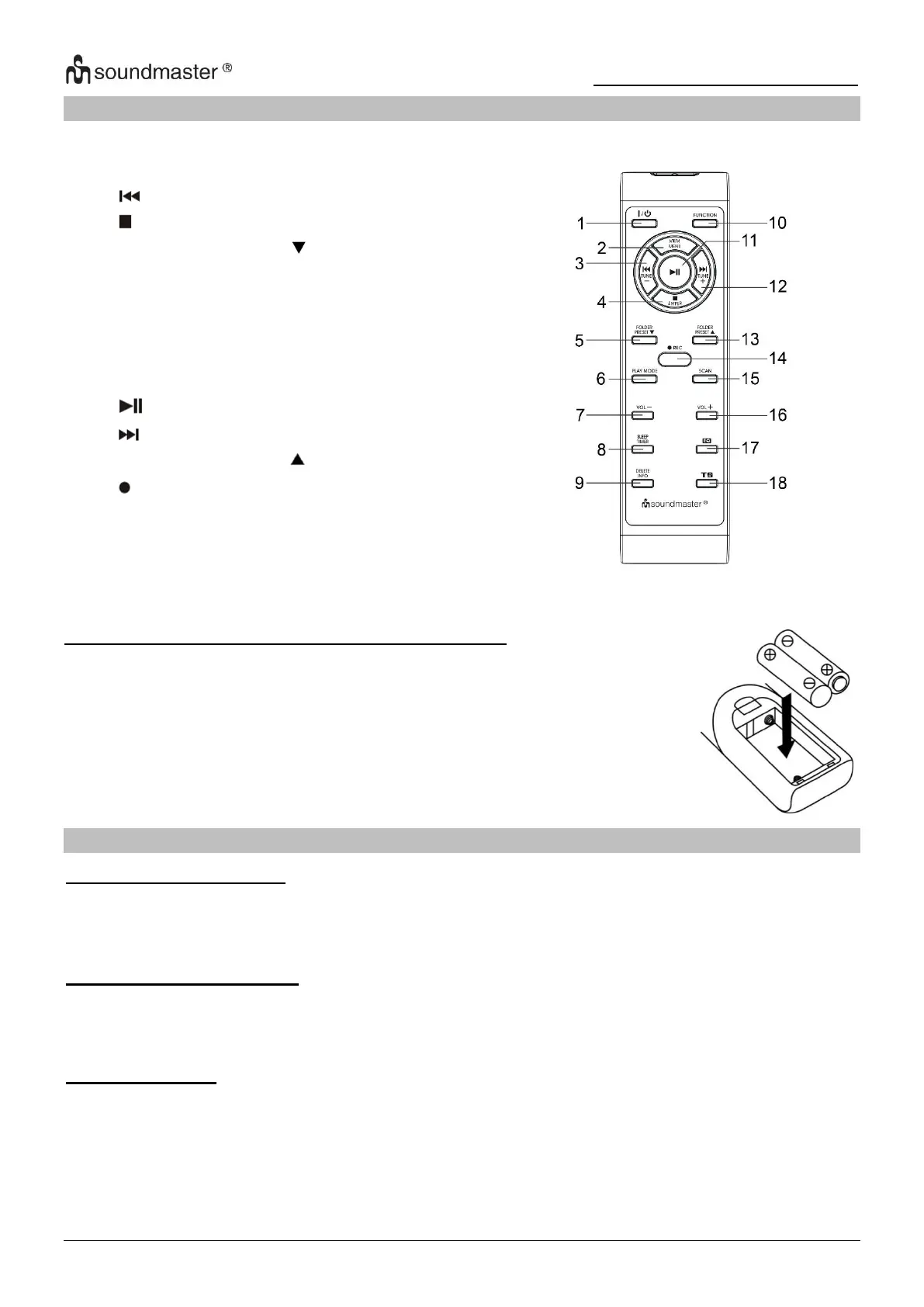
REMOTE CONTROL
BATTERY INSTALLATION OF REMOTE CONTROL
The battery compartment is located on the back of the remote control.
1. Remove the battery compartment door by pressing in on the tab and
lifting it off.
2. Insert two AAA size batteries (not included) into the battery
compartment following the polarity markings inside the battery
compartment.
3. Replace the battery compartment door.
INSTALLATION
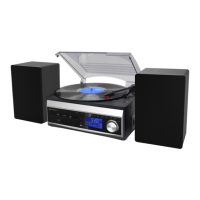
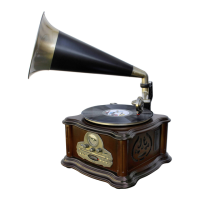
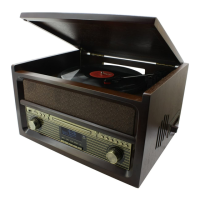
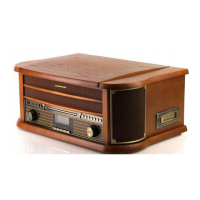
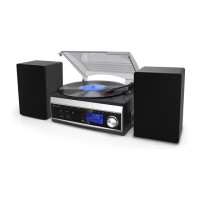
CONTENT OF DELIVERY
ANTENNA INSTALLATION
Attach the included Antenna to the FM/DAB antenna socket at the back side of the unit. Should
you have an external aerial you can connect this as an alternative!
POWER SUPPLY
➢ Before connecting the device, make sure that your mains voltage corresponds to the
information on the rating label. Make all other connections before connecting to the mains.
➢ Do not cover the ventilation openings and leave enough space around for ventilation.
Connect the power cord to AC outlet and connect the speaker jack to the speaker socket
located on the rear side of unit.









 To Next Page