EN - 4
CD
OPERATION
1) Set the FUNCTION Knob(14) to CD position. Open the CD Compartment(12) by pressing t
he
OPEN/CLOSE Button(11). Put a CD into the compartment and close the CD doo
r.
2)
Focus search is performed if disc is inside.Total no.of tracks is read.
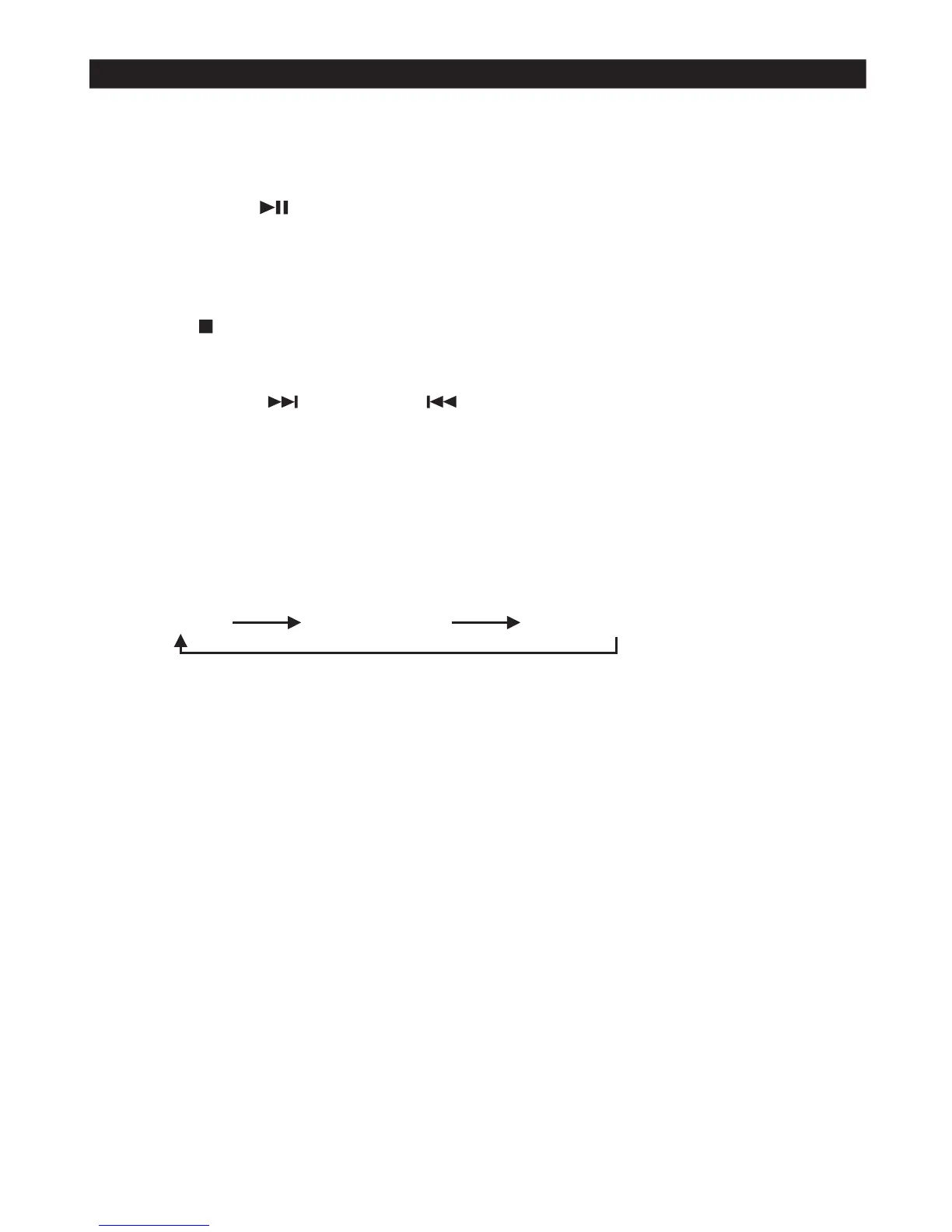
PLAY/PAUSE MO
DE
1) If PLAY/PAUSE Knob(5) is pressed during STOP mode, the first track will be played and “01” wil
l
appear on displa
y.
2) If PLAY/PAUSE Knob(5) is pressed during PLAY mode, it will go into PAUSE mode, The track no
.
will be flashing. Press PLAY/PAUSE again, the CD playing will resum
e.
STOP MO
DE
1) If STOP Knob(10) is pressed during PLAY or PAUSE mode, it will go into STOP mode and disl
ay
will show total number of track
s.
CD PROGRAMMI
NG
Up to 20 tracks can be programmed for disc play on any order. Before use, be sure to press the STO
P
Knob(10
).
1) Set in CD mode(14).
2) Press the PROGRAM Knob(4), “00” will be flashing on display.
3) Select a desired track by pressing SKIP UP Knob(9) or SKIP DOWN Knob(8), then press PROGRAM
Knob(4) again to confirm that track is selected.
4) Repeat step “3” to select more tracks.
5) When all the desired tracks have programmed. Press PLAY/PAUSE Knob to play the disc in the order
to play the program play.
6) Press STOP Knob(10) to terminal program play.
SKIP MODE (SKIP U
P / SKIP DOWN )
1) During PLAY or PAUSE mode, if SKIP UP Knob(9) is pressed, it will go to next track and displ
ay
the track no. and then continue the PLAY or PAUSE mode.
2) During PLAY or PAUSE mode, if SKIP DOWN Knob(8) is pressed, it will go back to the beginni
ng
of the current track, the track no. is displayed and continue to play or remain at PAUSE mode.
3)
After step “2”, press SKIP DOWN Knob(8) again will go to the previous track and continue to PLAY
or PAUSE mode from that track
.
REPEAT MOD
E
1) Press the REPEAT Knob(3) before or during play, a single track of all the tracks can be repeate
d.
Each press switches the REPEAT mo
de
(1) REPEAT
1 (2) REPEAT ALL (3) REPEAT OFF
For REPEAT 1 mode, a dot will be flashing on displ
ay
For REPEAT ALL mode, a dot will keep on lighti
ng
For REPEAT OFF mode, the lighting dot will disappea
r














 To Next Page