UR2170 / English Instruction Manual
4
Setup Device
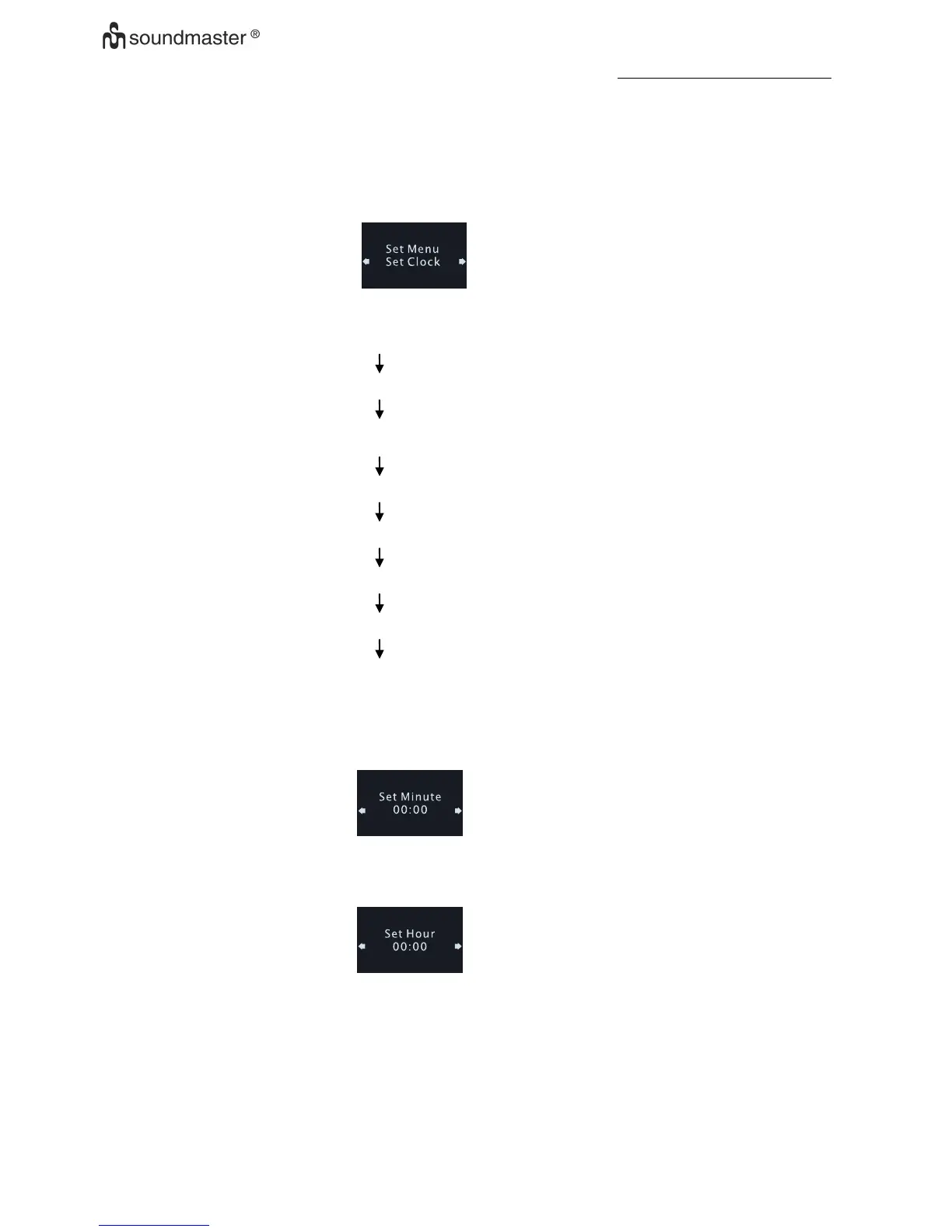
When Auto-Run Mode, Press <INFO> once will entry to setting mode, the LCD display should be show as
below:
Use <UP> or <DOWN> go to different mode sequentially as below
Device running as auto-run
Set Clock
Set the Calendar
Set the SDA
Set 12/24 hour
Set Alarm
Auto Dimmer
Factory Reset
Set the clock
• Press <UP> or <DOWN> to select 'Set Clock' when set menu mode
• Press <enter> to enter Set Clock and display will show as below
• Press <UP> or <DOWN> to set value of minutes.
• Press <enter> to Confirm minute Set and enter set hour mode, display show as below
• Press <UP> or <DOWN> to set value of hours.
• Press <Enter> to Confirm hour value and return to set menu











 To Next Page