UR2170 / English Instruction Manual
12
4. Press “Repeat/Enter” to select play back mode as “rep one”, “rep all” or “random”
5. Press and hold “UP | FF” to fast speed forward, press once to next track
6. Press and hold “Down | RW” to Fast speed rewind, press once back to previously
track.
7. Press folder <UP> or <DOWN> to select folder for first of program list.
8. Let device play under Pre-Program selected music (Pre-Program play)
a. Press <MEM> once to program mode when stop mode.
b. Press <UP> or <DOWN> to select tack for first of program list.
c. Press <MEM> again to select tack for next. Up to 64
d. Press <play> to confirm the setting and play.
e. Press <stop> twice to cancel program play
Listen music from a USB
Press <Power>key to turn device on , press <Func> select work mode to USB work mode,
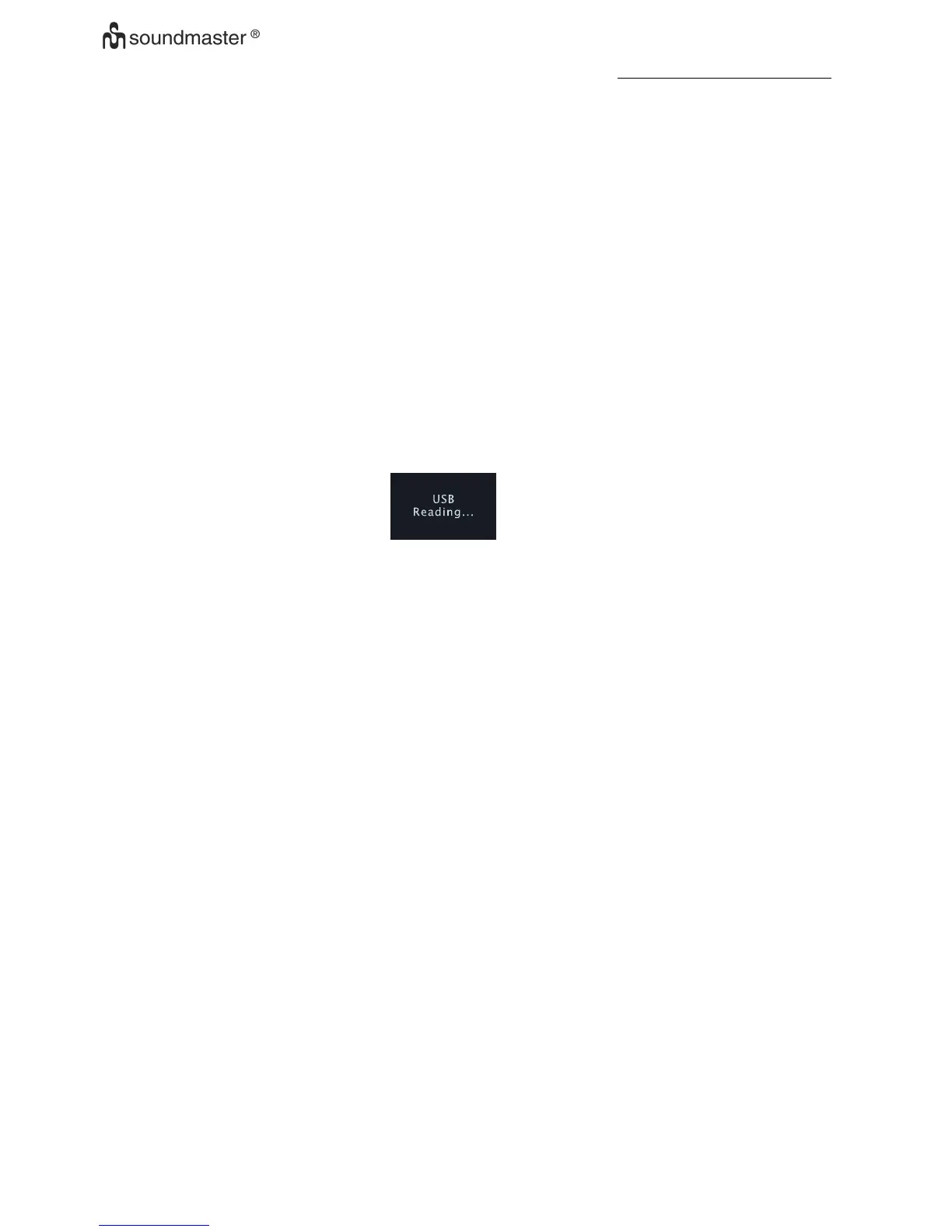
Display should be show as below:
a. Insert USB-Disk into UBS jack, device will reading.
1. The device seek complete, device will play from beginning of play list if not any
key press.
2. Press “Play|pause” to play or Pause under music play back
3. Press “Enter” to select play back mode as Rep one ,rep all, rep fol,random
4. Press and hold “UP | FF” to fast speed forward, press once to next track
5. Press and hold “Down | RW” to Fast speed rewind, press once back to
previously track.
b. Program play
1. Press <MEM> once to program mode when stop mode.
2. Press <UP> or <DOWN> to select tack for first of program list.
3. Press folder <UP> or <DOWN> to select folder for first of program list.
4. Press <MEM> again to select tack for next. Up to 64
5. Press <Play> to confirm the setting and play.
6. Press <Stop> twice to cancel program play
Electronic Volume Control
1. Press <VOL+ > once, to increase speaker volume by one step. Hold for continually.
2. Press <VOL-> once, to decrease speaker volume by one step. Hold for continually.
3. Adjust Volume control sound output to a comfortable level , don’t make it too loud











 To Next Page