13) MIC/LINE INPUTS AND CONTROLS
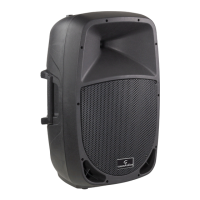
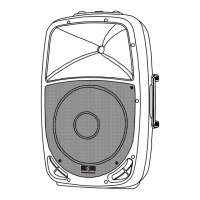
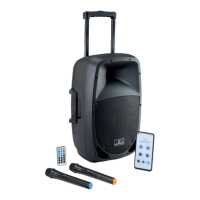
HYPER PLAY 6AMW has 2 Mic/Line Inputs and in this panel section it is possible to
control their level using the appropriate knobs and select the input type
The inputs accept balanced XLR or balanced/unbalanced 1/4” Jack plugs with Mic or
Line level signals. There is no phantom power so, in case of microphones, please be ad-
vised the you can use all kind of dynamic microphones, or use condenser microphones
with their own battery power.
14) Battery CHARGE And Level Status
When you connect the adapter, you can check battery charge (even without switching
the unit on) basing on how many of the four LEDs are on. When charge level is below
25%, the red LED ashes and indicates that you need to re-charge the battery as soon
as possible. For further details battery and charge function, please refer to “6. RE-
CHARGEABLE BATTERY” on page 14.
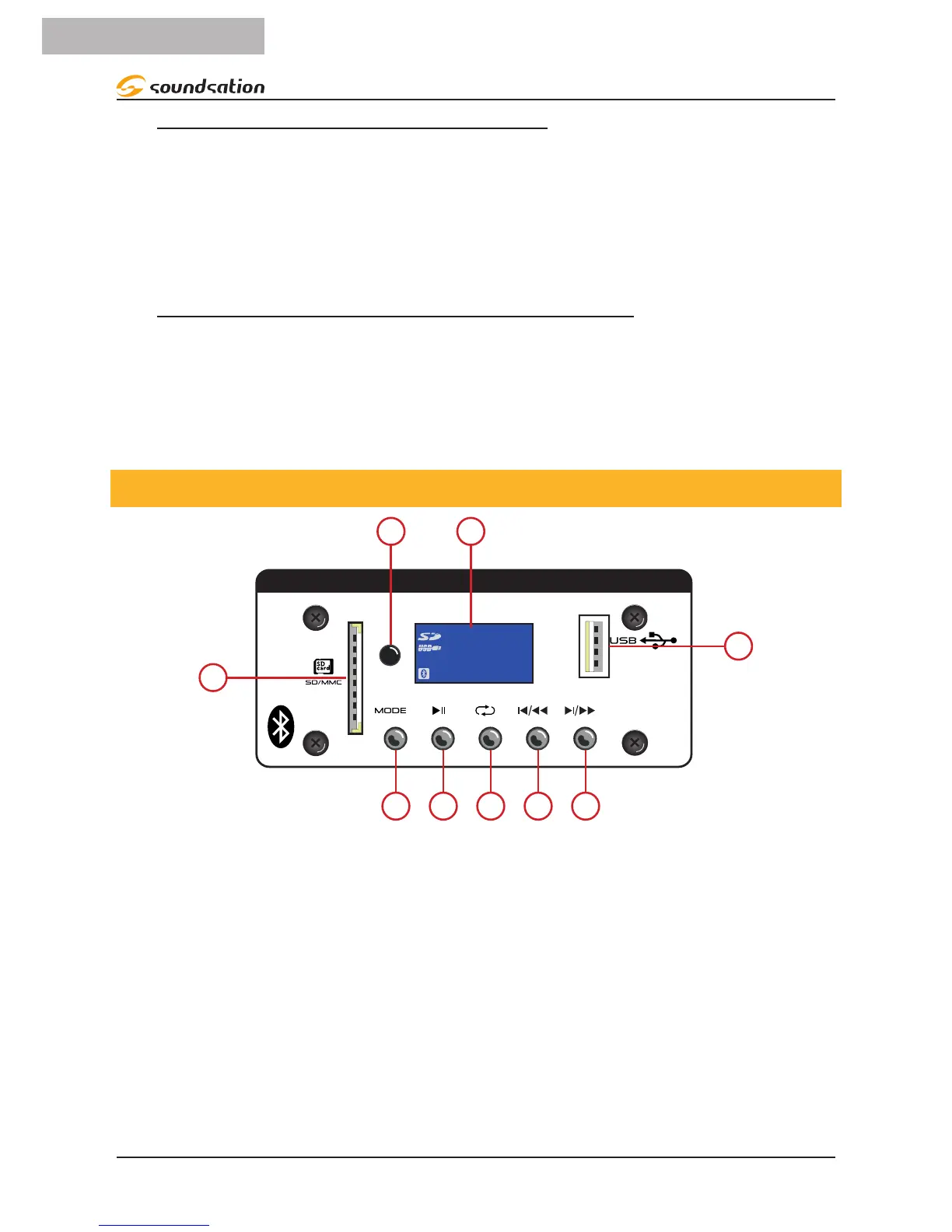
4.2. Digital Media Player Control Panel
DIGITAL MEDIA PLAYER
00:00
MHz
REP
FM
1
2
5 6 7 8 9
3
4
HYPER PLAY 6AMW feature a multimedia player that allows you to use this speaker even
without audio sources or cables: just connect your smartphone or tablet via Bluetooth™
and that’s it. There is also a slot for SD-Cards and a USB plug to connect your devices.
The reader accepts audio streaming in any format via Bluetooth™. In the case of SD-
Cards and USB devices, it plays audio les in MP3 (up to 320kbps) and WAV (44.1kHz
- 16bit).
1. USB Type-A plug: lets you to read USB drives in MS-DOS
®
format
2. LCD display
3. Remote control sensor: allows the speaker to be controlled by the supplied remote
control. Fur details see “4.5. Remote Control” on page 12.


 To Next Page