2) ON/OFF SWITCH:
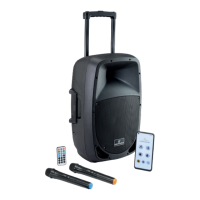
It has 3 positions: when it’s all down, transmitter is OFF. When it is in central position
(MUTE), the transmitter is on but audio is disabled; nally, when it’s all up (ON), the
transmitter is working and the audio is active.
NOTE: Standby central position allows the unit to transmit without audio.
This option is important to prevent interference in the receiver due to the
absence of a radio transmitting signal. It is, therefore, suggested to ALWAYS
use this MUTE position when you temporarily don’t sing or play but the
wireless microphone is connected to an audio system (e.g. during a pause in
a show). You can move the switch to OFF position (all down) only when you
are sure that the sound system volume is.
3) Battery Compartment
Batteries are housed inside the transmitter. Use 2x 1.5V AA type batteries (not includ-
ed), paying attention to their polarity.
For battery replacement follow the instructions below:
f Remove the battery compartment cover by unscrewing it.
f Insert or replace the batteries in the compartment, observing the +/- polarity marked
inside.
f Replace the battery compartment cover by screwing it.
4) LED:
This LED lights up briey when you turn on the microphone. Under normal operat-
ing conditions (switch 3 in MUTE or ON position) and batteries in normal conditions,
this LED does not light. It is ON when batteries charge level is low and they must be
replaced.
6. RECHARGEABLE BATTERY
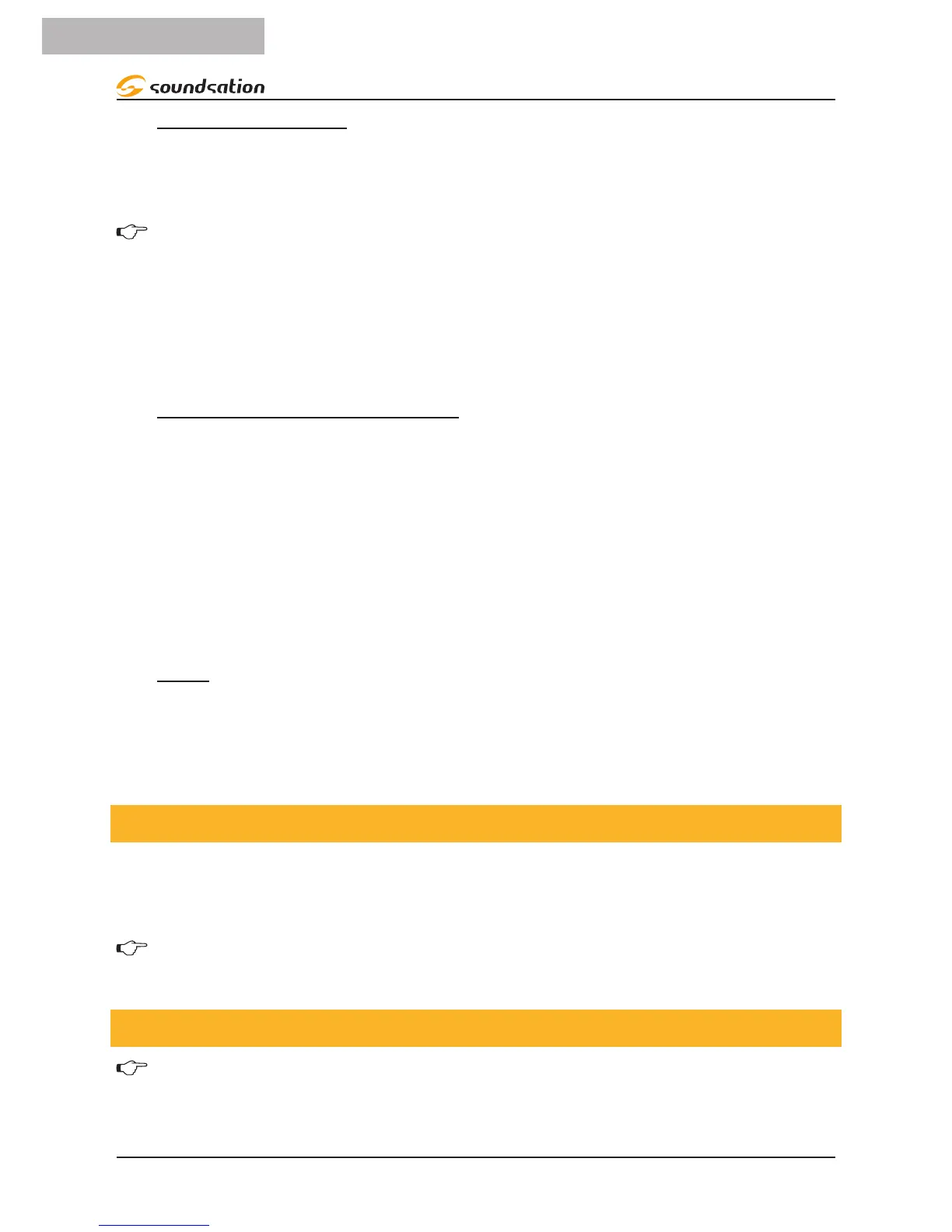
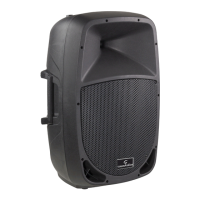
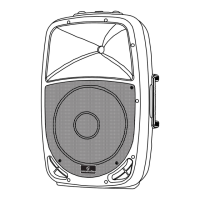
This PA system works with both AC or battery power. It feature 12V-2600mAH lead re-
chargeable batteries, housed inside the unit and accessible through the rear panel unit.
Please see below how to open the speaker and access the battery.
Note: If you power the unit with the external cable for an extended period,
you should remove the battery for longer life.
6.1. Battery Replacement
WARNING: This operation must be done by professional personnel. Please
contact you local dealer or contact SOUNDSATION after-sales service.
To remove or replace the battery, follow the instructions below:


 To Next Page