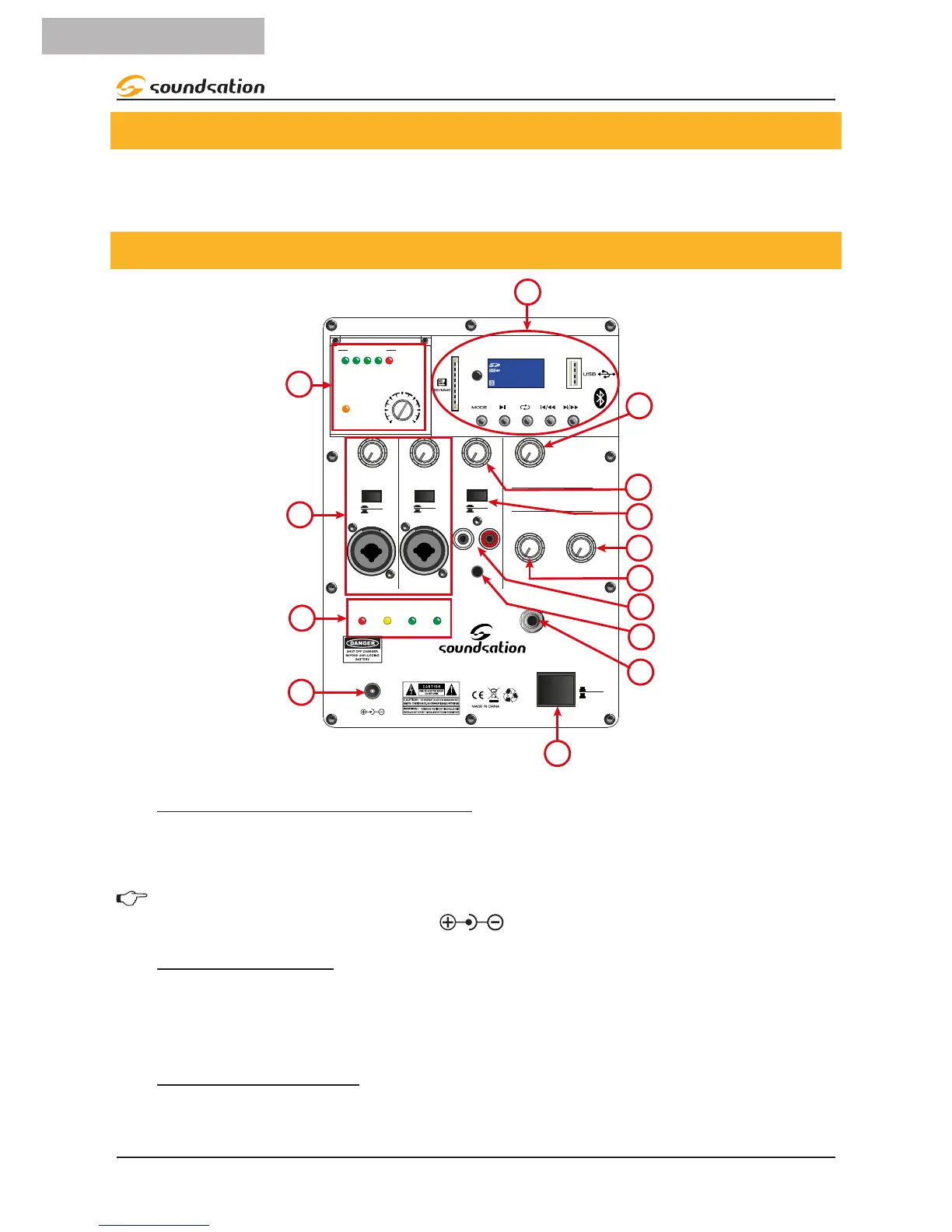
4. REAR PANEL FUNCTIONS
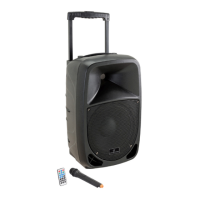
HYPER PLAY 6AMW active loudspeaker have several connectors, controls, and indica-
tors the use of which you should understand their use.
4.1. Mixer Controls
MIC IN
LINE
MIC IN
LINE
MP3
LINE
MASTER
HYPER PLAY 6AMW
+19V DC IN
00:00
MHz
REP
FM
DIGITAL MEDIA PLAYER
OFF 15
RF
AF LEVEL
POWER-VOL
UHF WiRELESS RECEIVER
25% 50% 75% 100%
LEVEL LEVEL LEVEL
BATTERY STATUS
TREBLE
BASS
CH 1
POWER
CH 2
CH 3
OFF
ON
100 100 100 100
100 100
RL
MIX OUT
1
2
6
3
7
8
11
-30 -20 -10 0 3dBu
12
5
10
9
13
4
14
1) AC ADAPTER Connection
Connect the device to the supplied power adapter, and then to a mains outlet. Be sure
that mains voltage correspond to the adapter input voltage (within 110-240VAC).
NOTE: Should you need to replace or lose this adapter, be sure that the new
one’s output is +19V DC, 3.42A, (with internal positive)
2) POWER Switch
Press this switch to turn the speaker ON/OFF. When the speaker is ON the switch is in
low position otherwise it is in high position to indicate that the System is OFF. Make
sure MASTER LEVEL control is down before you turn it ON.
3) MIX OUT SOCKET
It is a MONO Output with unbalanced line-level signal. It contains the mix of all inputs
and all controls. It can be used for recording purposes or simply to connect the HYPER


 To Next Page