12
Operation cont.
Insulation type and thickness, and distance from the voltage
source and other factors may effect operation. It is always best to use other
methods to verify live voltage if there is any uncertainty.
NOTE:
The detector is designed with high sensitivity. Static electricity
or other sources of energy may randomly trip the sensor. This is normal
operation.
NOTE:
Battery Replacement
1. Remove the two Phillips screws.
2. Open the battery compartment.
3. Replace battery with one
9-volt battery.
4. Re-assemble the meter.
To avoid electric shock, disconnect the test leads
from any source of voltage before removing the battery cover.
DO NOT operate this meter until the battery cover has been properly secured.
WARNINGS:
To avoid electric shock, do not operate your meter
until the battery and fuse covers are in place and fastened securely.
WARNING:
TO AVOID
ELECTRICAL SHOCK,
REMOVE TEST LEADS
BEFORE OPENING CASE
OR BATTERY DOOR.
9V BATTERY
11
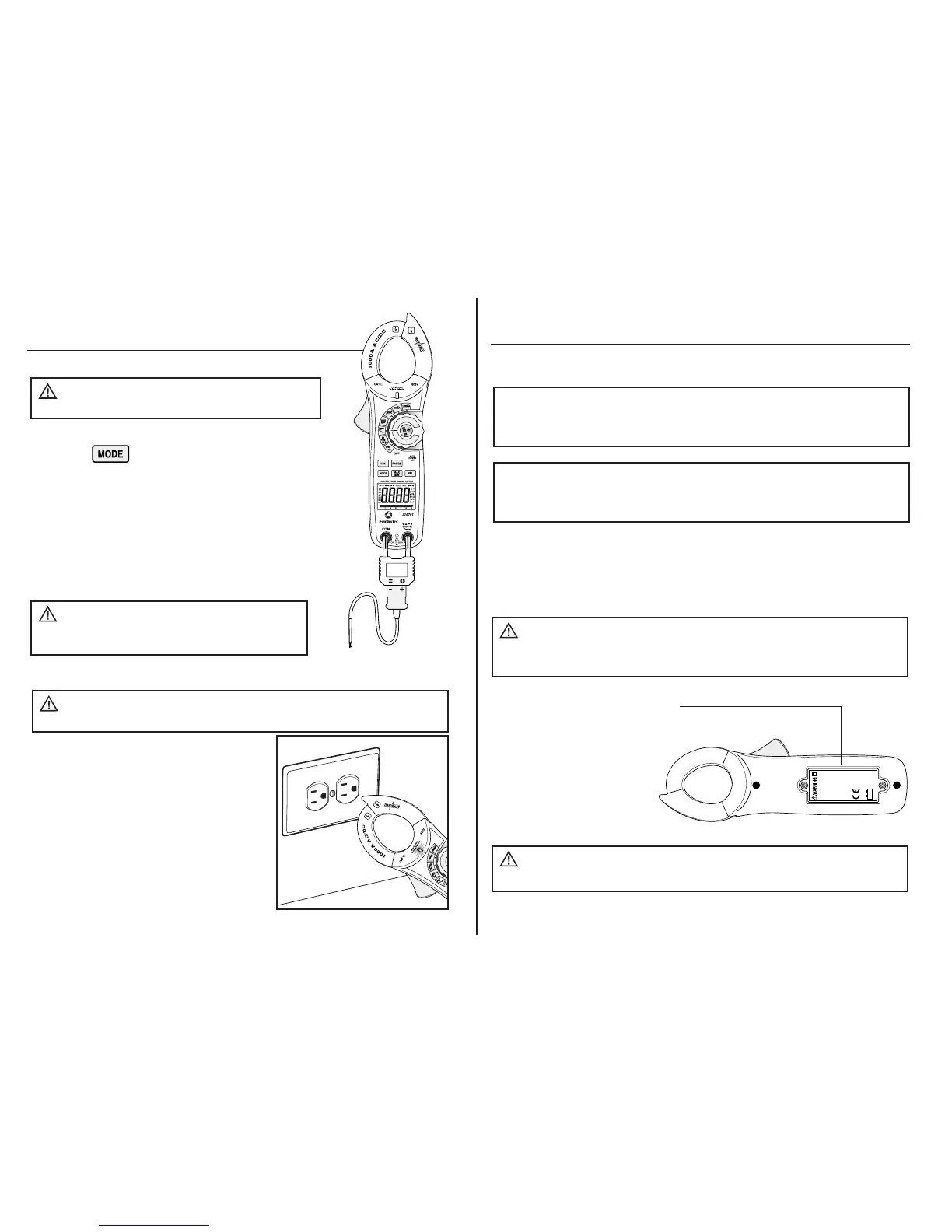
Temperature Measurements
Operation cont.
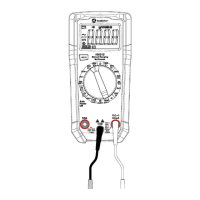
1. Set the rotary function switch to the Temp
0
F,
0
C position.
2. Push the to select readings in °F or °C.
3. Connect the Temperature Probe to the Banana Plug
Adapter. Insert the adapter into the negative COM
and the positive Temp input jacks, making sure to
observe the correct polarity.
4. Touch the tip of the Temperature Probe to the part you
wish to measure. Keep the probe touching the part
under test until the reading stabilizes (about 30 secs).
5. Read the temperature on the LCD display.
To avoid electric shock,
remove the temperature probe before changing to
another measurement function.
WARNING:
To avoid electric shock, do not
let the temperature probe contact live circuits.
WARNING:
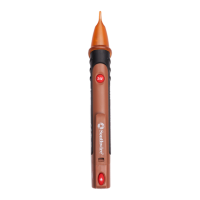
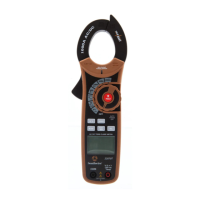
1. Non-contact voltage operates when the
rotary function switch is in any position
except OFF.
2. Slowly move the detector probe closer to
the conductor being tested.
3. If AC voltage is within the specified range
is present, the detector light will illuminate.
Non-Contact AC Voltage Detector (100 to 600V AC)
Risk of Electrocution. Before use, always
test the Voltage Detector on a known live circuit to verify proper operation.
WARNING:
Non-Contact AC Voltage Detector cont.


 To Next Page