B622-335 LTE CPE
Product Description
2 Technical Specifications
Copyright © SOYEA TECHNOLOGY CO.,
LTD.
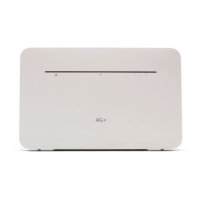
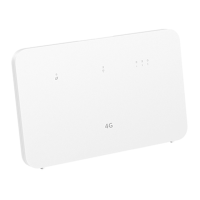
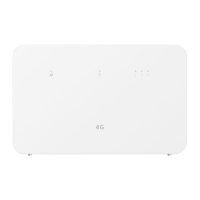
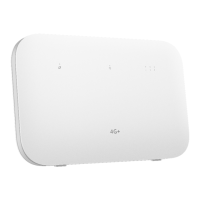
One Internet status indicator
White: Connected to the Internet.
Red: No SIM card is inserted or detected, or the SIM card has
insufficient balance.
One Wi-Fi indicator
On: Wi-Fi is enabled.
Flash slowly: A pairable HiLink device is detected.
Flash quickly: HiLink pairing is in progress/WPS connection is in
progress.
Off: Wi-Fi is disabled.
The indicator starts to flash slowly only when B622-335 detects a
new HiLink device.
One group of signal strength indicators
Signal reception available (more indicators mean better reception).
One Power ON/OFF switch
One WPS button
The Wi-Fi indicator flashes slowly when the router detects a
HiLink device. Press the WPS button to connect the HiLink
device to the router's Wi-Fi.
When the Wi-Fi indicator is steady on, press the WPS button to
enable WPS.
One Reset button
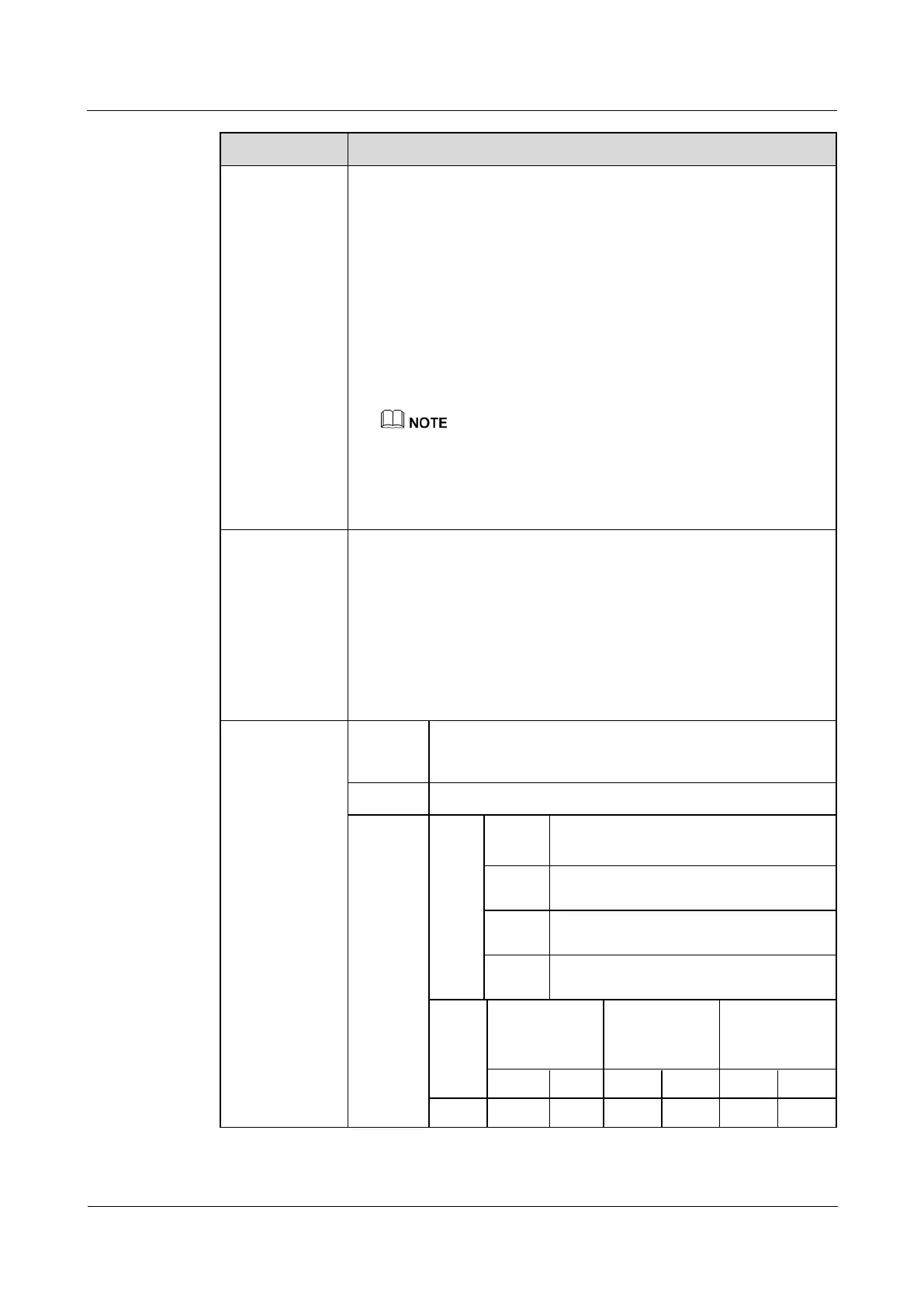
B1/B3/B7/B38/B40/B42/B43: 23dBm±1.2 dB
B8/B20/B41: 23.5dBm±1.2 dB
Ant0/Ant1: 14 /15 dBm(±2dB)
Ant0/Ant1: 16 /17 dBm(±2dB)
Ant0/Ant1: 16 /17 dBm(±2dB)
Ant0/Ant1: 16 /17 dBm(±2dB)
5G LF(±2 dB)
*Some edge band
power is reduced
5G MF(±2 dB)
*Some edge band
power is reduced
5G HF(±2 dB)
*Some edge band
power is reduced


 To Next Page