BASIC OPERATION
16
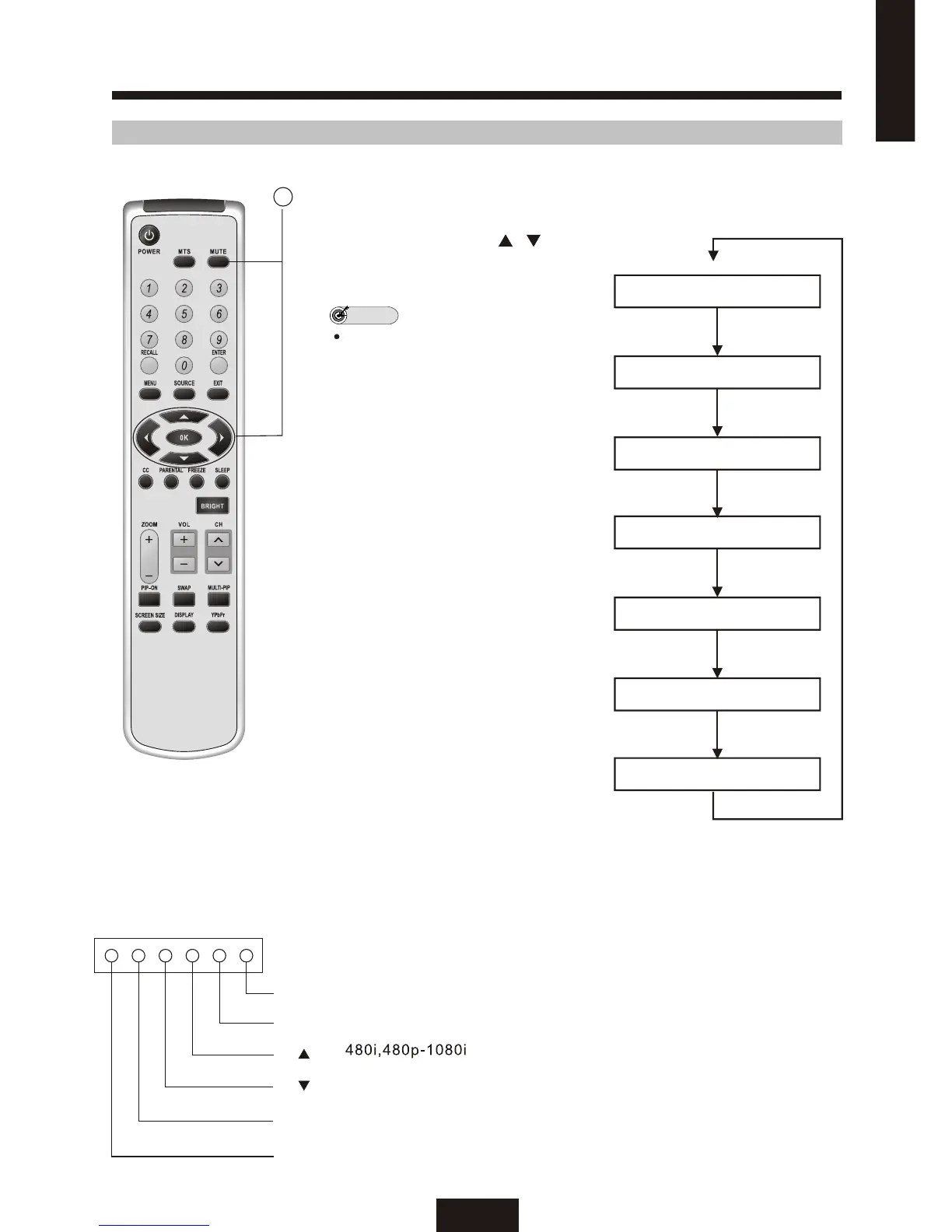
SELECTING AN INPUT SOURCE
MAIN SOURCE
NOTE
VGA
DVI
S VIDEO
AV
YCbCr
TV
YPbPr
1. Turn on the power of the connected
Video equipment.
2. Press SOURCE and / to
select the main input source you
want to view.
The AV input mode indication
remains for 10 seconds.
3. VGA and DVI:
Connects to the VGA&DVI jack of
your Personal computer (PC). Note
that a DVI port is not a very common
jack on a PC as it requires a PC
which has a digital video card .
4. S VIDEO:
Connects to the S VIDEO out jack
of your VCR on other video
equipment that has S VIDEO.
5. AV:
Connects to the composite
AV output jacks on your VCR or
other video component.
6. YCbCr :
Video equipment connected to
the YCbCr input terminals.
7. TV:
VHF/UHF/CABLE connect to
the ANTENNA TERMINAL.
8. YPbPr:
Video equipment (such as
HDTV) connected to the YPbPr
input terminals. Playback from
output
equipment is available.
SOURCE
MENU
VOL+
VOL-
CH
CH
ENGLISH
2.



 To Next Page