33
CONNECTING EXTERNAL DEVICES(Continued)
ENGLISH
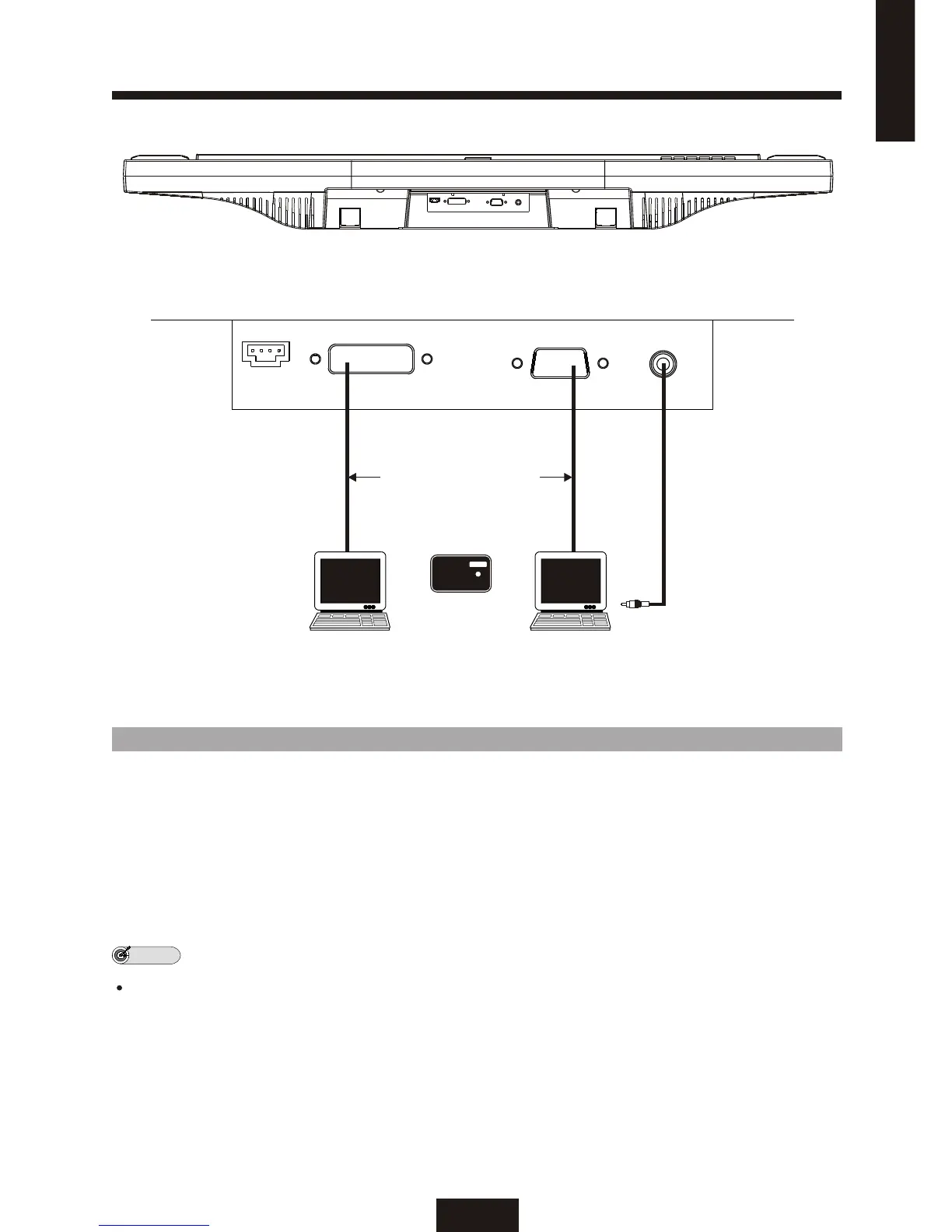
DVI VGA
Personal
Set top box
Or
Computer
Personal computer PC SOUND CARD
3.5mm phone jack
Connecting a personal computer
1. One of following connection can make you play back video from either "DVI" or "VGA".Choose one
connection to meet your computer properly.
2. DVI terminal use to available to connect "SET Top Box" and computer, check your equipment
provided terminal.
3. Connect computer sound card to 3.5mm phone jack.
The DVI, VGA and 3.5mm phone jack cables are not supplied.
NOTE



 To Next Page