15
Sending
messages
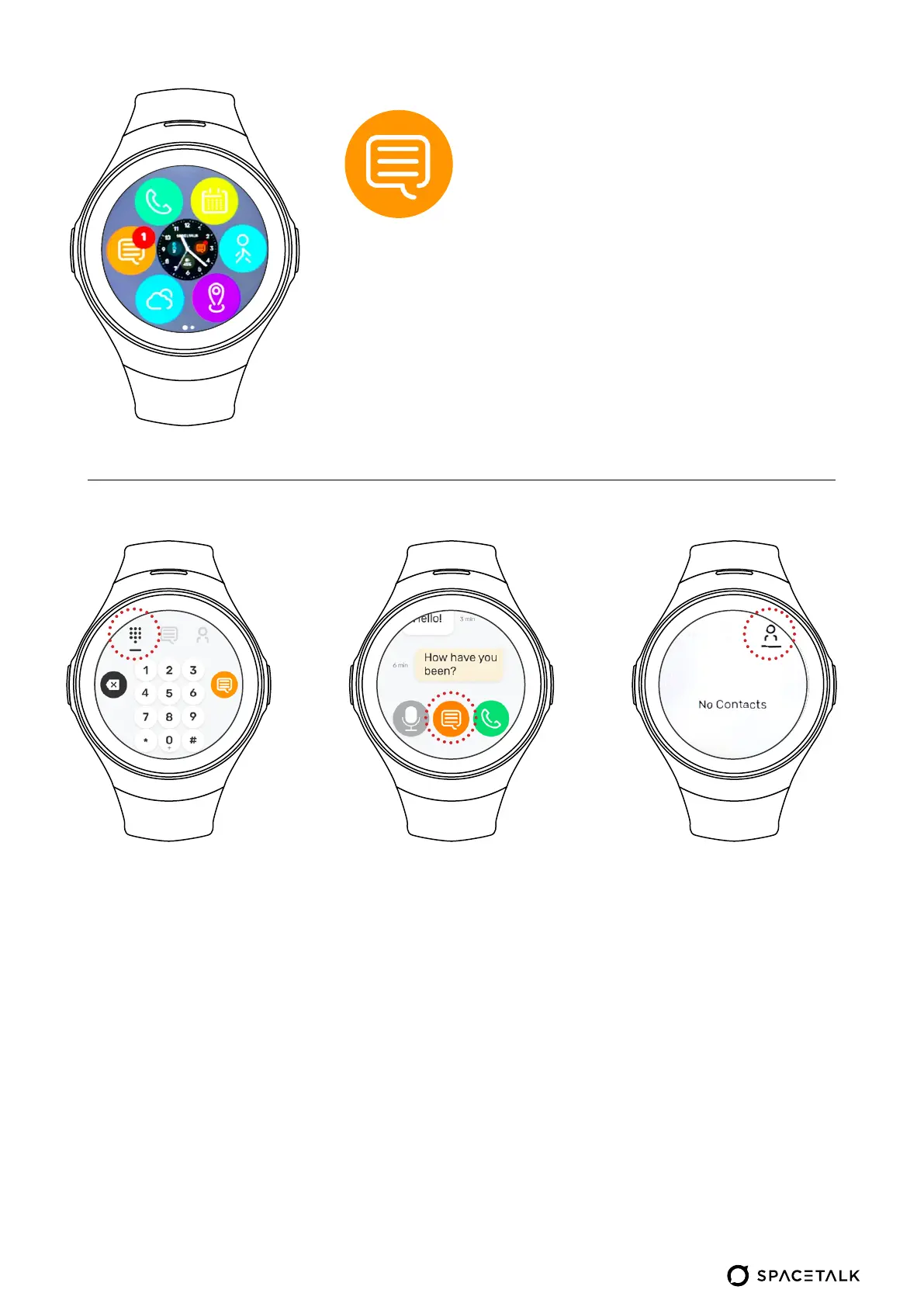
Typing messages:
• In this menu you can
type the number of the
person you want
to message
• Press the orange
button to start
messaging
that number
• You can either send
a voice message,
message, or make
a voice call to your
chosen number
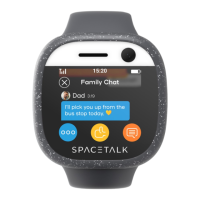
View messages:
• View message conversations
between mobile numbers
and the watch
• If you hold onto a message
inside the conversation,
you will have the option to
delete that message or all
messages from that number
• When you click on the
message icon, the keyboard
icon appears, tap on it and
start typing the message
View contacts:
• Swipe left or right to
scroll through saved
contacts
• Tap on the contact to
message their number
• Numbers are saved on
the Spacetalk app


 To Next Page