25
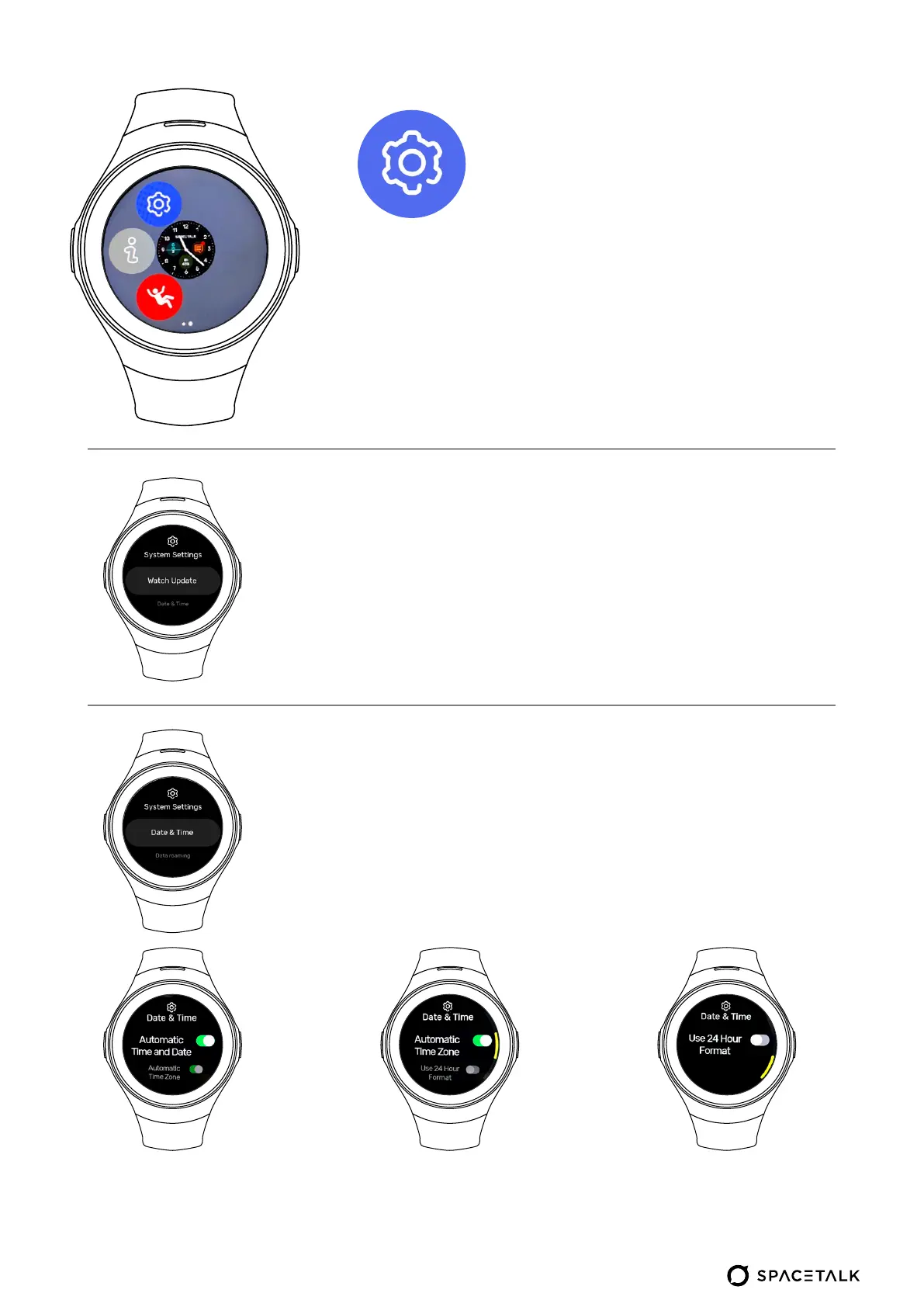
Turning this option off
allows you to manually
adjust the time and date
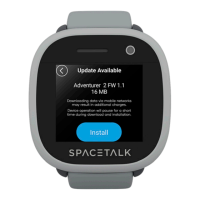
Watch Update looks for the latest software
update to install. Refer to the watch
pairing process for more information on
updating your watch.
In the ‘Date & Time’ menu, you will be able
to choose to have the date & time set
automatically or manually.
Turning this option off
allows you to manually
adjust the time zone
Off = 12-hour format
On = 24-hour format
System
settings


 To Next Page