5.2
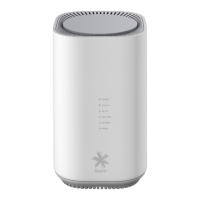
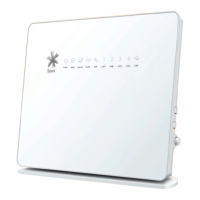
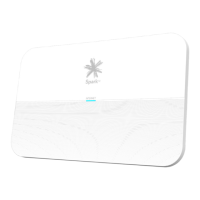
What do the lights mean?
Modem is not connected to the power or is faulty
DSL connection is being established
DSL connection is established
Modem is not connected to the internet
Modem is connected to the internet
Modem is in Bootstrap Protocol (BOOTP) mode
Modem firmware is being upgraded
WiFi is on with no security password
WiFi is on with security password
WiFi is on with security password and is transmitting data to
a connected device(s)
Solid blue & flashing red
WiFi Protected Setup (WPS) is progress


 To Next Page