1. Place the charging base on a at surface on the oor, against the wall. Make sure there is nothing
blocking it within a distance of 3 metres ahead of it or a 1 meter radius around it. Do not place the
charging base on a carpet. Once the charging base is put into position it is recommended to not move
it from this location.
2. Connect the adaptor to the charging base.
4. PRODUCT USE
4.1 Use of main body
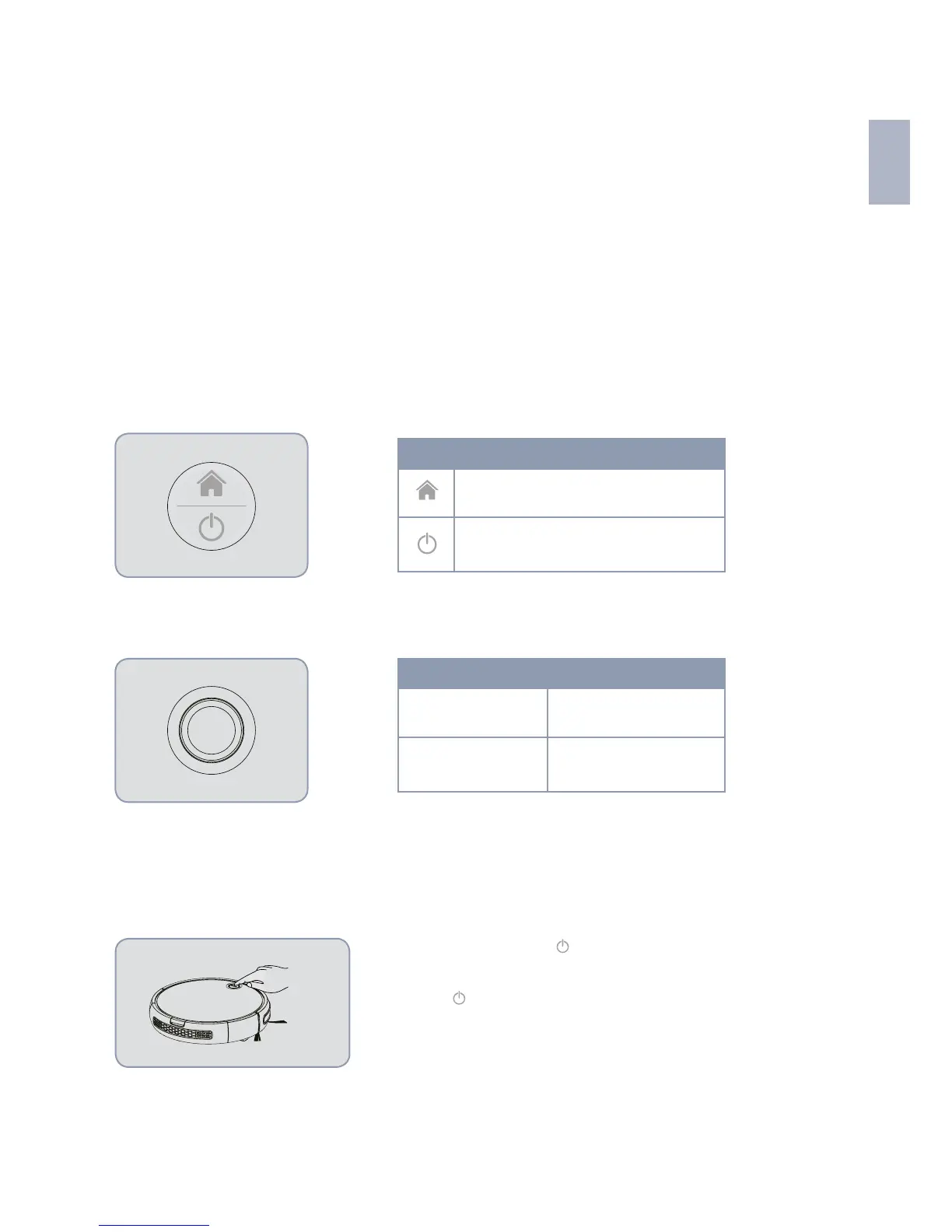
INTRODUCTION TO THE CONTROL BUTTONS
(Ref/SKU: 6401N BAAMBA)
(Ref/SKU: 6402S BAAMBA GYRO 4.0)
OPERATING MODES
Manual mode
(Ref/SKU: 6401N BAAMBA)
AUTOMATIC CLEANING
Briey press the button “
“. The indicator lights will turn on and
the smart robot vacuum cleaner will go into standby mode. Then,
press the “
“ button again and the smart robot vacuum cleaner
will automatically start to clean.
Charging button
Power on/off button
Button Power on/off
Charging button
Short press
In standby
Double click



 To Next Page