12
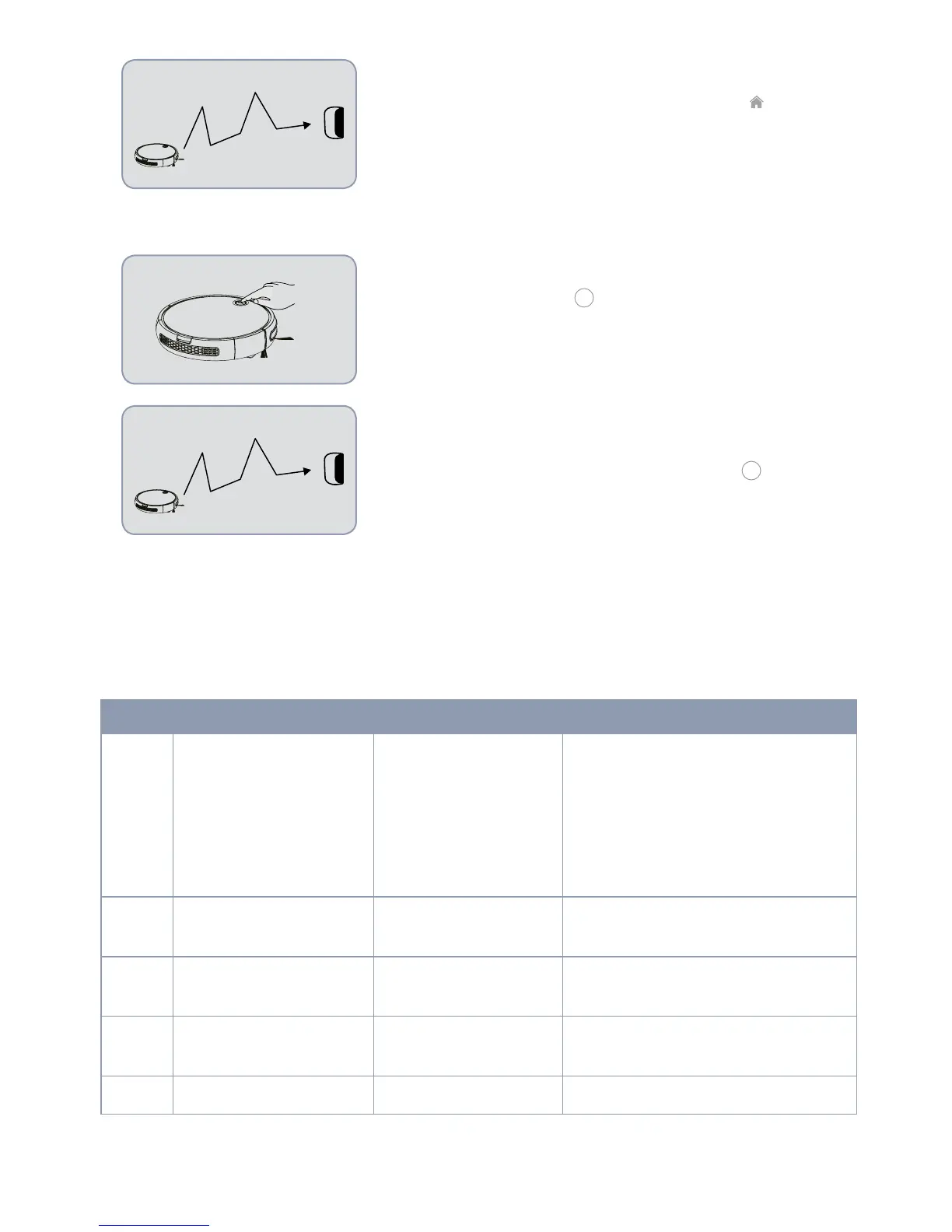
AUTOMATIC CHARGING
When the vacuum is in standby mode, press the “
“ button two
times and the indicator light will ash. This means that the smart
robot vacuum cleaner is in automatic charging mode.
Manual mode (Ref/SKU: 6402S BAAMBA GYRO 4.0)
AUTOMATIC CLEANING
Briey press the button “
“. The indicator light will turn red
(standby mode). By pressing the button again, the indicator
light will go back to green and the vacuum will start to clean
automatically.
AUTOMATIC CHARGING
When the vacuum is in standby mode, press the “
“. button two
times. The indicator light will turn green and it will start to ash,
ths means that the smart robot vacuum cleaner has gone into
automatic charging mode.
INDICATOR LIGHT OPERATING GUIDE
(Ref/SKU: 6401N BAAMBA)
No. State Display Operation
1
Power off
"POWER" and "HOME"
light turned off
Press ""POWER"" for 4 seconds to
turn the device off.
2. In sleep mode, if the state of the
battery is low or the elapsed time is
greater than 8 hours, the robot will
turn off.
2
Power on
"POWER" and "HOME"
light turned on
Press "POWER" briey to go into
standby mode.
3
Cleaning "POWER" light on
Press "POWER" briey to go into self-
cleaning mode.
4
Recharge "HOME" Flashing blue
Press "HOME" briey to go into
charging mode.
5
Charging "HOME" Flashing blue



 To Next Page