12
Configuration of the SOS button:
Via "Menu"-->"SOS":
Set the status of the function: "On" or "Off".
Set the SOS message. Write the help message to be sent to the SOS numbers. By
default, the message sent is "I need help!
Set the emergency numbers to "SOS number" (1 to 5).
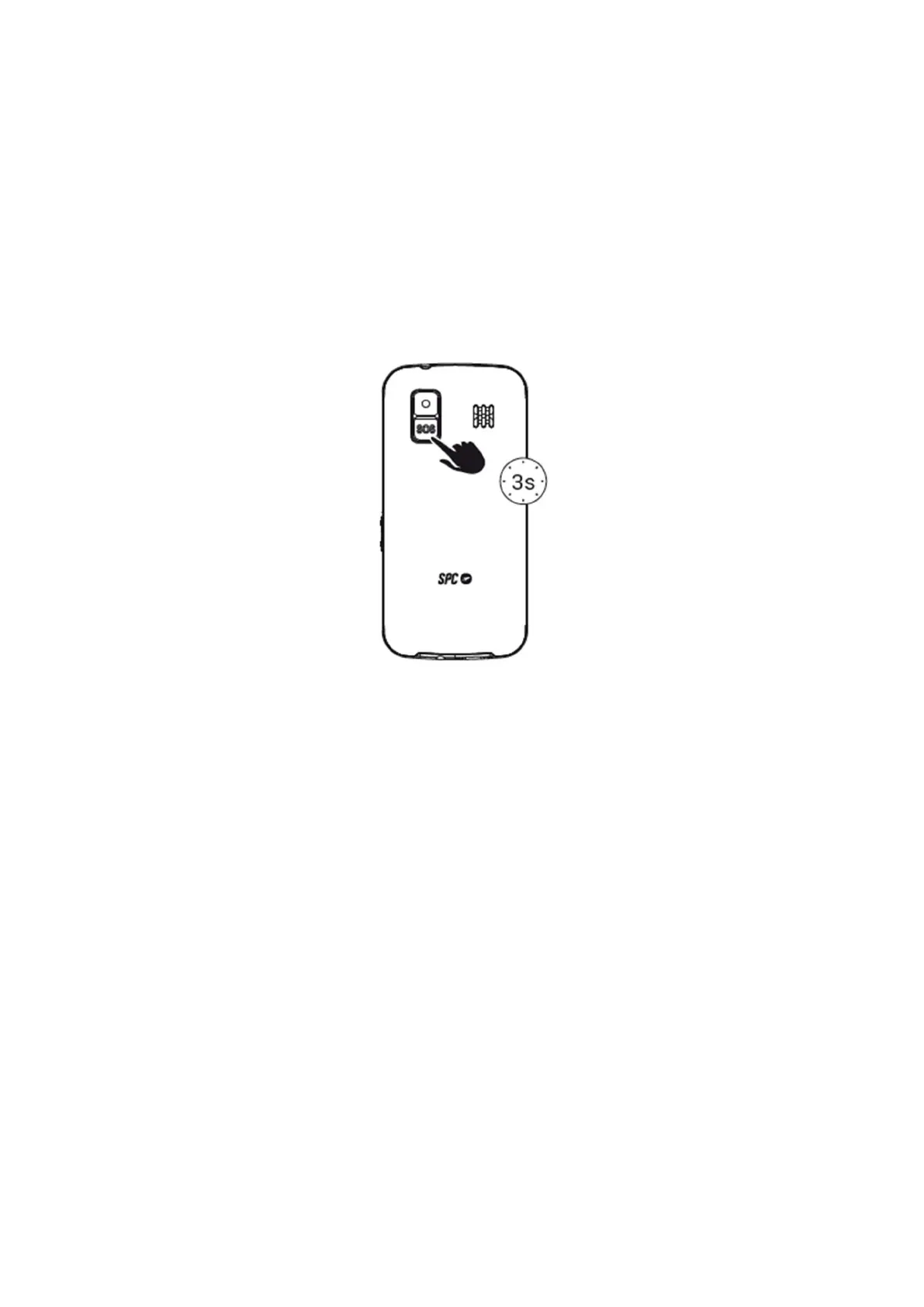
Use of the SOS function:
If you are in an emergency situation and press the SOS button, the phone will:
- Emit a warning tone (horn) and start the call cycle.
- Activate the hands-free function.
- Call the SOS numbers one by one and also send the SOS message by SMS.
- If there is no answer, it jumps to the next number until one of them answers. This cycle is
repeated 3 times.
*Note* If a number on the list has an answering machine, the cycle will end.
SMS can increase your monthly bill depending on the type of contract you have with your
operator.
13. SMART HELP



 To Next Page