18
f. Restore configuration
Allows you to reset the phone settings to factory defaults. You must enter the phone
settings password, which is 0000 by default.
16. BATTERY AND CHARGING PROCESS
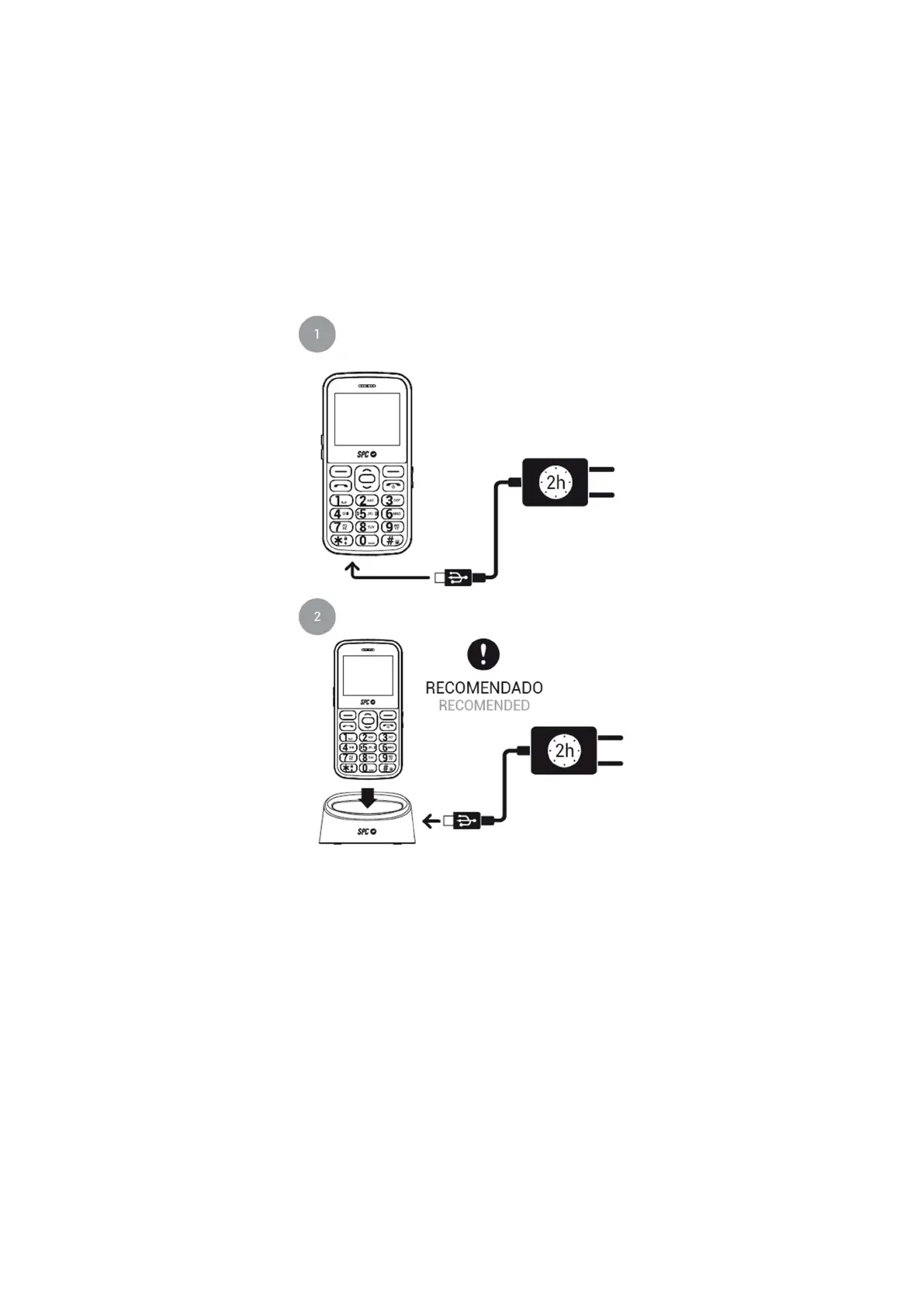
You have two ways to charge your phone:
1. - Plug the adapter that you will find in the package into any power outlet in your house.
Connect the other end of the power adapter to the phone's port to charge the battery.
2. - Connect the adapter cable to the back of the charging station and place the phone in
the station.
In both cases, the battery icon during charging indicates that charging is in progress when
the screen is activated.
Important note about the charging process
For good maintenance and to extend the life of the battery, do not store the battery for a long
period of time with a full charge or with a very low charge, but rather with a medium charge.



 To Next Page