EasyManua.ls Logo

Speco D16HS - 2 Initial Boot-Up Process; Initial Boot up and Basic Time Setup

Speco D16HS
107 pages
Print Icon
To Next Page IconTo Next Page
To Previous Page IconTo Previous Page
Loading...
11
2. Initial Boot-up Process
2-1. Initial Boot up and Basic Time Setup
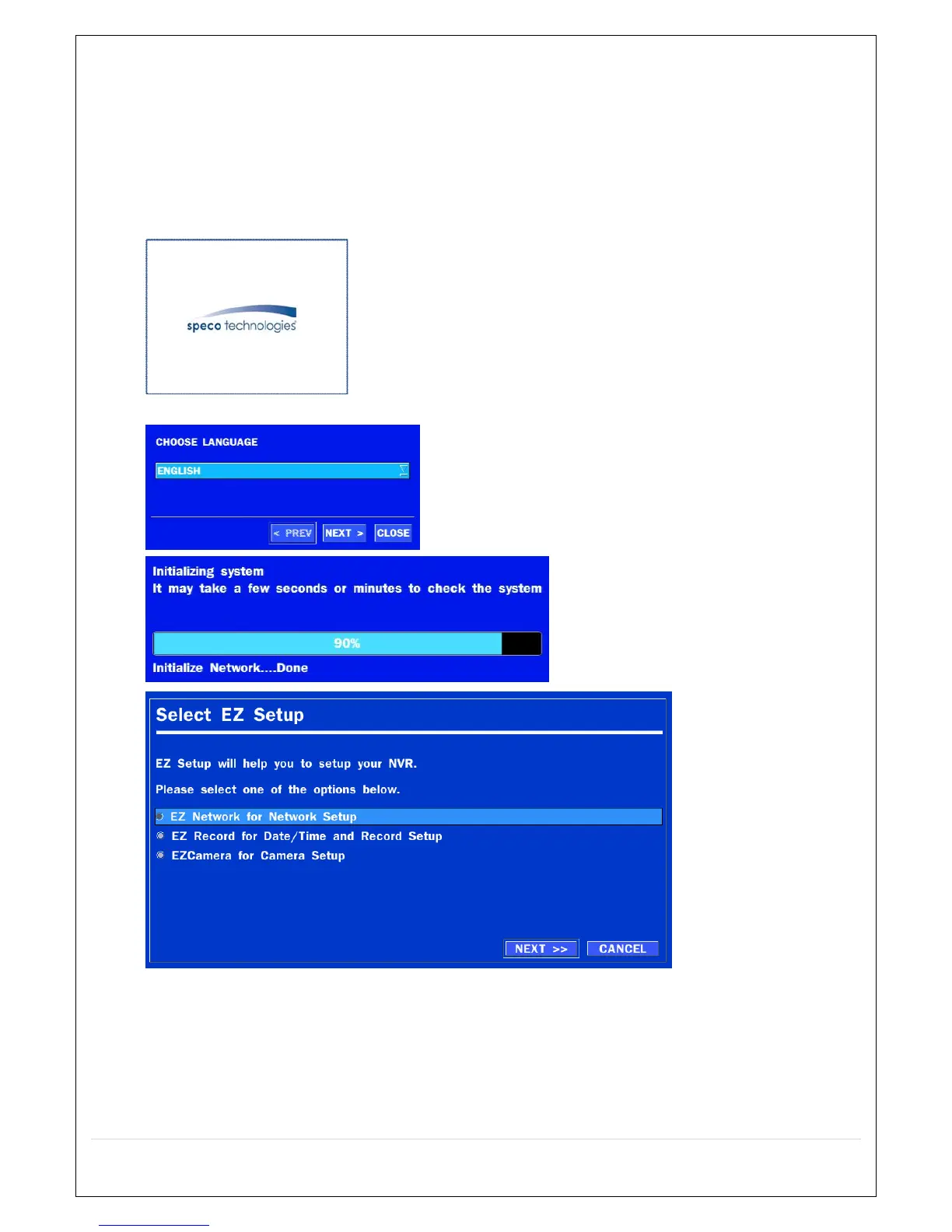
1. During the first boot up, the following logo will be displayed.
2. After the logo, select the language and set date and time as specified below.
(EZ Setup Page Reference / Page: 16 ~ 19)


Table of Contents

Other manuals for Speco D16HS

Related product manuals