33
VIDEO CLIP SETUP: Setup the duration of video clip for PRE RECORD and
POST RECORD.
EVENT AND NOTIFICATION – OFF, ON
(Allows the user to set EVENT NOFICIATION ON or OFF)
HEALTH CHECK / RESTART / SHUTDOWN / PANIC RECORD
- Enable Email Notification in the event a problem occurs with the VS.
ALARM-IN – Enable Email Notification when the camera detects sensor.
MOTION DETECTION – Enable Email Notification when the camera detects
motion.
VIDEO LOSS – Enable Email, Beep and Alarm output Notification when the
camera signal is lost.
HDD TEMPERATURE – Enable Email, Beep and Alarm output Notification
when the HDD temperature.
HDD BAD SECTORS – Enable Email Notification when the HDD has bad
Sectors.
HDD ALMOST FULL – Enable Email Notification when the HDD is almost full
HDD FULL – Enable Email Notification when the HDD is full
HDD FAILURE – Enable Email, Beep and Alarm output Notification when the
HDD fails.
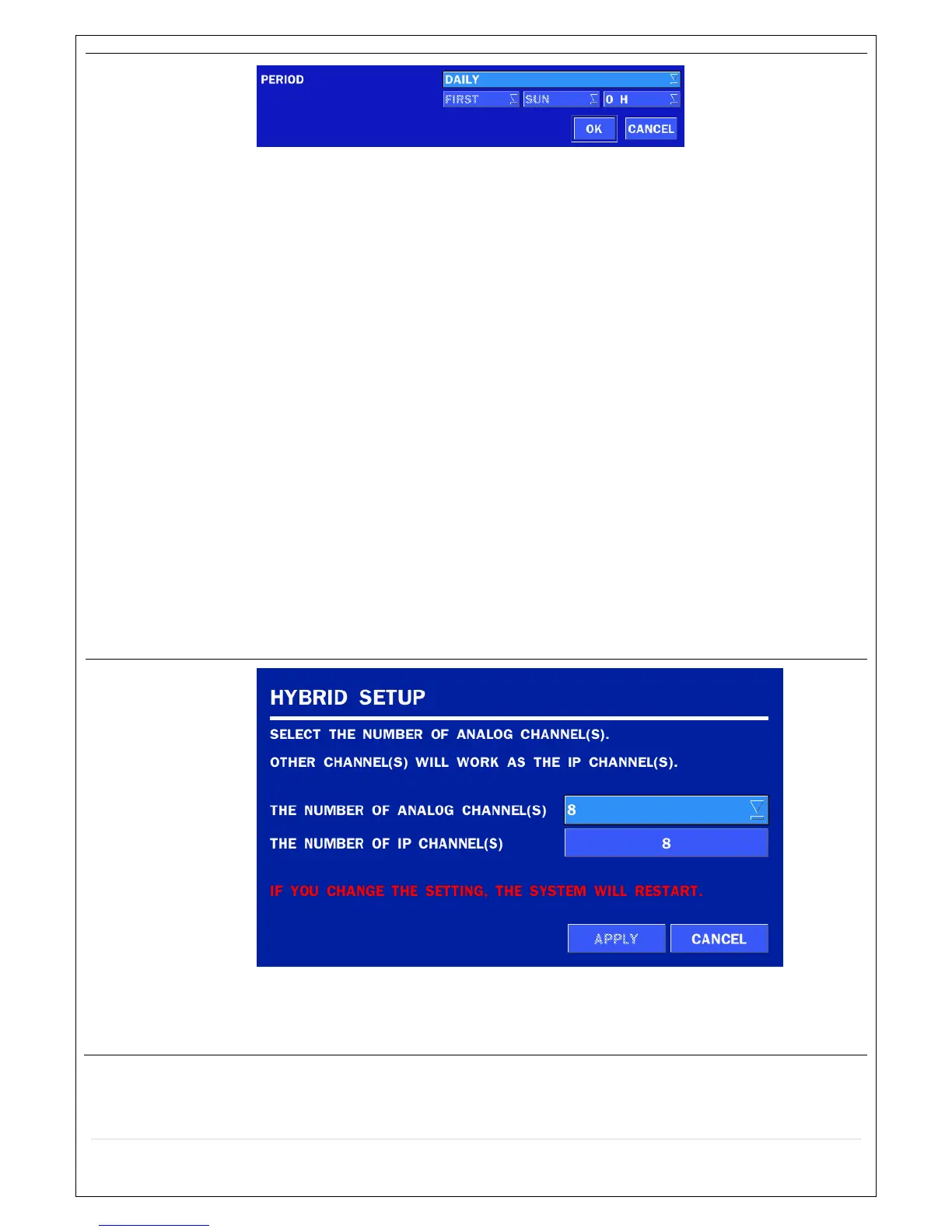
HYBRID
SETUP
Each channel can be configured to be Analog or IP Camera. However, Analog
channels take priority to ip cameras when it comes to channel order.



 To Next Page