D1BD User’s Guide
Rev. 1.0 (Dec 6, 2013)
13
2. Install Speco-NVR
Speco-NVR is a multi-channel VMS program for to IP camera or Video server. Install Speco-NVR on a
remote PC to connect to these products. It is needed to assign connection before connection. Insert the CD
provided with the product into the PC and install Speco-NVR.
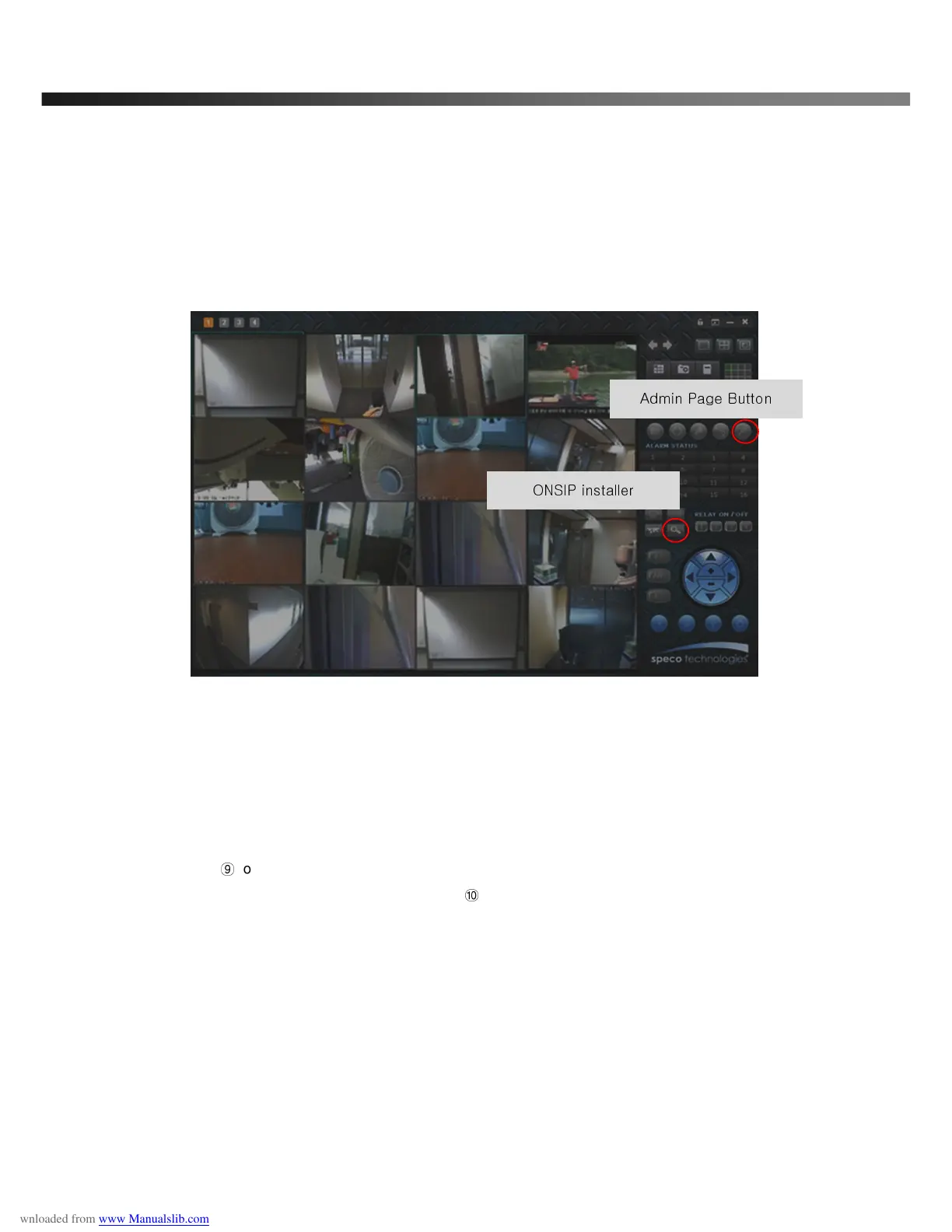
Figure 3-2. Speco-NVR
Follow the sequence below for setting the IP parameter
i) Run ONSIP installer
ii) Click ① in ONSIP installer window.> Double click on ② > Fill in ④ > make a selection in ⑤ > Fill the
parameters in ⑥
iii) Click on
⑨
to apply the settings.
iv) You can connect to admin page by clicking on
⑩
.
Admin Page Button
ONSIP installer



 To Next Page