16
D N R
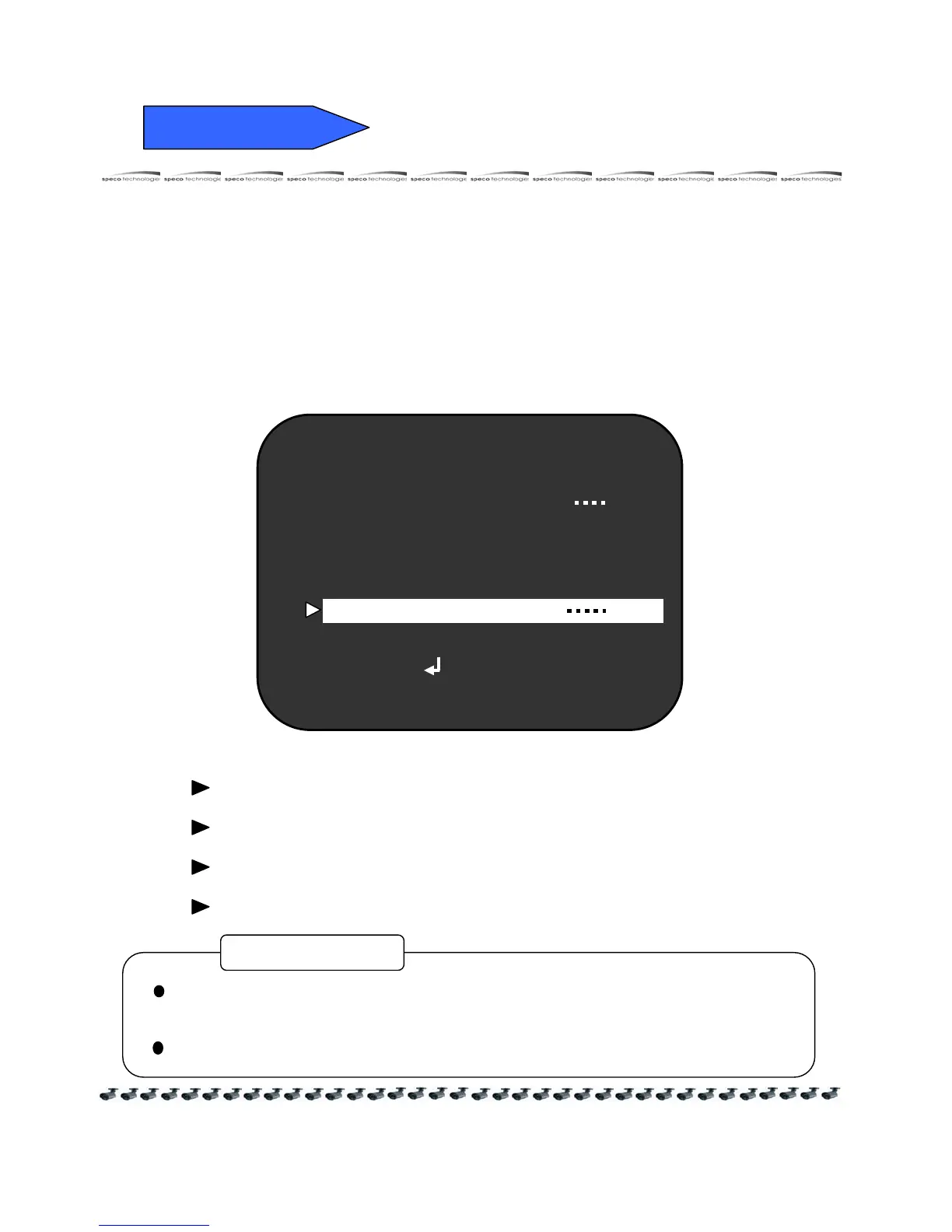
6) REDUCE NOISE ( Digital Noise Redution )
DNR reduce the video noise on the screen.
① Press the SET button to display the SETUP menu and move the arrow
indicator to " REDUCE NOISE " by the UP or DOWN button.
② SET " REDUCE NOISE " to desired mode by the LEFT or RIGHT button.
SPECO TECH
LENS TYPE DC
SHUTTER TYPE
WHITE BAL AWC
SLC HIGH
AUTO GAIN OFF
REDUCE NOISE
INTENSIFIER -----
NEXT PAGE
EXIT
OFF : Deactivation
LOW : Low reduction of the noise
MIDDLE : Middle reduction of the noise
HIGH : High reduction of the noise
If you change the "GAIN" menu from AGC-L to AGC-H, sensitivity is increased
as well as noise on the screen.
When the selected "GAIN" menu is OFF, REDUCE NOISE will not work.
CAUTION



 To Next Page