22
S Y N C
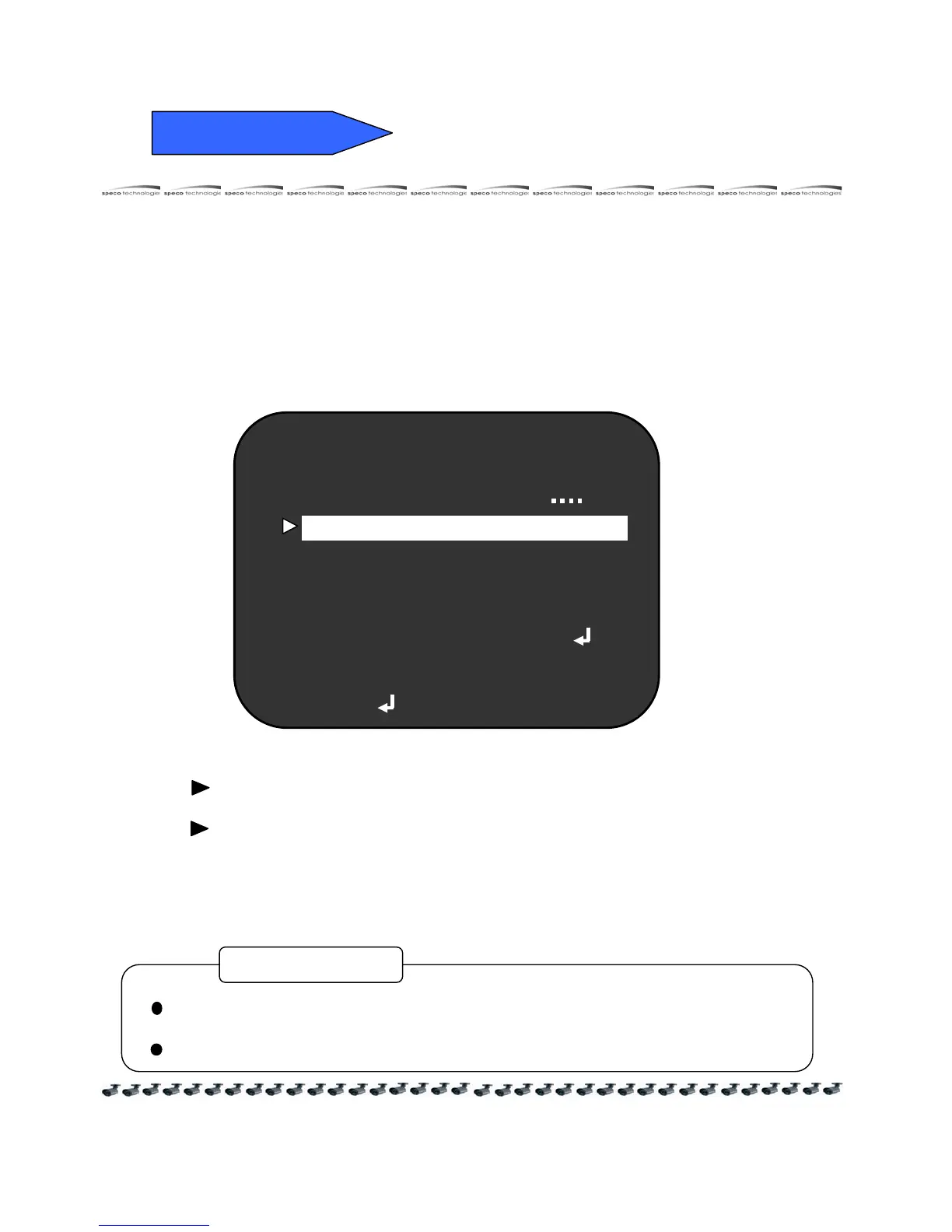
3) SYNC
① Press the SET button to display the SETUP menu and move the arrow
indicator to " SYNC " by the UP or DOWN button.
② SET to desired mode by the LEFT or RIGHT button.
NEXT PAGE
SYNC INT
MOTION OFF
PRIVACY OFF
DEFAULT
PAGE 1
DAY / NIGHT
REVERSE OFF
CAMERA TITLE ON
DETAIL ON
INT : Internal synchronization
L/L : If you choose "L/L", you can adjust the desired phase.
- Press the SET button.
- You can adjust the desired phase from 0 to 270.
When it used in AC power, L/L mode can be used.
In 12V DC, the SYNC menu defaults to "INTERNAL".
CAUTION



 To Next Page