6
MENU SET UP
SPECO TECH
LENS TYPE DC IRIS
SHUTTER SPEED MANUAL
WHITE BAL ATW
SLC HIGH
AUTO GAIN OFF
REDUCE NOISE -----
INTENSIFIER -----
NEXT PAGE
EXIT
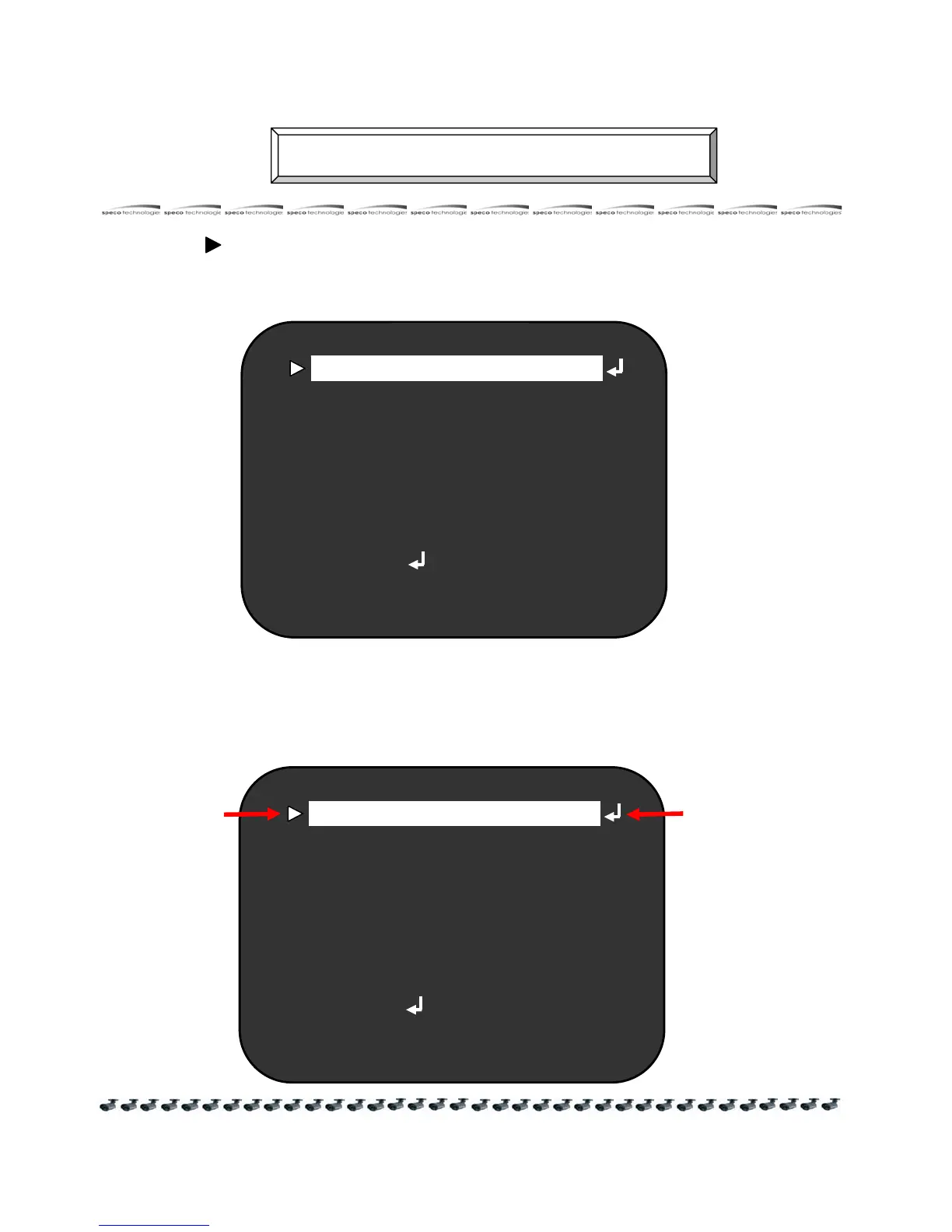
Menu is adjusted by the OSD button on the camera
1. Press the SET button to access the SETUP mode.
● SETUP menu should be displayed on the monitor screen.
2. Select the desired feature using the UP or DOWN buttons
● Move the arrow indicator UP or Down to indicate onto desired feature
by pressing the UP or Down button.
SPECO TECH
LENS TYPE MANUAL
SHUTTER SPEED MANUAL
WHITE BAL ATW
SLC HIGH
AUTO GAIN OFF
REDUCE NOISE -----
INTENSIFIER -----
NEXT PAGE
EXIT
Select
desired
Changr the adjustment
By Left or Right Button



 To Next Page