Features and Functions
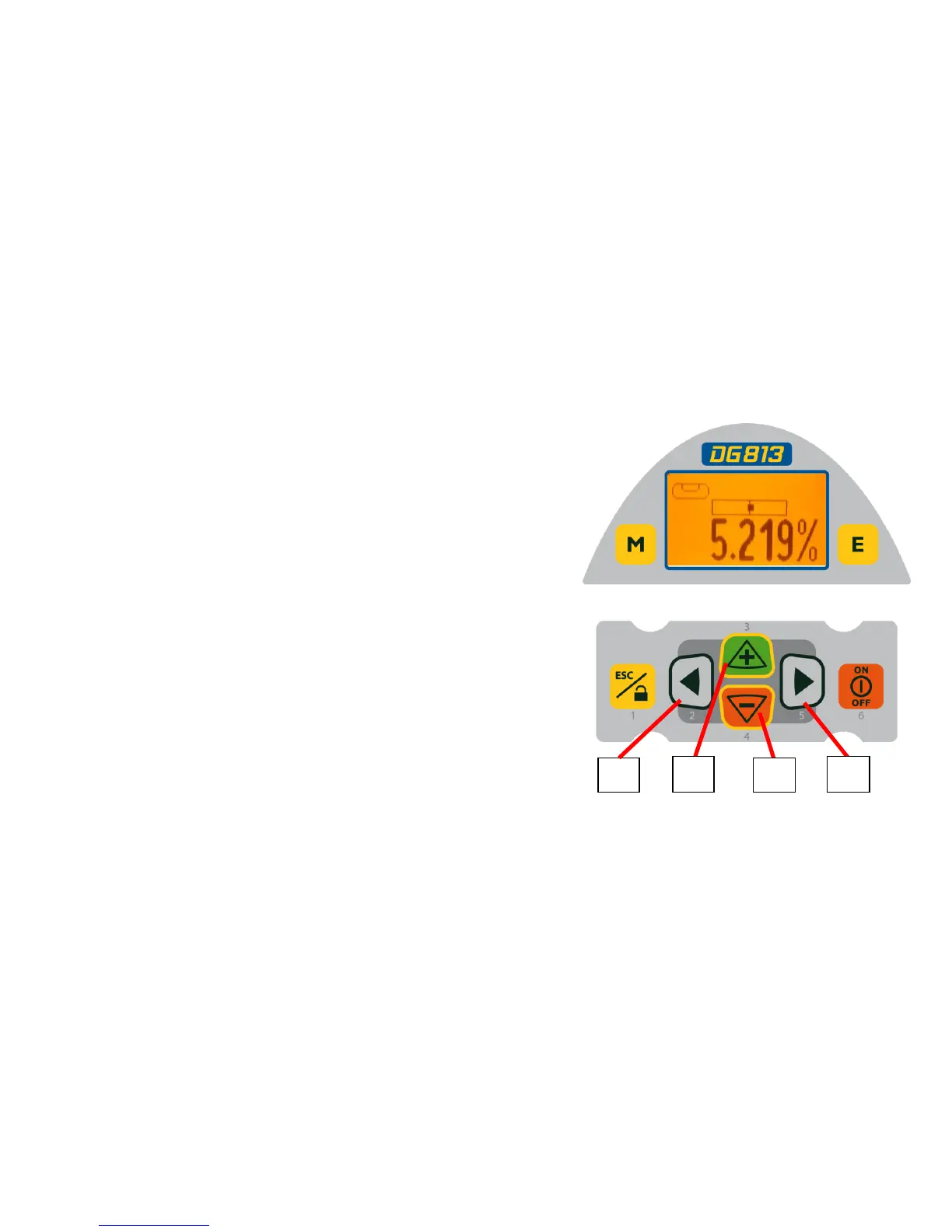
16. Left Line Control Button - moves the laser
beam to the left. (Simultaneously pressed with the
Right Line Button, centers the line.)
17. Plus Button - increases the grade.
18. Minus Button - decreases the grade.
19. Right Line Control Button - moves the laser
beam to the right. (Simultaneously pressed with the
Left Line Button, centers the line.)
16
17
18
19
11



 To Next Page